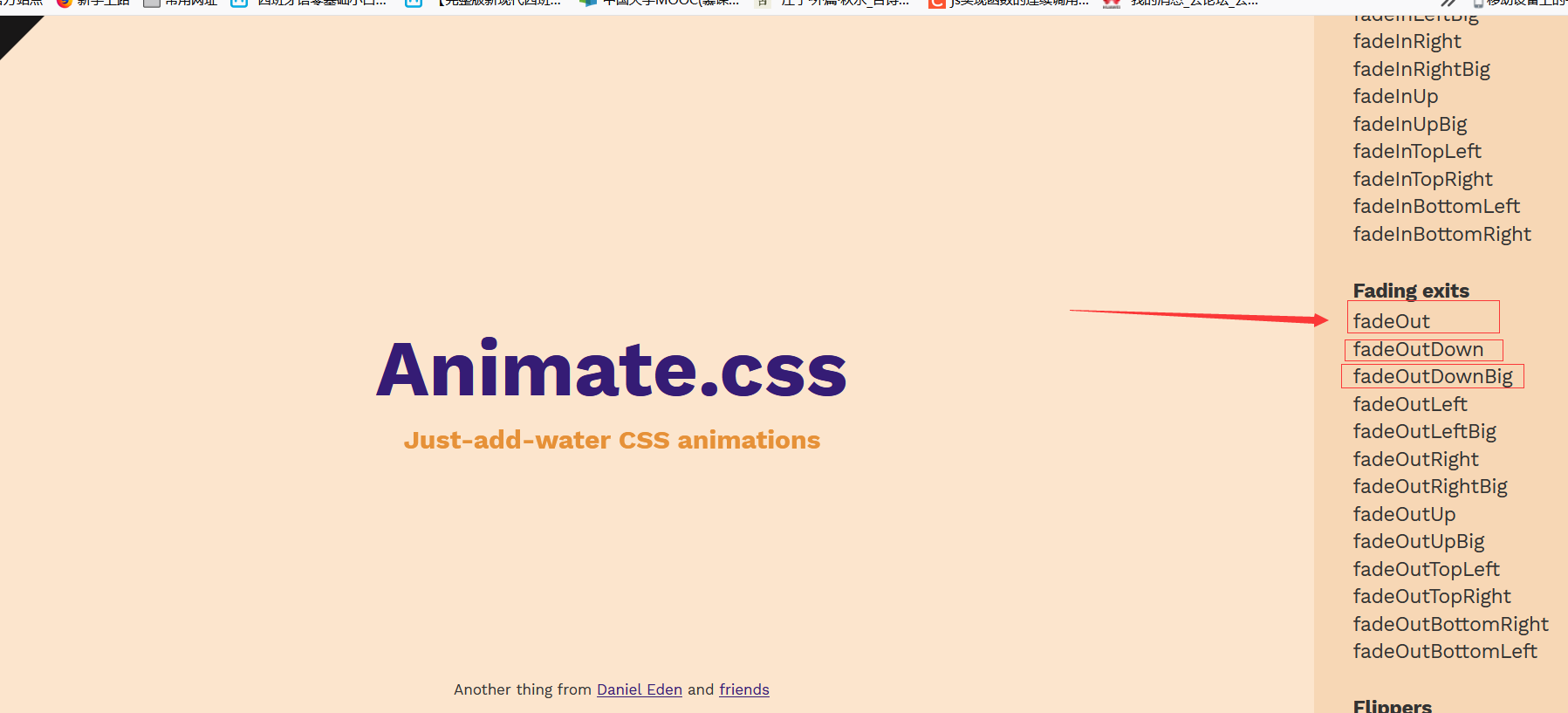
开发一个程序的时候,我们总想着程序能有各种各样的组件效果 比如弹跳的球等等,像ppt动画那样的效果 整合了Animate.css我们程序的逼格会高很多的,相信我~
Animate.css官网 https://animate.style/
这个网站uni-app云开发教程也是整合了Animate.css
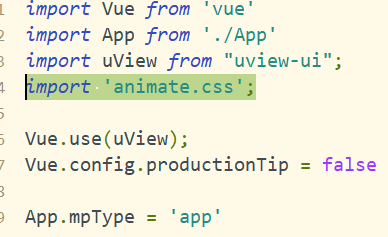
引入
执行 npm install animate.css --save
在main.js中 import 'animate.css';
如何使用
这里我们写了一个简单的测试
1<template>
2	<view>
3		<view class="test">我来了~</view>
4	</view>
5</template>
6<style>
7	.test {
8		text-align: center;
9		font-size: 40px;
10		animation: bounce;
11		animation-duration: 2s;
12		animation-iteration-count: 10;
13	}
14</style>
效果如下图
是不是动起来了 哈哈哈哈哈哈哈哈哈~~

制作一个球
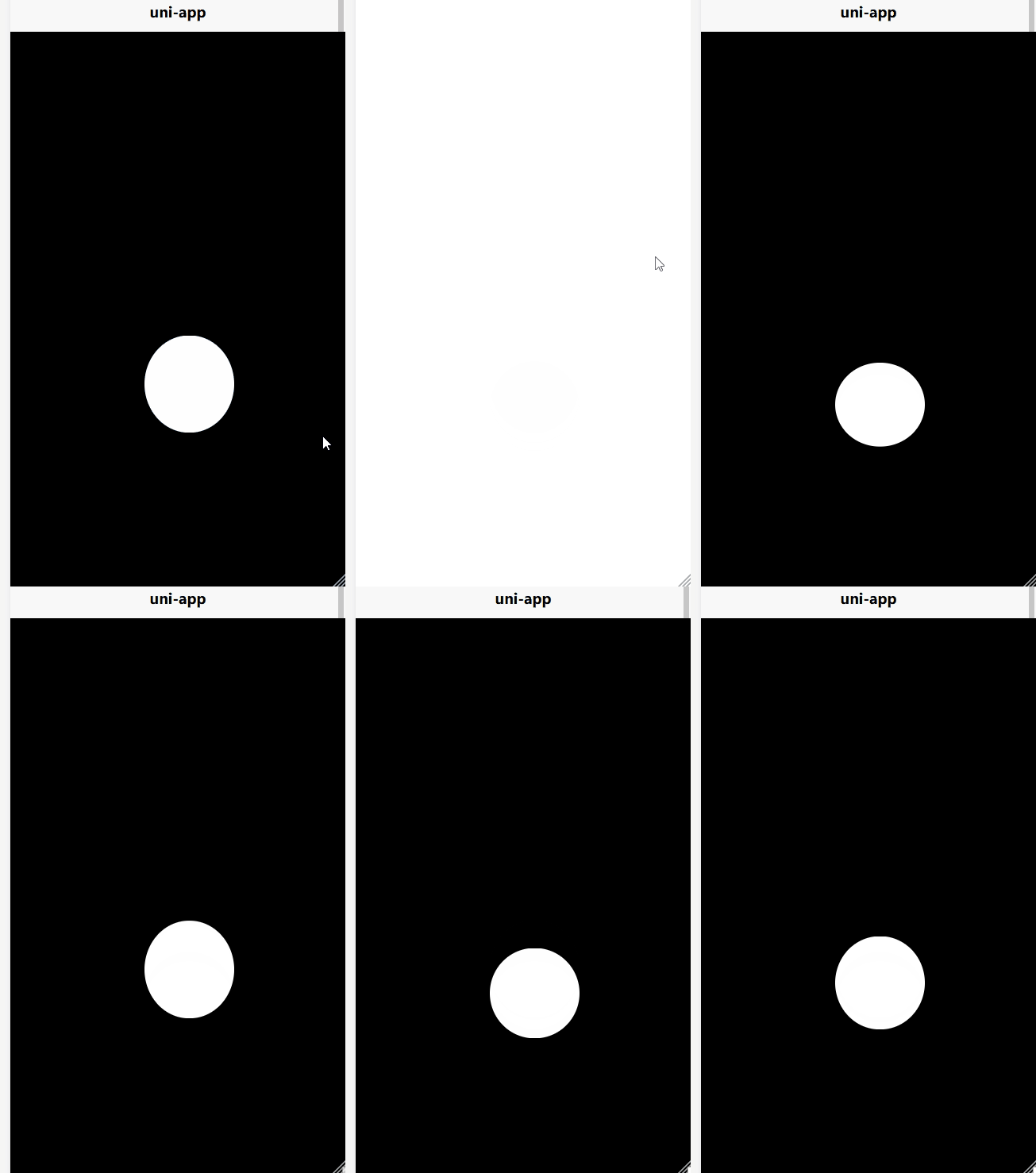 是不很有意思呢
那么他是怎么实现的呢
是不很有意思呢
那么他是怎么实现的呢
一个圆形
使用view组件 基础的样式如下 下面的样式让我们得到了一个球
1.funs {
2		width: 100px;
3		height: 100px;
4		border-radius: 100px;
5		background-color: #ffffff;
6		position: fixed;
7		text-align: center;
8	}
下落
1.ball_one {
2		animation: bounceInDown;
3		/* referring directly to the animation's @keyframe declaration */
4		animation-duration: 2s;
5		/* don't forget to set a duration! */
6	}
原地跳动
1.bail_fone {
2		animation: bounce;
3		animation-duration: 2s;
4		animation-iteration-count: infinite;
5	}
首先,需要下落球,落下后开始跳动 那么我们给球下落时间为2s 两秒后切换球的样式 让其开始跳动 那么怎么实现呢? 猜的没错 是 :class
完整代码
1<template>
2	<view style="background-color: #000000;width: 100%;height: 100vh;">
3		<view class="one funs" :class="{ball_one:!isAni,bail_fone:isAni}"></view>
4	</view>
5</template>
6
7<script>
8	export default {
9		data() {
10			return {
11				isAni: false
12			}
13		},
14		onLoad() {
15			setTimeout(() => {
16				this.isAni = true;
17			}, 2600)
18		},
19		methods: {
20
21		}
22	}
23</script>
24
25<style>
26
27	.one {
28		bottom: 150px;
29		left: 150px;
30		background-size: cover;
31	}
32
33	.funs {
34		width: 100px;
35		height: 100px;
36		border-radius: 100px;
37		background-color: #ffffff;
38		position: fixed;
39		text-align: center;
40	}
41
42	.ball_one {
43		animation: bounceInDown;
44		/* referring directly to the animation's @keyframe declaration */
45		animation-duration: 2s;
46		/* don't forget to set a duration! */
47	}
48
49	.bail_fone {
50		animation: bounce;
51		animation-duration: 2s;
52		animation-iteration-count: infinite;
53	}
54</style>
55
实现一个组合框拼接
首先这是静态的时候的样子
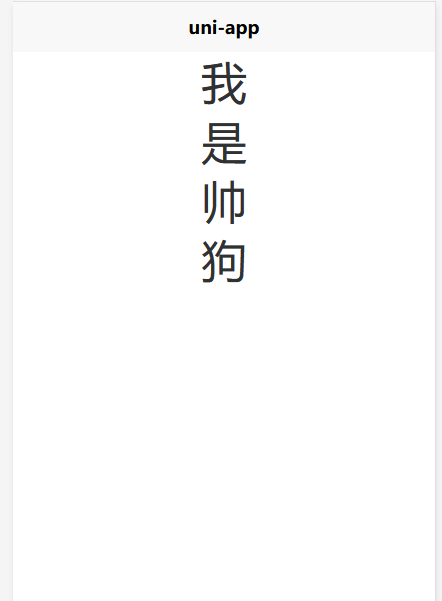
这是动态的样子
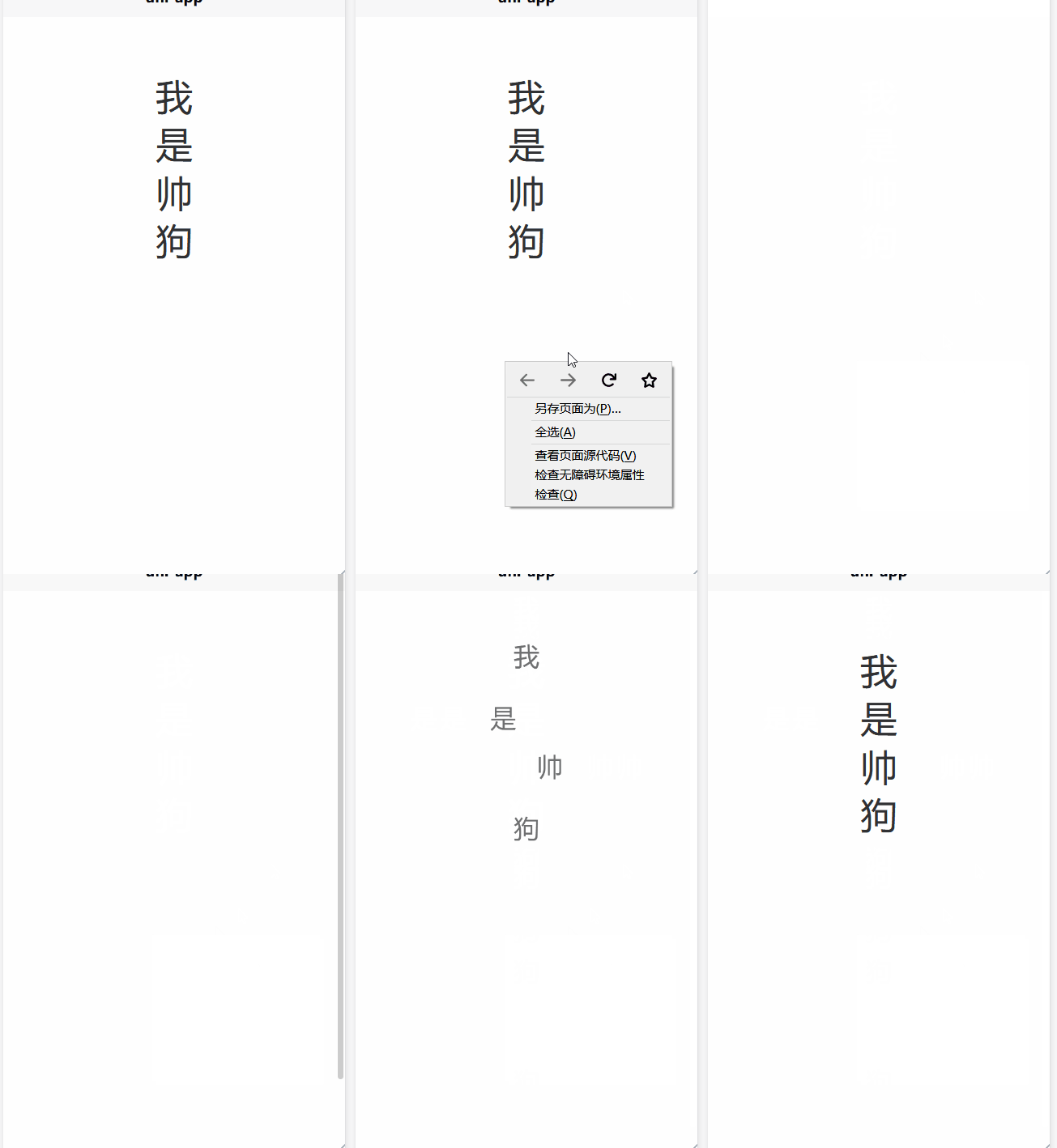
第一个字从上面下落
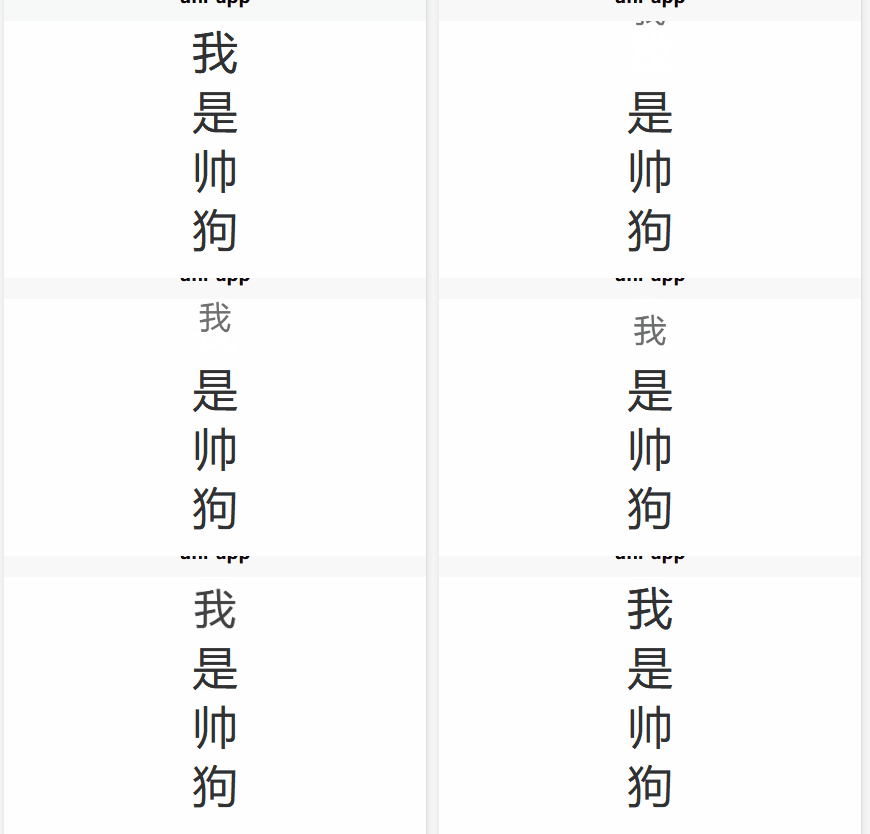
样式
1.test_one {
2		animation: backInDown;
3		animation-duration: 2s;
4	}
第二个字左侧进入
不再展示 直接上代码
1.test_two {
2		animation: backInLeft;
3		animation-duration: 2s;
4	}
第三个字右侧进入
代码如下
1.test_three {
2		animation: backInRight;
3		animation-duration: 2s;
4	}
第四个字下到上
代码如下
1.test_four {
2		animation: backInUp;
3		animation-duration: 2s;
4	}
拓展
我们可以再加一个自我结束 比如
哈喽,小伙伴们大家好,我是代码哈士奇
效果如下
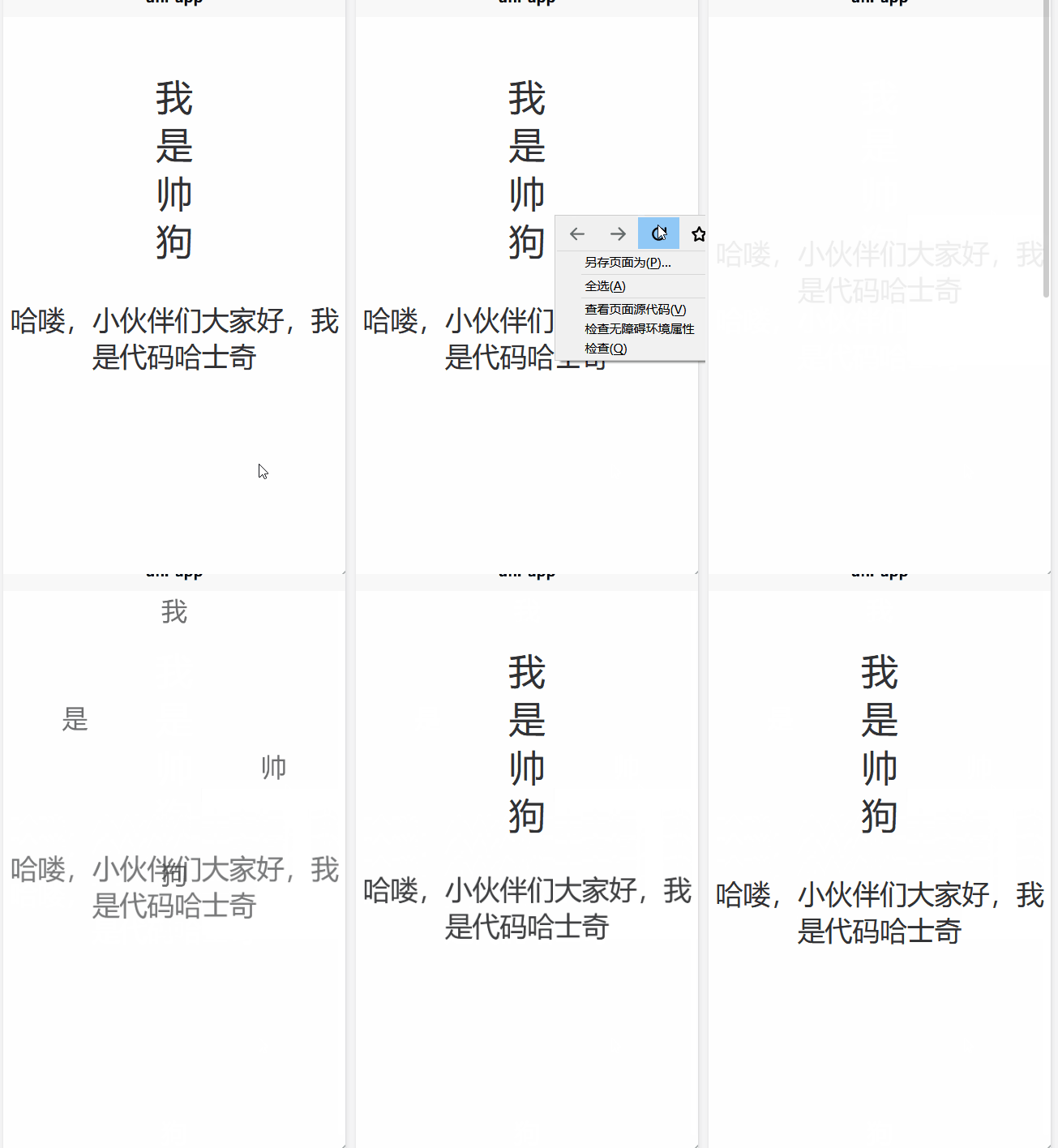
怎么实现的呢 很简单 如下
1.test_list {
2		font-size: 30px;
3		margin-top: 40px;
4		animation: fadeInDown;
5		animation-duration: 3s;
6	}
整体代码
1<template>
2	<view style="position: relative;top: 60px;">
3		<view class="f_t test_one">我</view>
4		<view class="f_t test_two">是</view>
5		<view class="f_t test_three">帅</view>
6		<view class="f_t test_four">狗</view>
7		<view class="f_t test_list">哈喽,小伙伴们大家好,我是代码哈士奇</view>
8	</view>
9</template>
10<style>
11	.f_t{
12		text-align: center;
13		font-size: 40px;
14	}
15	.test_one {
16		animation: backInDown;
17		animation-duration: 2s;
18	}
19
20	.test_two {
21		animation: backInLeft;
22		animation-duration: 2s;
23	}
24
25	.test_three {
26		animation: backInRight;
27		animation-duration: 2s;
28	}
29
30	.test_four {
31		animation: backInUp;
32		animation-duration: 2s;
33	}
34
35	.test_list {
36		font-size: 30px;
37		margin-top: 40px;
38		animation: fadeInDown;
39		animation-duration: 3s;
40	}
41</style>
42
总结
是不是很简单 其实关键就是
animation: xxxx;
这里的xxxx呢 其实就是就是红框中的那些 可以自行尝试哦 还可以在大屏中使用哦