本文将结合实例代码,介绍 OpenCV 如何查找轮廓、获取边界框。
- 代码: contours.py
OpenCV 提供了 findContours 函数查找轮廓,需要以二值化图像作为输入、并指定些选项调用即可。
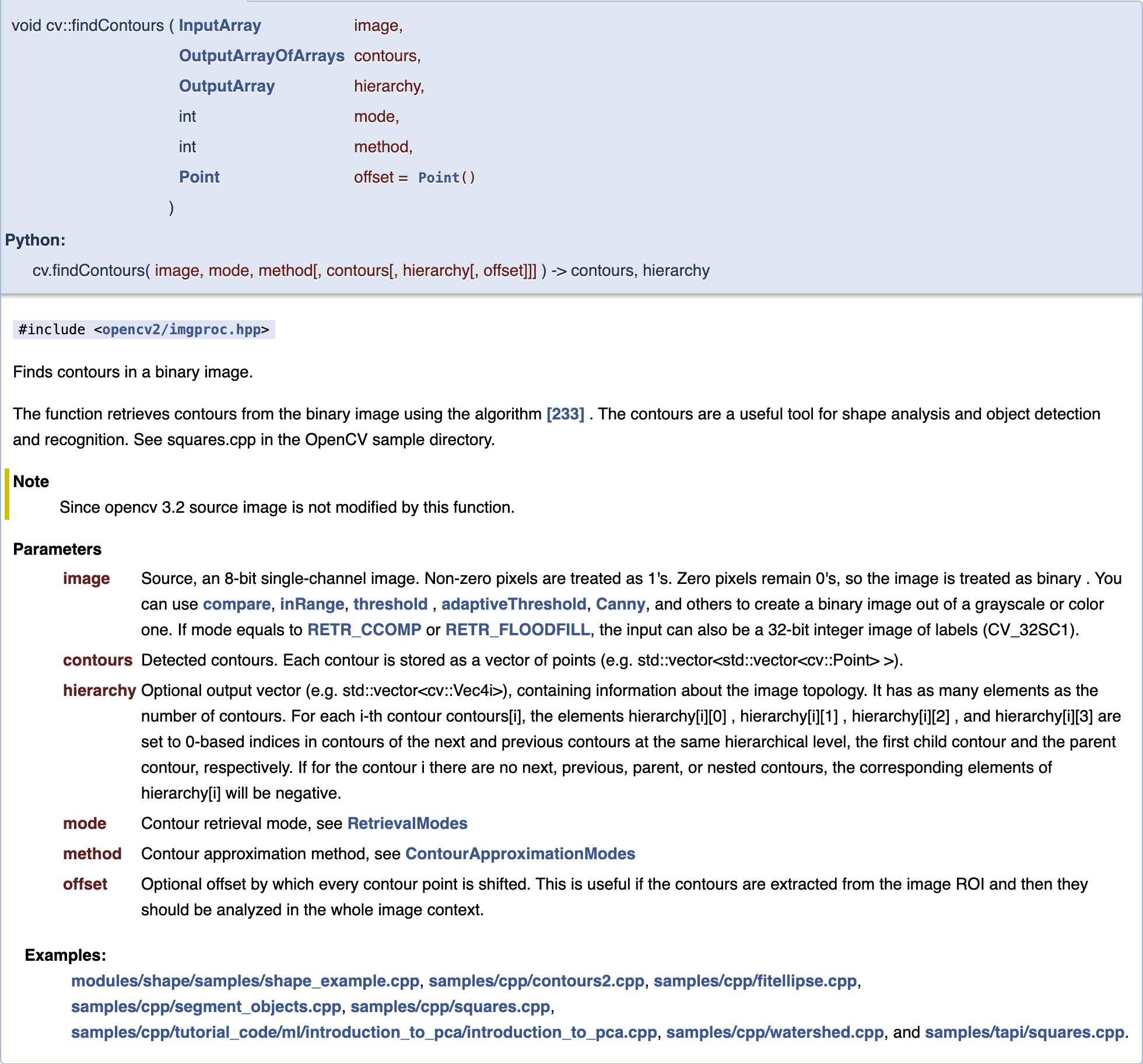
我们以下图作为示例:

二值化图像
代码工程 data/ 提供了小狗和红球的二值化掩膜图像:
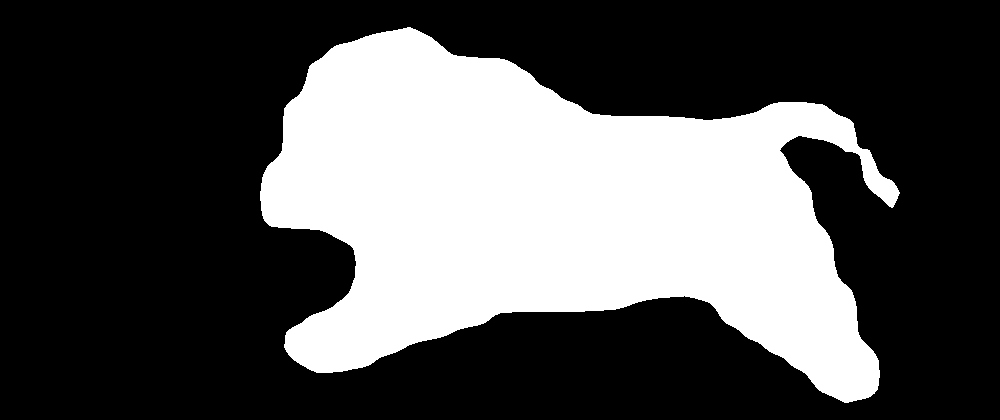
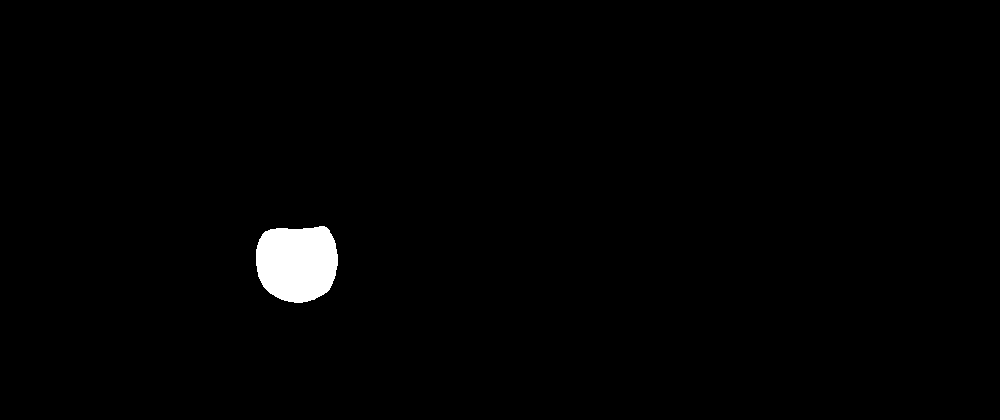
其使用预训练好的实例分割模型来生成的,脚本可见 detectron2_seg_threshold.py。模型检出结果,如下:
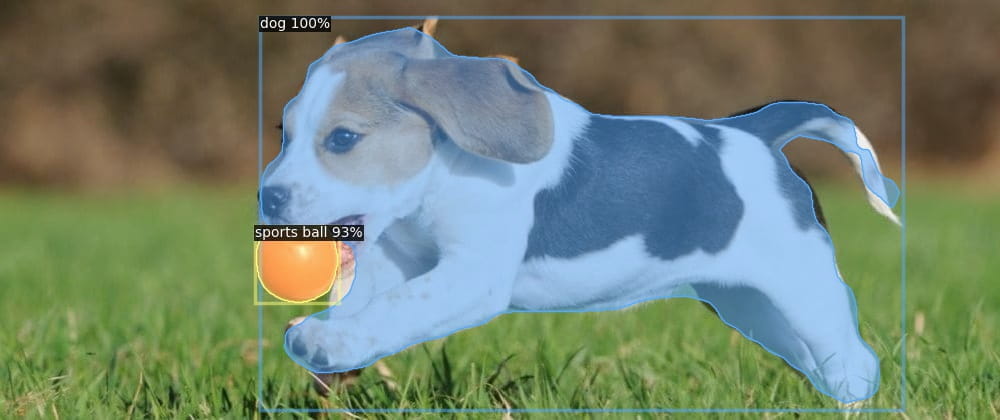
模型用的 Mask R-CNN 已有预测边框。但其他模型会有只出预测掩膜的,此时想要边框就可以使用 OpenCV 来提取。
本文代码也提供了根据色域来获取红球掩膜的办法:
1import cv2 as cv
2import numpy as np
3
4# 读取图像
5img = cv.imread(args.image, cv.IMREAD_COLOR)
6
7# HSV 阈值,获取掩膜
8def _threshold_hsv(image, lower, upper):
9  hsv = cv.cvtColor(image, cv.COLOR_BGR2HSV)
10  mask = cv.inRange(hsv, lower, upper)
11  result = cv.bitwise_and(image, image, mask=mask)
12  return result, mask
13
14_, thres = _threshold_hsv(img, np.array([0,110,190]), np.array([7,255,255]))
15
16# 清除小点(可选)
17kernel = cv.getStructuringElement(cv.MORPH_RECT, (3, 3), (1, 1))
18thres = cv.morphologyEx(thres, cv.MORPH_OPEN, kernel)
查找轮廓
1# 查找轮廓
2#  cv.RETR_EXTERNAL: 只查找外部轮廓
3contours, hierarchy = cv.findContours(
4  threshold, cv.RETR_EXTERNAL, cv.CHAIN_APPROX_SIMPLE)
5
6# 近似轮廓,减点(可选)
7contours_poly = [cv.approxPolyDP(c, 3, True) for c in contours]
8
9# 绘制轮廓
10h, w = threshold.shape[:2]
11drawing = np.zeros((h, w, 3), dtype=np.uint8)
12for i in range(len(contours)):
13  cv.drawContours(drawing, contours_poly, i, (0, 255, 0), 1, cv.LINE_8, hierarchy)
获取边界框
boundingRect 获取边界框,并绘制:
1for contour in contours_poly:
2  rect = cv.boundingRect(contour)
3  cv.rectangle(drawing,
4                (int(rect[0]), int(rect[1])),
5                (int(rect[0]+rect[2]), int(rect[1]+rect[3])),
6                (0, 255, 0), 2, cv.LINE_8)
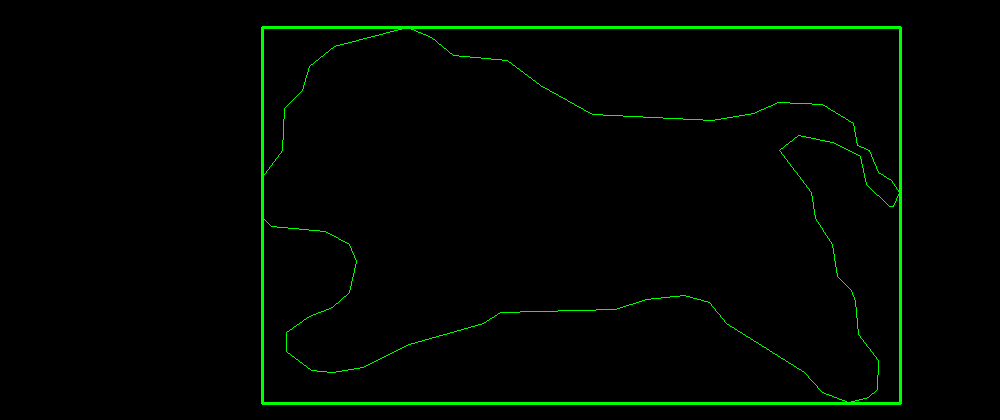
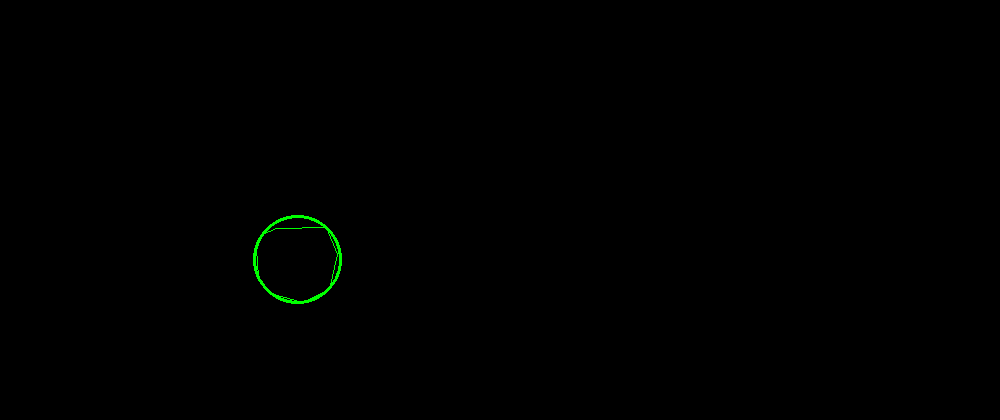
minEnclosingCircle 获取边界圈,并绘制:
1for contour in contours_poly:
2  center, radius = cv.minEnclosingCircle(contour)
3  cv.circle(drawing, (int(center[0]), int(center[1])), int(radius),
4            (0, 255, 0), 2, cv.LINE_8)
参考
GoCoding 个人实践的经验分享,可关注公众号!