Flume可以应用于日志采集.在本次的介绍中,主要用于采集应用系统的日志,将日志输出到kafka,再经过storm进行实施处理.
我们会一如既往的光顾一下flume的官网,地址如下:
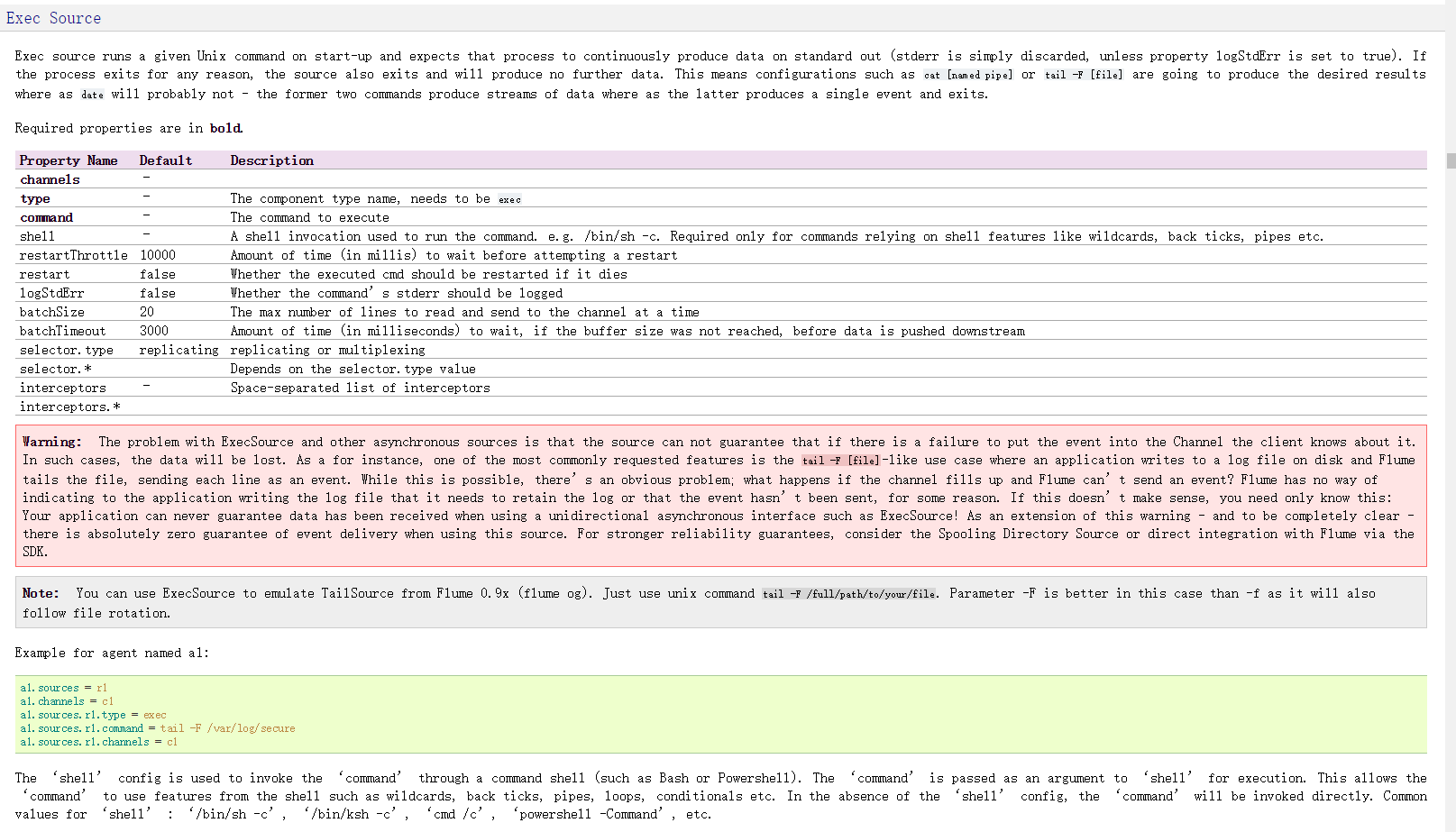
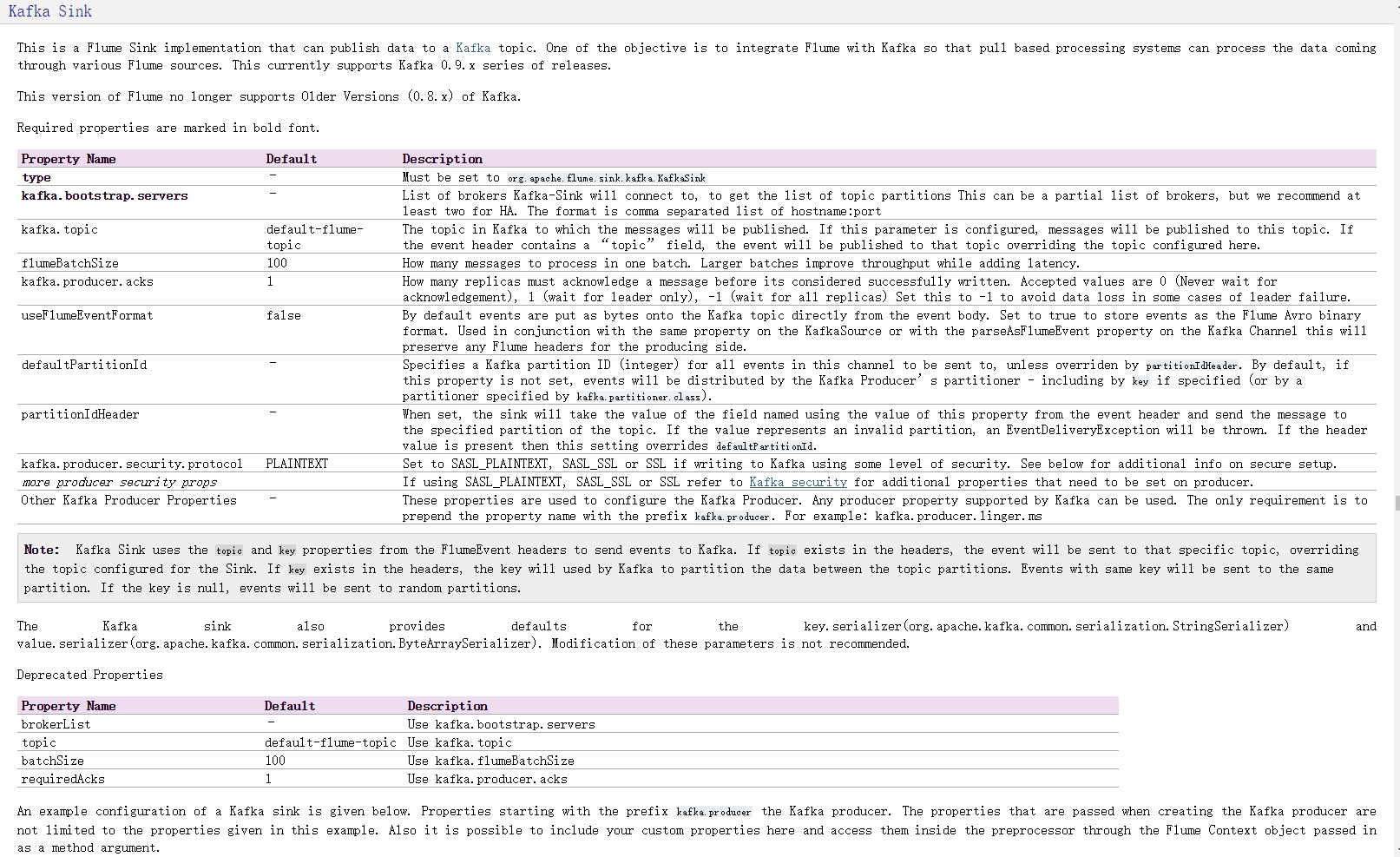
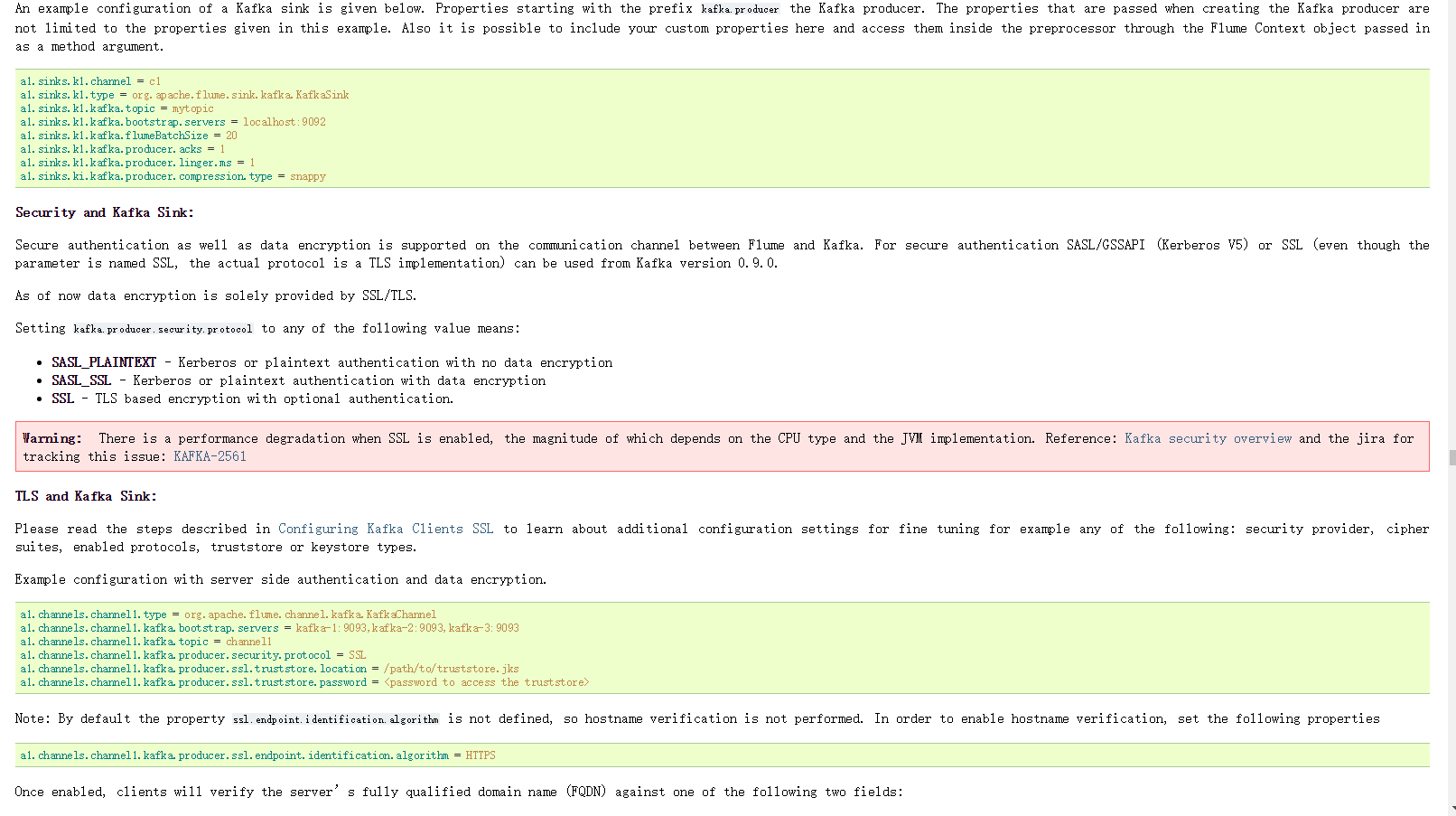
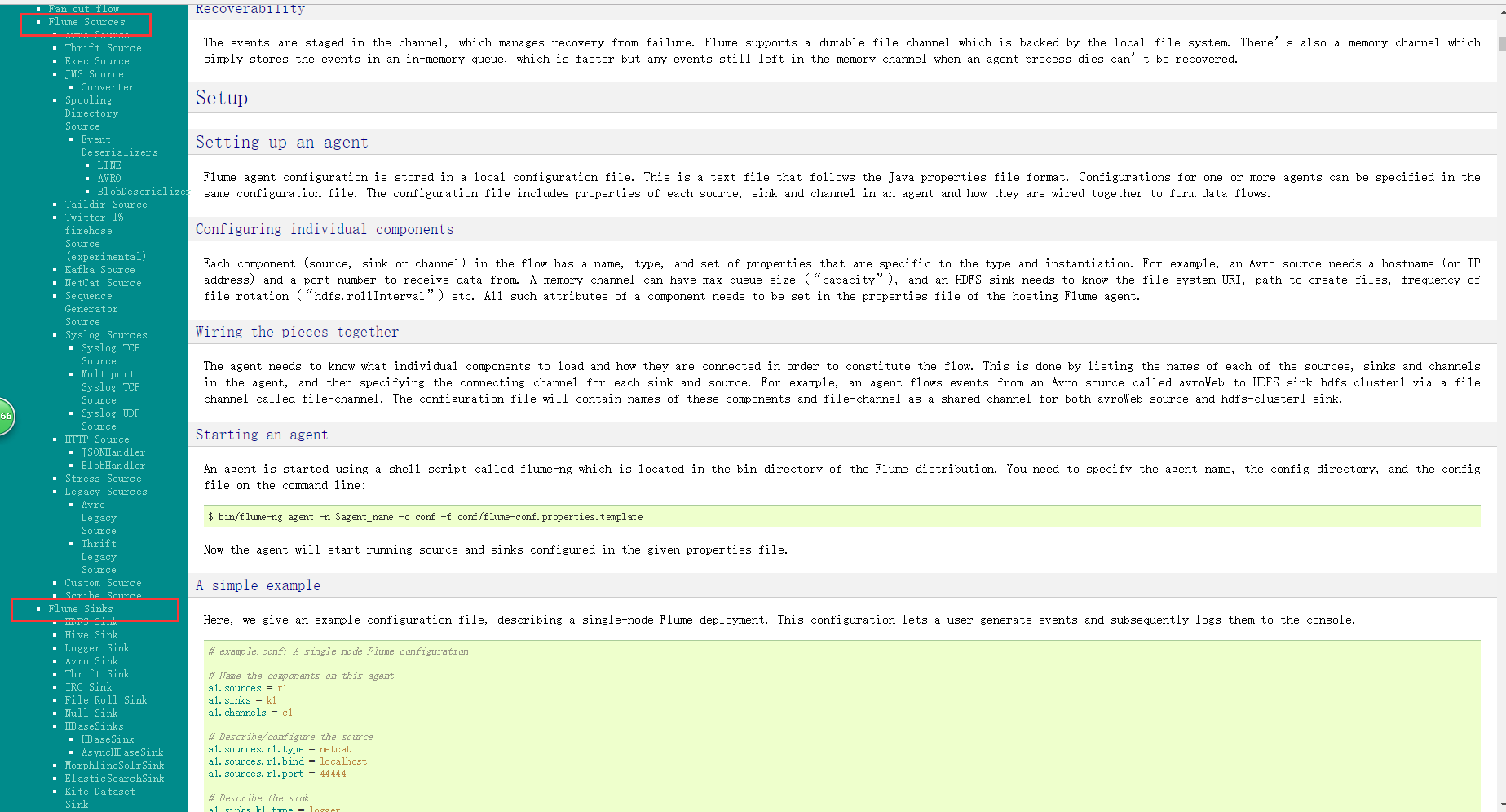
下图是官网的截图,其中的标注是如何配置source以及sink,flume支持多种source和sink,我们本次使用的是监控日志文件使用tail -f 命令作为source,sink则使用sink-kafka,之前已经将kafka和storm集成,所以,日志会直接采集到storm
配置如下:flume-conf.properties
1# Licensed to the Apache Software Foundation (ASF) under one
2# or more contributor license agreements.  See the NOTICE file
3# distributed with this work for additional information
4# regarding copyright ownership.  The ASF licenses this file
5# to you under the Apache License, Version 2.0 (the
6# "License"); you may not use this file except in compliance
7# with the License.  You may obtain a copy of the License at
8#
9#  http://www.apache.org/licenses/LICENSE-2.0
10#
11# Unless required by applicable law or agreed to in writing,
12# software distributed under the License is distributed on an
13# "AS IS" BASIS, WITHOUT WARRANTIES OR CONDITIONS OF ANY
14# KIND, either express or implied.  See the License for the
15# specific language governing permissions and limitations
16# under the License.
17
18
19# The configuration file needs to define the sources,
20# the channels and the sinks.
21# Sources, channels and sinks are defined per agent,
22# in this case called 'agent'
23
24a1.sources = r1
25a1.sinks = k1
26a1.channels = c1
27
28# Describe/configure the source
29a1.sources.r1.type = exec
30a1.sources.r1.command = tail -F /home/logs/dccfront/dataCollect.log
31
32#Describe the sink
33#a1.sinks.k1.type = logger
34a1.sinks.k1.type = org.apache.flume.sink.kafka.KafkaSink
35a1.sinks.k1.topic = dccfront
36a1.sinks.k1.brokerList = node2:9092,node3:9092,node4:9092
37a1.sinks.k1.requiredAcks = 1
38a1.sinks.k1.batchSize = 20
39
40# Use a channel which buffers events in memory
41a1.channels.c1.type = memory
42a1.channels.c1.keep-alive = 60
43a1.channels.c1.capacity = 10000
44a1.channels.c1.transactionCapacity = 100
45
46# Bind the source and sink to the channel
47a1.sources.r1.channels = c1
48a1.sinks.k1.channel = c1
so easy,接下来就是启动flume
bin/flume-ng agent --conf conf --conf-file conf/flume-conf.properties --name a1 -Dflume.root.logger=INFO,console
启动完成时候,就可向日志文件里写日志啦.比如,我是通过访问应用,通过应用产生日志
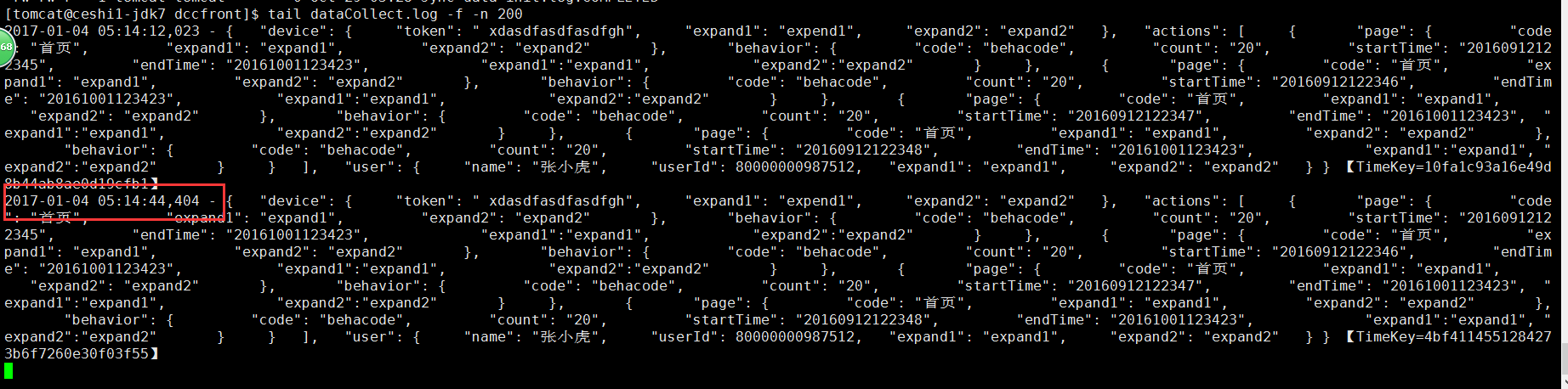
tail -f 日志文件截图如下:
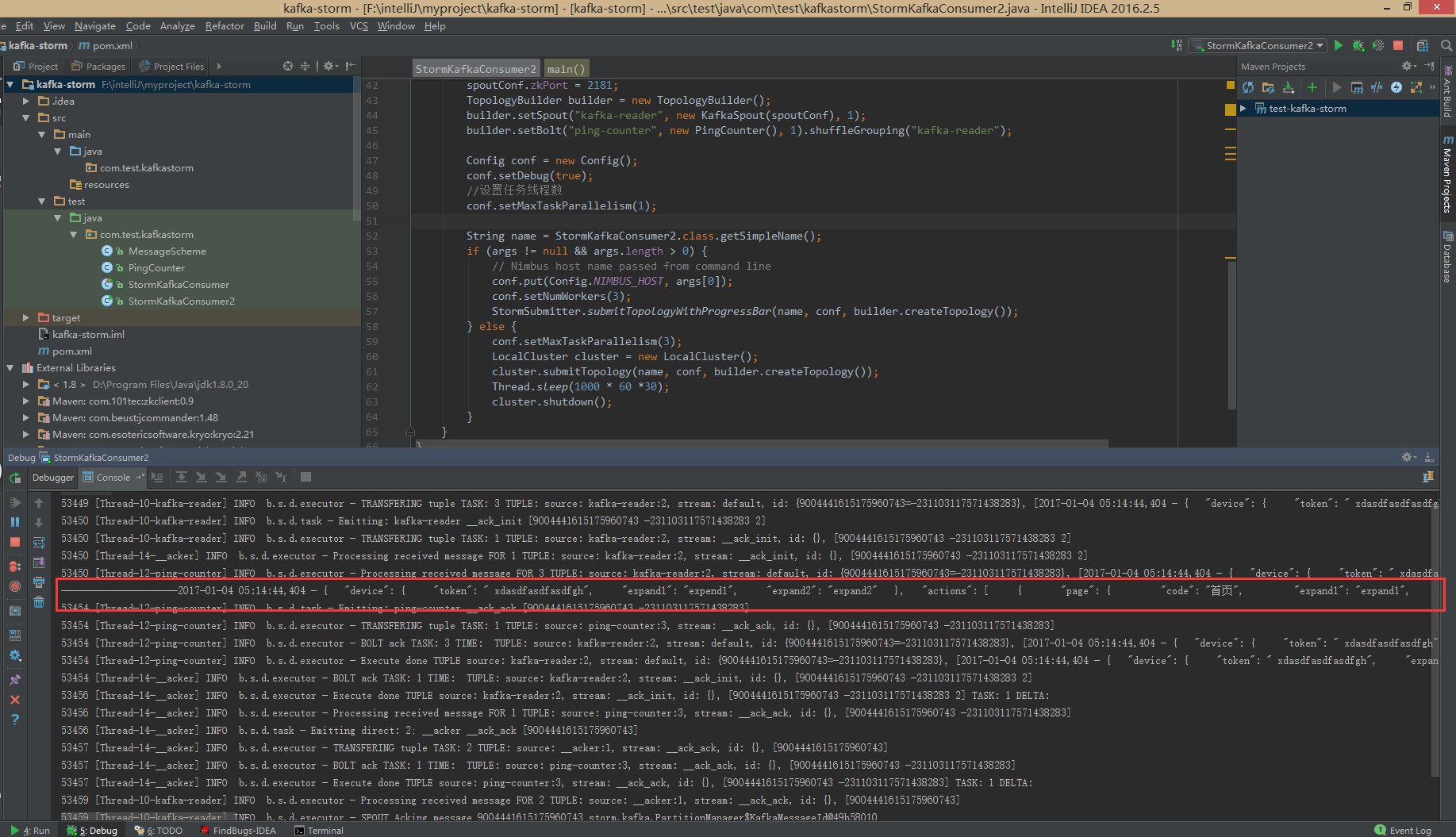
storm集群获取的日志如下:
/猫小鞭/
温馨提示,官方文档其实很简单,看看就会了,从此丢弃二手鞋.