
网络
TCP:与打电话类似,通知服务到位
UDP:与发短信类似,消息发出即可
IP和端口号是网络两大重要成员
端口号(Port)分为知名端口号[0-1024,不开放)和动态端口号[1024,10000多,开放可用)
三次握手,四次挥手:

unity网端简单案例:
**分为:**综合管理部分、客户端和服务器
需要Socket作为媒介来进行交互
见代码:
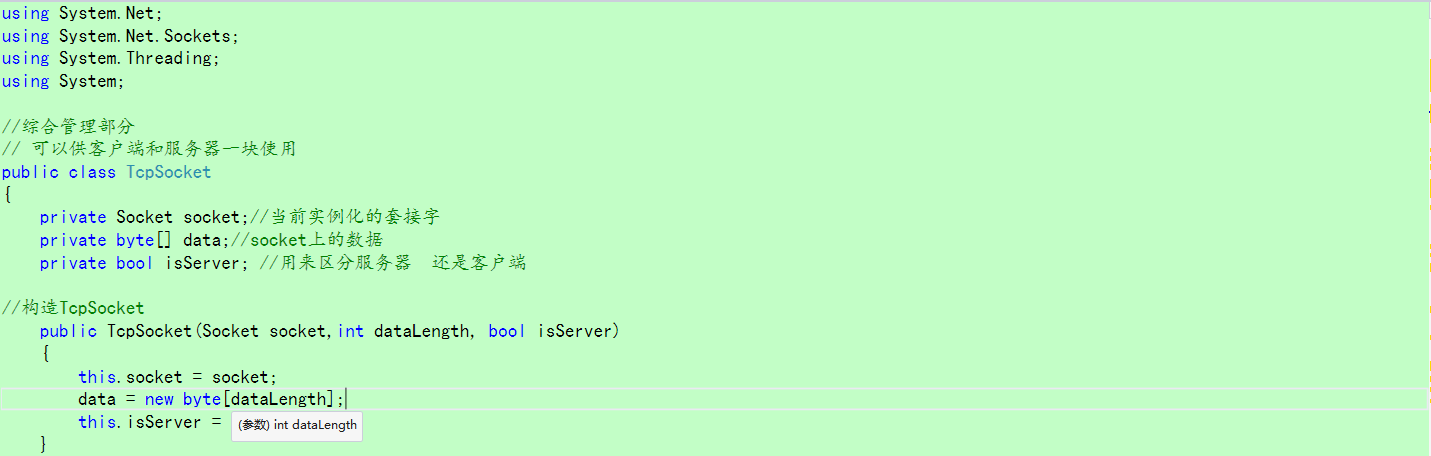
一、综合管理部分:


1 1 using System.Collections;
2 2 using System.Collections.Generic;
3 3 using UnityEngine;
4 4 using System.Net;
5 5 using System.Net.Sockets;
6 6 using System.Threading;
7 7 using System;
8 8
9 9 //综合管理部分
1010 // 可以供客户端和服务器一块使用
1111 public class TcpSocket
1212 {
1313     private Socket socket;//当前实例化的套接字
1414     private byte[] data;//socket上的数据
1515     private bool isServer; //用来区分服务器  还是客户端
1616
1717 //构造TcpSocket
1818     public TcpSocket(Socket socket,int dataLength, bool isServer)
1919     {
2020         this.socket = socket;
2121         data = new byte[dataLength];
2222         this.isServer = isServer;
2323     }
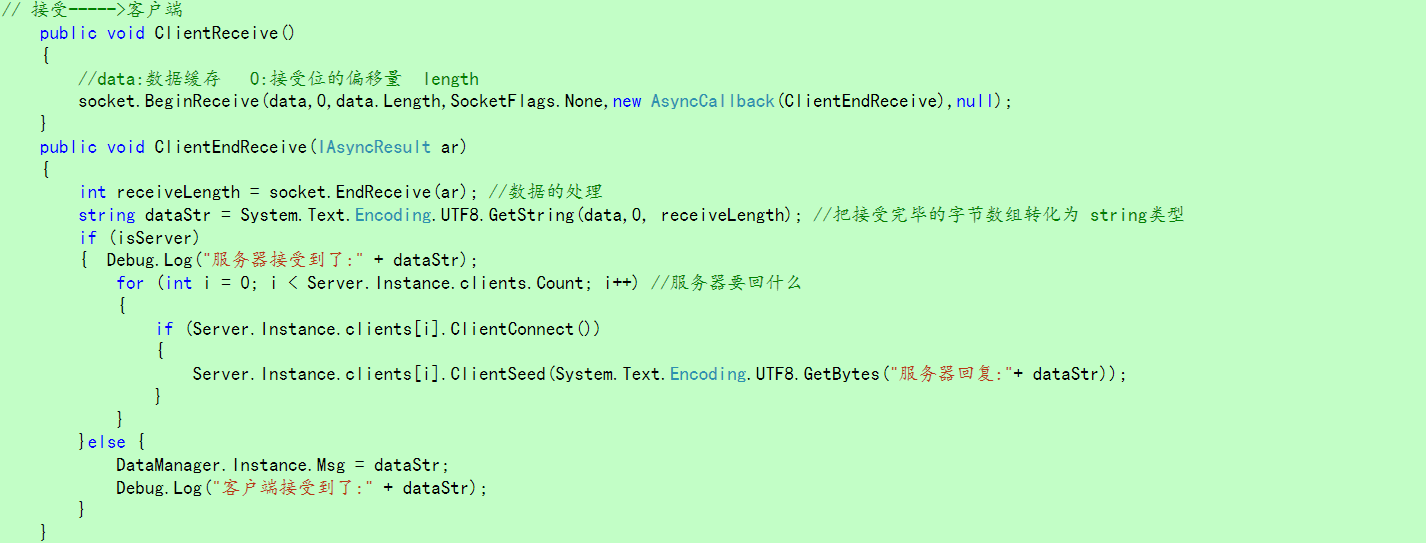
2424 // 接受----->客户端
2525     public void ClientReceive()
2626     {
2727         //data:数据缓存   0:接受位的偏移量  length
2828         socket.BeginReceive(data,0,data.Length,SocketFlags.None,new AsyncCallback(ClientEndReceive),null);
2929     }
3030     public void ClientEndReceive(IAsyncResult ar)
3131     {
3232         int receiveLength = socket.EndReceive(ar); //数据的处理
3333         string dataStr = System.Text.Encoding.UTF8.GetString(data,0, receiveLength); //把接受完毕的字节数组转化为 string类型
3434         if (isServer)
3535         {  Debug.Log("服务器接受到了:" + dataStr);
3636             for (int i = 0; i < Server.Instance.clients.Count; i++) //服务器要回什么
3737             {
3838                 if (Server.Instance.clients[i].ClientConnect())
3939                 {
4040                     Server.Instance.clients[i].ClientSeed(System.Text.Encoding.UTF8.GetBytes("服务器回复:"+ dataStr));
4141                 }
4242             }
4343         }else {
4444             DataManager.Instance.Msg = dataStr;
4545             Debug.Log("客户端接受到了:" + dataStr);
4646         }
4747     }
4848
4949
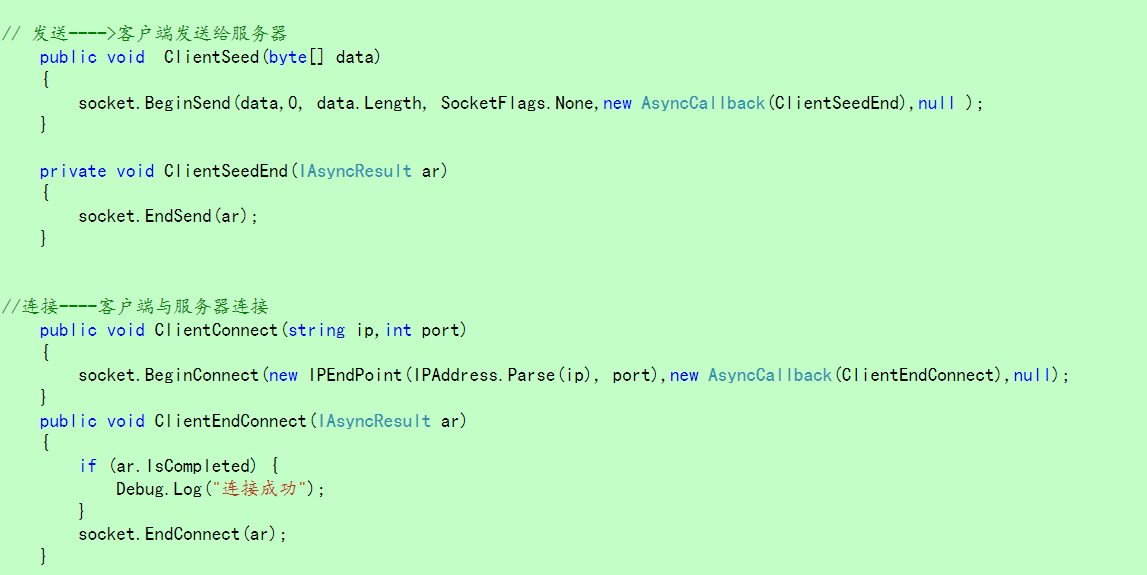
5050 // 发送---->客户端发送给服务器
5151     public void  ClientSeed(byte[] data)
5252     {
5353         socket.BeginSend(data,0, data.Length, SocketFlags.None,new AsyncCallback(ClientSeedEnd),null );
5454     }
5555
5656     private void ClientSeedEnd(IAsyncResult ar)
5757     {
5858         socket.EndSend(ar);
5959     }
6060
6161
6262 //连接----客户端与服务器连接
6363     public void ClientConnect(string ip,int port)
6464     {
6565         socket.BeginConnect(new IPEndPoint(IPAddress.Parse(ip), port),new AsyncCallback(ClientEndConnect),null);
6666     }
6767     public void ClientEndConnect(IAsyncResult ar)
6868     {
6969         if (ar.IsCompleted) {
7070             Debug.Log("连接成功");
7171         }
7272         socket.EndConnect(ar);
7373     }
7474
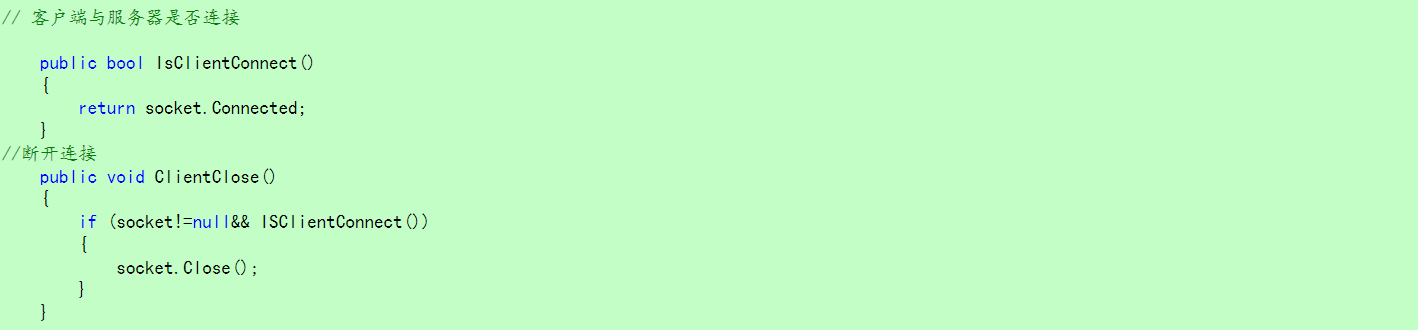
7575 // 客户端与服务器是否连接
7676
7777     public bool IsClientConnect()
7878     {
7979         return socket.Connected;
8080     }
8181 //断开连接
8282     public void ClientClose()
8383     {
8484         if (socket!=null&& ISClientConnect())
8585         {
8686             socket.Close();
8787         }
8888     }
8989
9090 }
View Code
****二、服务器部分:
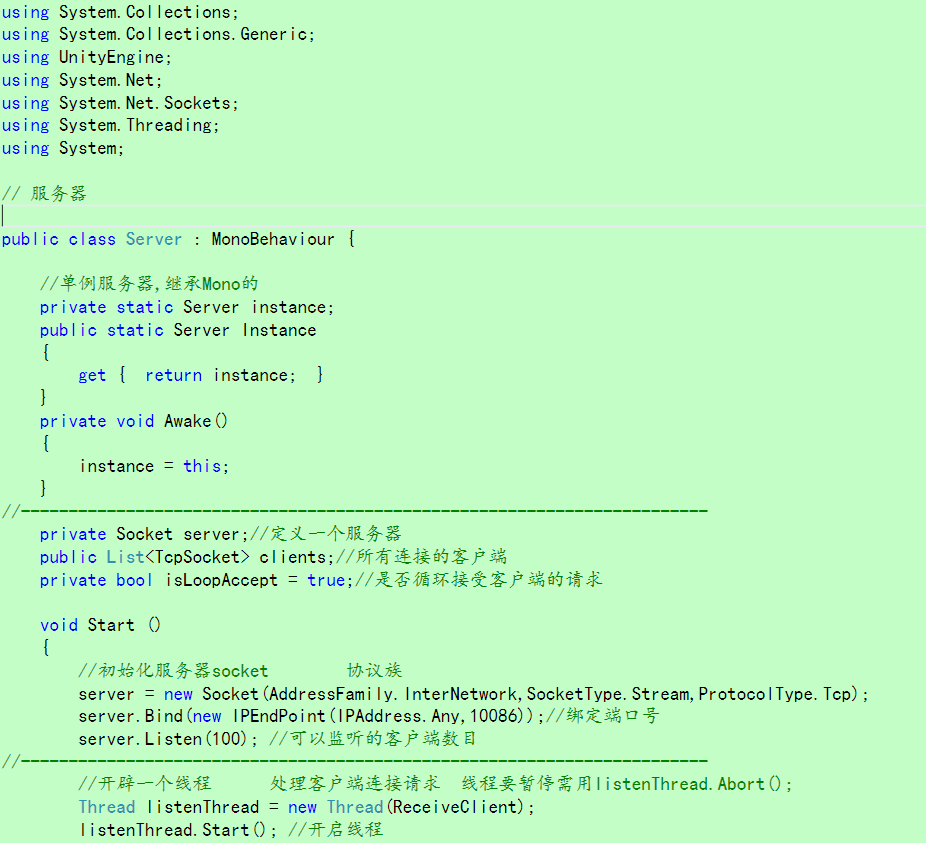
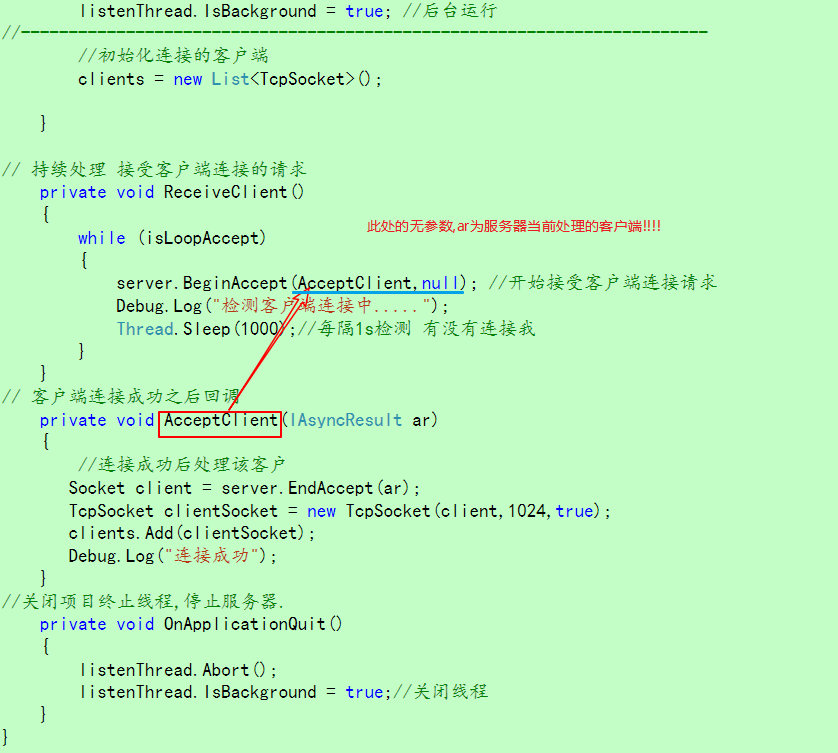
注意:回调函数AcceptClient只有当服务器接受连接(连接成功了)才会被调用.


1 1 using System.Collections;
2 2 using System.Collections.Generic;
3 3 using UnityEngine;
4 4 using System.Net;
5 5 using System.Net.Sockets;
6 6 using System.Threading;
7 7 using System;
8 8
9 9 // 服务器
1010
1111 public class Server : MonoBehaviour {
1212
1313     //单例服务器,继承Mono的
1414     private static Server instance;
1515     public static Server Instance
1616     {
1717         get {  return instance;  }
1818     }
1919     private void Awake()
2020     {
2121         instance = this;
2222     }
2323 //------------------------------------------------------------------------
2424     private Socket server;//定义一个服务器
2525     public List<TcpSocket> clients;//所有连接的客户端
2626     private bool isLoopAccept = true;//是否循环接受客户端的请求
2727
2828     void Start ()
2929     {
3030         //初始化服务器socket        协议族
3131         server = new Socket(AddressFamily.InterNetwork,SocketType.Stream,ProtocolType.Tcp);
3232         server.Bind(new IPEndPoint(IPAddress.Any,10086));//绑定端口号
3333         server.Listen(100); //可以监听的客户端数目
3434 //------------------------------------------------------------------------
3535         //开辟一个线程      处理客户端连接请求  线程要暂停需用listenThread.Abort();
3636         Thread listenThread = new Thread(ReceiveClient);
3737         listenThread.Start(); //开启线程
3838         listenThread.IsBackground = true; //后台运行
3939 //------------------------------------------------------------------------
4040         //初始化连接的客户端
4141         clients = new List<TcpSocket>();
4242
4343     }
4444
4545 // 持续处理 接受客户端连接的请求
4646     private void ReceiveClient()
4747     {
4848         while (isLoopAccept)
4949         {
5050             server.BeginAccept(AcceptClient,null); //开始接受客户端连接请求
5151             Debug.Log("检测客户端连接中.....");
5252             Thread.Sleep(1000);//每隔1s检测 有没有连接我
5353         }
5454     }
5555 // 客户端连接成功之后回调
5656     private void AcceptClient(IAsyncResult ar)
5757     {
5858         //连接成功后处理该客户
5959        Socket client = server.EndAccept(ar);
6060        TcpSocket clientSocket = new TcpSocket(client,1024,true);
6161        clients.Add(clientSocket);
6262        Debug.Log("连接成功");
6363     }
6464 //关闭项目终止线程,停止服务器.
6565     private void OnApplicationQuit()
6666     {
6767         listenThread.Abort();
6868         listenThread.IsBackground = true;//关闭线程
6969     }
7070 }
View Code
三、客户端部分:
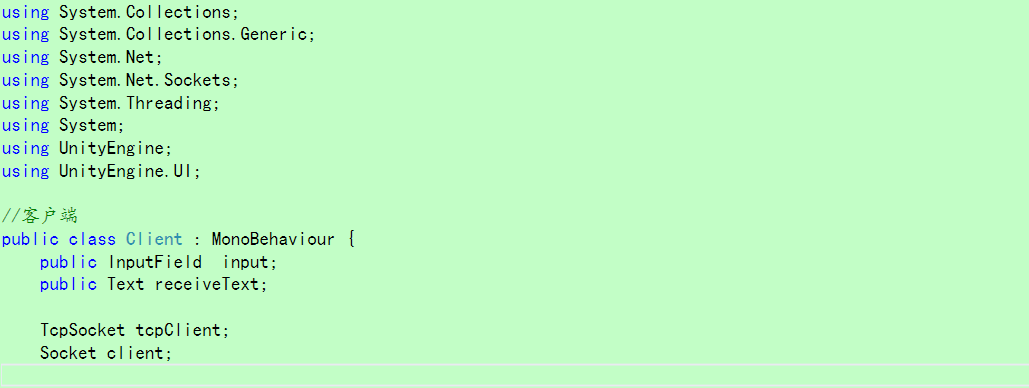
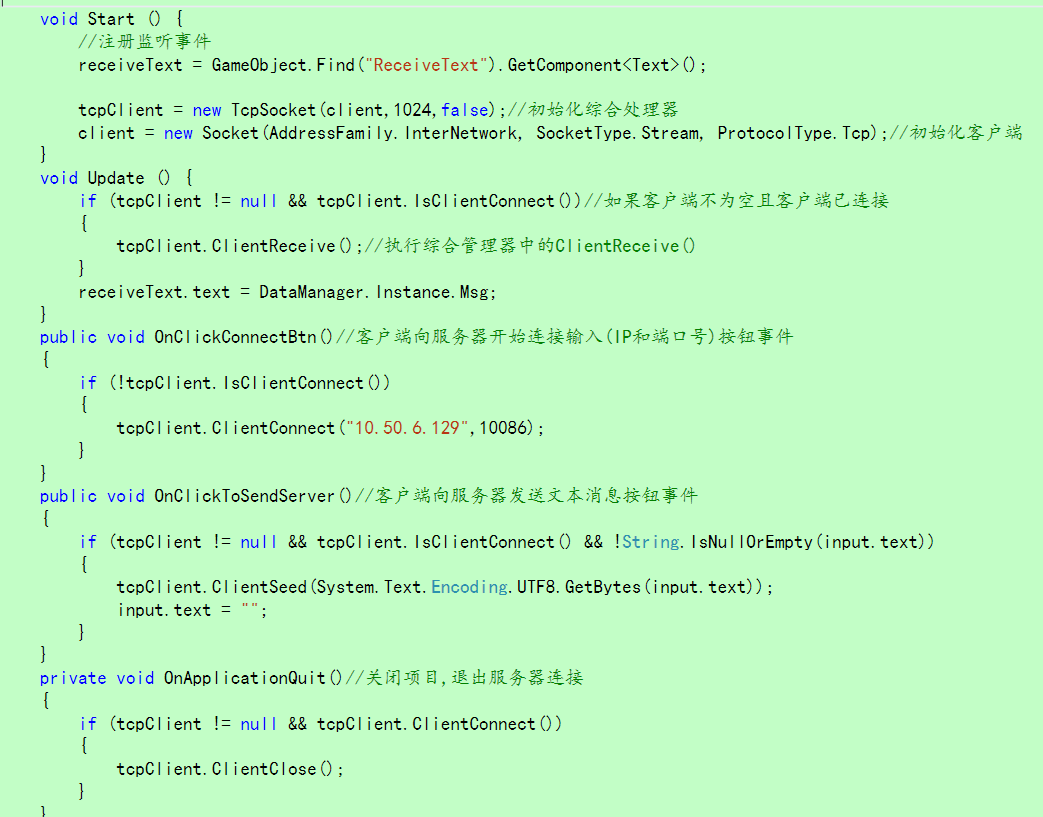


1using System.Collections;
2using System.Collections.Generic;
3using System.Net;
4using System.Net.Sockets;
5using System.Threading;
6using System;
7using UnityEngine;
8using UnityEngine.UI;
9
10//客户端
11public class Client : MonoBehaviour {
12    public InputField  input;
13    public Text receiveText;
14
15    TcpSocket tcpClient;
16    Socket client;
17
18    void Start () {
19        //注册监听事件
20        receiveText = GameObject.Find("ReceiveText").GetComponent<Text>();
21
22        tcpClient = new TcpSocket(client,1024,false);//初始化综合处理器
23        client = new Socket(AddressFamily.InterNetwork, SocketType.Stream, ProtocolType.Tcp);//初始化客户端
24    }
25    void Update () {
26        if (tcpClient != null && tcpClient.IsClientConnect())//如果客户端不为空且客户端已连接
27        {
28            tcpClient.ClientReceive();//执行综合管理器中的ClientReceive()
29        }
30        receiveText.text = DataManager.Instance.Msg;
31    }
32    public void OnClickConnectBtn()//客户端向服务器开始连接输入(IP和端口号)按钮事件
33    {
34        if (!tcpClient.IsClientConnect())
35        {
36            tcpClient.ClientConnect("10.50.6.129",10086);
37        }
38    }
39    public void OnClickToSendServer()//客户端向服务器发送文本消息按钮事件
40    {
41        if (tcpClient != null && tcpClient.IsClientConnect() && !String.IsNullOrEmpty(input.text))
42        {
43            tcpClient.ClientSeed(System.Text.Encoding.UTF8.GetBytes(input.text));
44            input.text = "";
45        }
46    }
47    private void OnApplicationQuit()//关闭项目,退出服务器连接
48    {
49        if (tcpClient != null && tcpClient.ClientConnect())
50        {
51            tcpClient.ClientClose();
52        }
53    }
54
55}
View Code