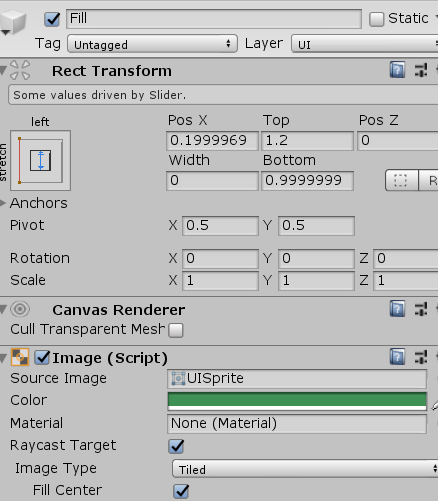
一、UI。建立slider适当更改即可;
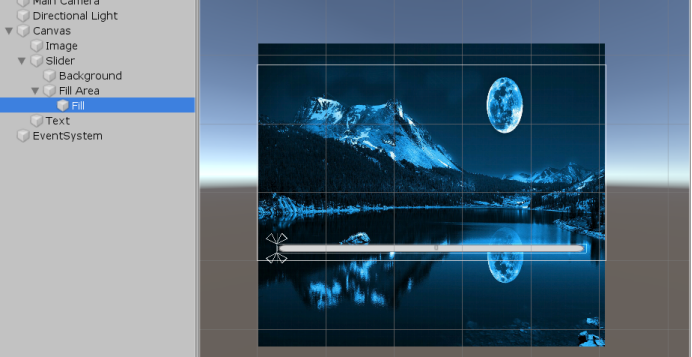
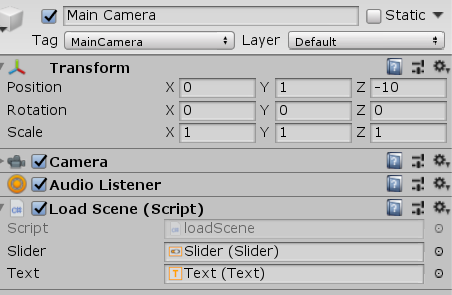
二、新增loadScene脚本,用来进行场景切换,将其绑定任意物体上面。博主以放置主相机为例。参数分别为进度条(用来设置value值),显示进度文本text;
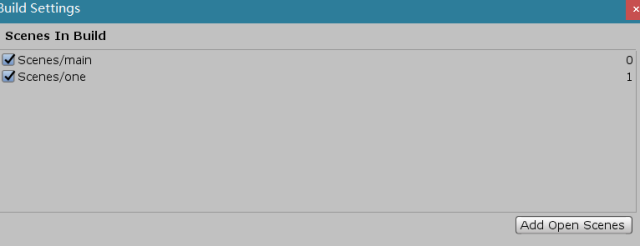
在设置中加入两个场景:
三、脚本;
1 1 /// <summary>
2 2 /// 场景切换
3 3 /// 在unity 获取当前加载进度progress中,其中最多到0.9.只有等到加载到第二个场景才会到1
4 4 /// 所有在加载进度条时如果progress的值近似0.9,则直接将进度参数设置为1,实现进度到100%
5 5 /// 并且progress的值是在一帧加载一些资源,所以其值不会是连续的,因此设置两个参数来记录当前
6 6 /// 进度和页面显示的进度,进行++。
7 7 /// </summary>
8 8 public class loadScene : MonoBehaviour
9 9 {
1010     AsyncOperation async;
1111     public Slider slider;
1212     public Text text;//百分制显示进度加载情况
1313
1414     void Start()
1515     {
1616         //开启协程
1717         StartCoroutine("loginMy");
1818     }
1919
2020     void Update()
2121     {
2222
2323     }
2424     IEnumerator loginMy()
2525     {
2626         int displayProgress = 0;
2727         int toProgress = 0;
2828         AsyncOperation op = SceneManager.LoadSceneAsync(1);
2929         op.allowSceneActivation = false;
3030         while (op.progress < 0.9f)  //此处如果是 <= 0.9f 则会出现死循环所以必须小0.9
3131         {
3232             toProgress = (int)op.progress * 100;
3333             while (displayProgress < toProgress)
3434             {
3535                 ++displayProgress;
3636                 SetLoadingPercentage(displayProgress);
3737                 yield return new WaitForEndOfFrame();//ui渲染完成之后
3838             }
3939         }
4040         toProgress = 100;
4141         while (displayProgress < toProgress)
4242         {
4343             ++displayProgress;
4444             SetLoadingPercentage(displayProgress);
4545             yield return new WaitForEndOfFrame();
4646         }
4747         op.allowSceneActivation = true;
4848
4949     }
5050
5151     private void SetLoadingPercentage(int displayProgress)
5252     {
5353         slider.value = displayProgress;
5454         text.text = displayProgress.ToString() + "%";
5555     }
5656 }
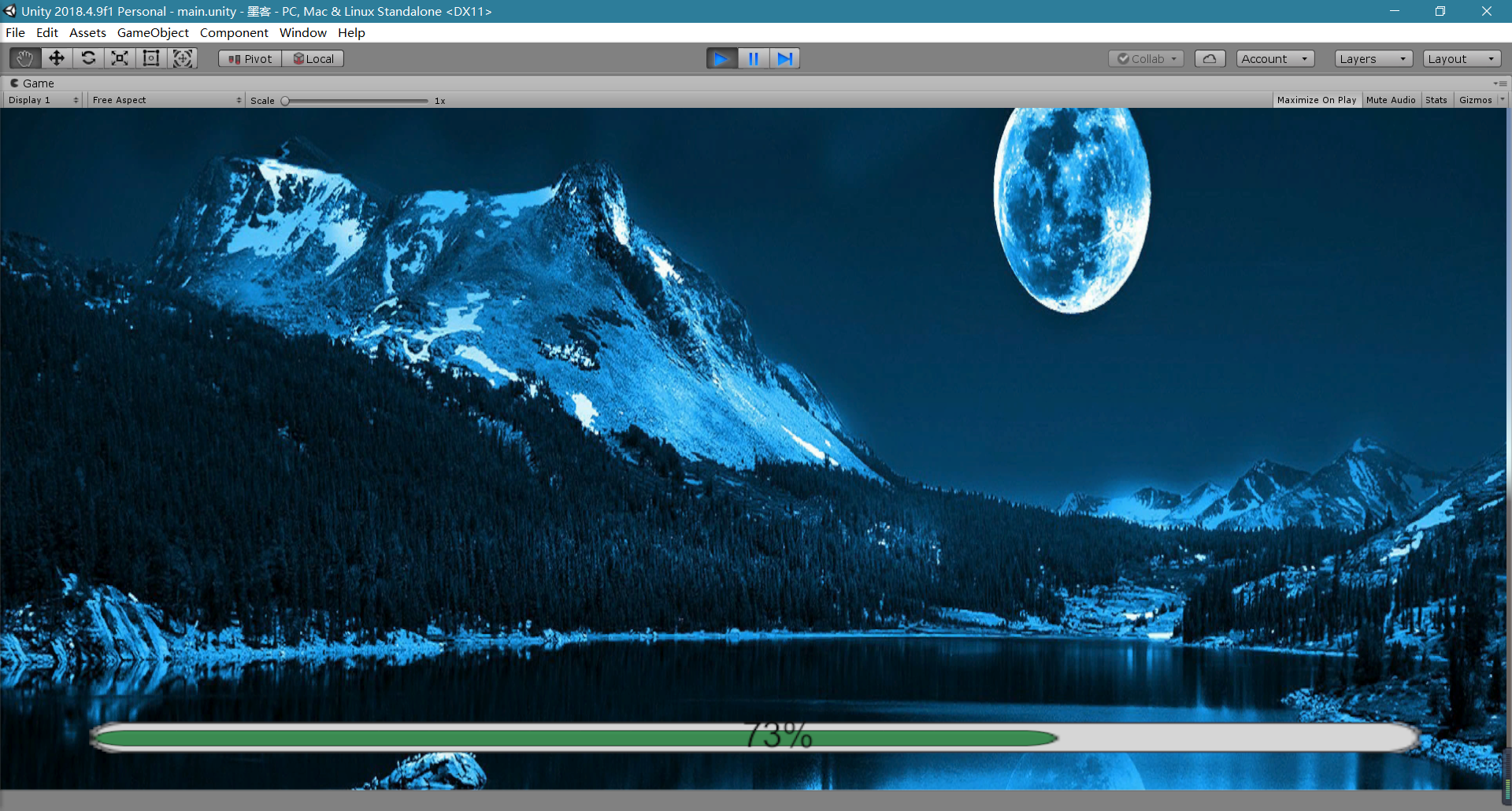
四、运行: