
Eclipse中安装Lua开发插件,很简单,只要如下几个步骤就好~
安装步骤
- Help -> EclipseMarketplace
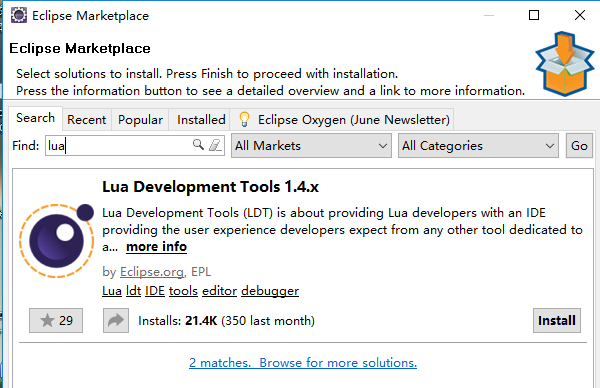
搜索框输入“lua”查找插件~
- 点击“Install”按钮,进行安装
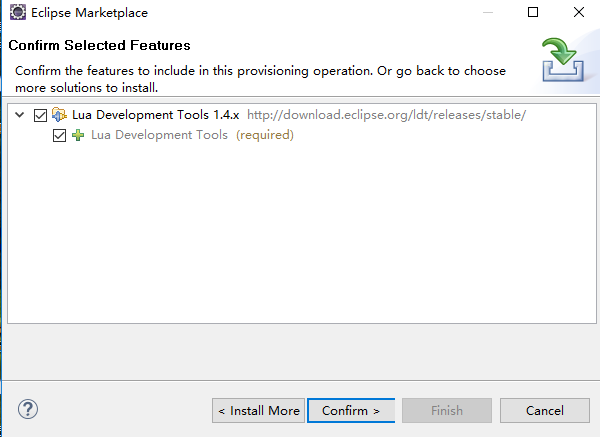
- 点击“Confirm”按钮,进行确认
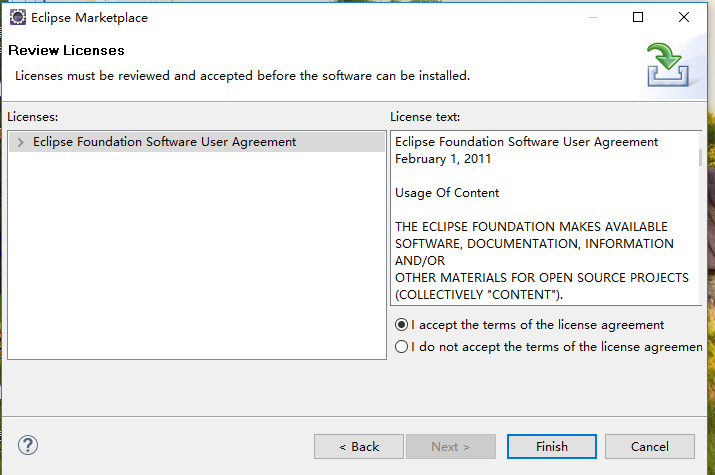
选择“I accept the terms of the license agreement”,并点击“Finish”按钮
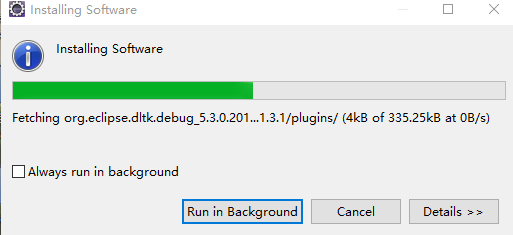
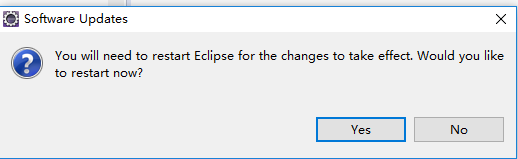
点击“Yes”重启
编写Lua脚本程序
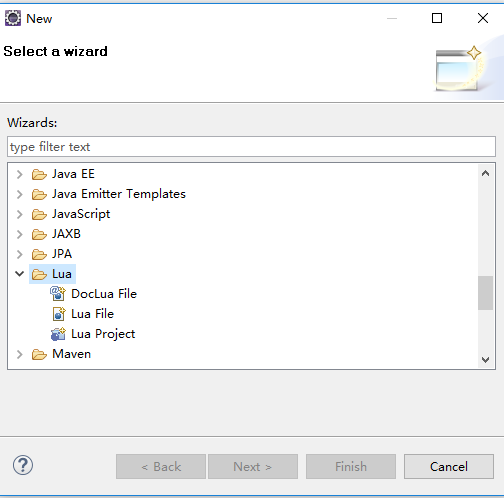
新建Lua工程
执行上述的安装Lua插件以后,新建工程可以看到“Lua”相关选项~
编写Lua简单示例
1local function main()
2
3  local message = "Welcome to Lua world~";
4
5  print(message);
6
7  local books = {"NoSQL实践指南","Java安全编码标准"};
8  local startIndex = 1;
9  local endIndex = table.getn(books);
10  for i= startIndex, endIndex do
11    print(books[i])
12  end
13
14  local isCompleted  = true;
15  print(type(isCompleted));
16  print(isCompleted);
17
18  local filename = "filetest.txt";
19  file = io.open("filetest.txt", "w+");
20  file:write("文件末尾注释");
21  file:flush();
22  file:close();
23
24end
25main()
运行程序~

输出结果:
1Welcome to Lua world~
2NoSQL实践指南
3Java安全编码标准
4boolean
5true
至此,表明Eclipse安装Lua开发工具插件已经完成,并可用~