安装 nginx
-
搜索 nginx 的镜像
docker search nginx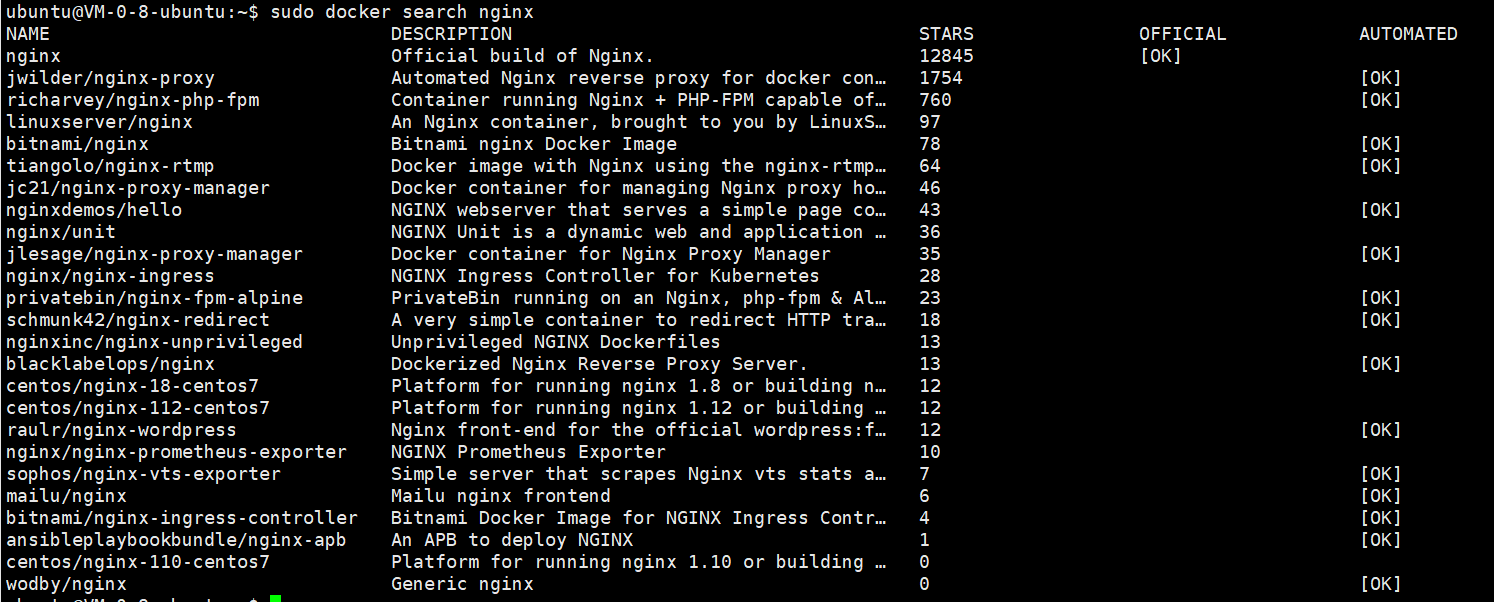
-
获取 nginx 的官方镜像
docker pull nginx -
查看本地镜像
docker images -
docker 启动 nginx 镜像,映射宿主端口 80 端口到 nginx 的 80 端口
docker run --name nginx-test -p 8080:80 -d nginx -
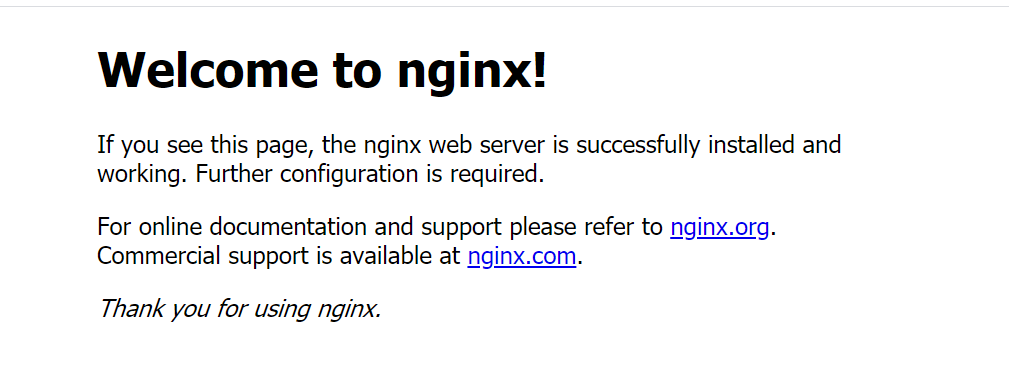
访问宿主ip和端口,查看 nginx
挂载宿主目录到镜像中
-
nginx 配置信息在容器中的位置
- 日志位置:/var/log/nginx/
- 配置文件位置:/etc/nginx/
- 项目位置:/usr/share/nginx/html
-
创建宿主的 nginx 配置信息
-
配置文件位置:/home/ubuntu/mynginx/nginx
-
/home/ubuntu/mynginx/nginx/conf/nginx.conf
1user nginx; 2worker_processes 1; 3 4error_log /var/log/nginx/error.log warn; 5pid /var/run/nginx.pid; 6 7 8events { 9 worker_connections 1024; 10} 11 12 13http { 14 include /etc/nginx/mime.types; 15 default_type application/octet-stream; 16 17 log_format main '$remote_addr - $remote_user [$time_local] "$request" ' 18 '$status $body_bytes_sent "$http_referer" ' 19 '"$http_user_agent" "$http_x_forwarded_for"'; 20 21 access_log /var/log/nginx/access.log main; 22 23 sendfile on; 24 #tcp_nopush on; 25 26 keepalive_timeout 65; 27 28 #gzip on; 29 30 include /etc/nginx/conf.d/*.conf; 31} -
/home/ubuntu/mynginx/nginx/conf.d/default.conf
1server {
2    listen       80;
3    server_name  localhost;
4
5    #charset koi8-r;
6    #access_log  /var/log/nginx/host.access.log  main;
7
8    location / {
9        root   /usr/share/nginx/html;
10        index  index.html index.htm;
11    }
12
13    #error_page  404              /404.html;
14
15    # redirect server error pages to the static page /50x.html
16    #
17    error_page   500 502 503 504  /50x.html;
18    location = /50x.html {
19        root   /usr/share/nginx/html;
20    }
21
22}
-
-
项目位置:/home/ubuntu/mynginx/nginx/html
1<!DOCTYPE html> 2<html> 3<head> 4<title>Welcome to nginx!</title> 5<style> 6 body { 7 width: 35em; 8 margin: 0 auto; 9 font-family: Tahoma, Verdana, Arial, sans-serif; 10 } 11</style> 12</head> 13<body> 14<h1>hello docker!</h1> 15<h2>This is a test docker !</h2> 16</body> 17</html> -
日志位置:/home/ubuntu/mynginx/nginx/log
-
-
启动 nginx 镜像并挂载宿主目录到镜像
docker run --name docker_nginx -d -p 80:80 -v /home/ubuntu/mynginx/nginx/log:/var/log/nginx -v /home/ubuntu/mynginx/nginx/conf/nginx.conf:/etc/nginx/nginx.conf -v /home/ubuntu/mynginx/nginx/conf.d:/etc/nginx/conf.d -v /home/ubuntu/mynginx/nginx/html:/usr/share/nginx/html nginx -
查看 Nginx 效果