
前言
对于Postman中的每个请求,我们都可以使用JavaScript语言来开发测试脚本。这也就好比单元测试。我们先看看Postman的相关界面:
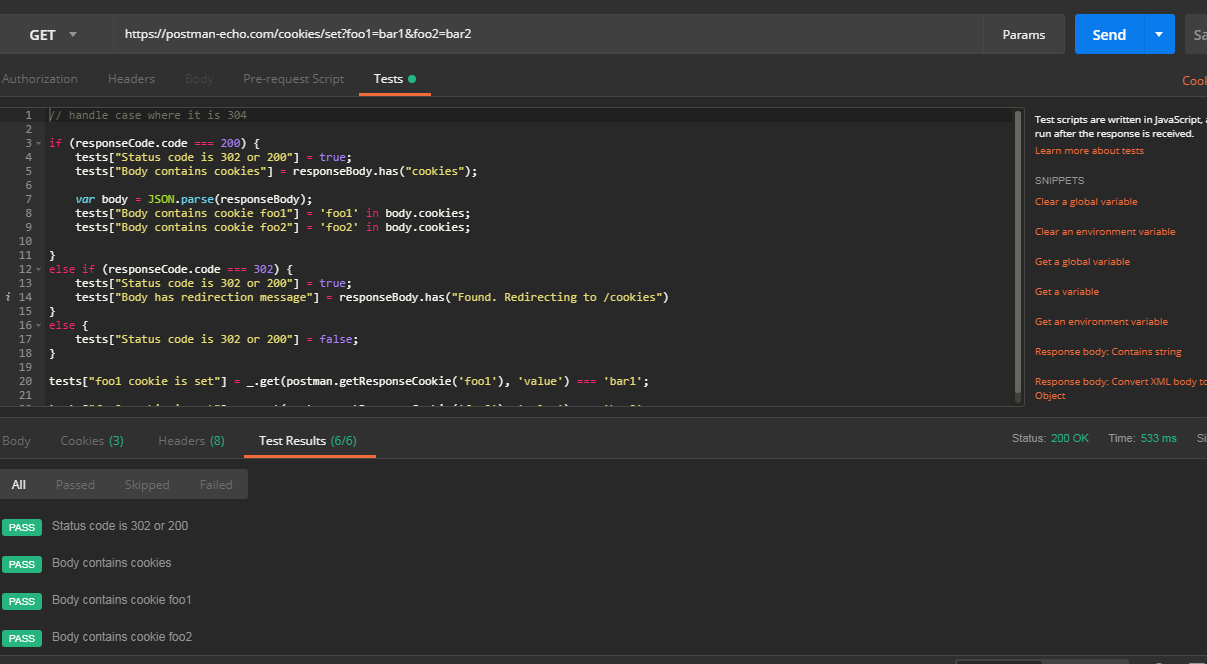
编写测试脚本
Postman测试脚本本质上是在发送请求后执行的JavaScript代码,我们可以通过访问pm.response对象获取服务器返回的报文。
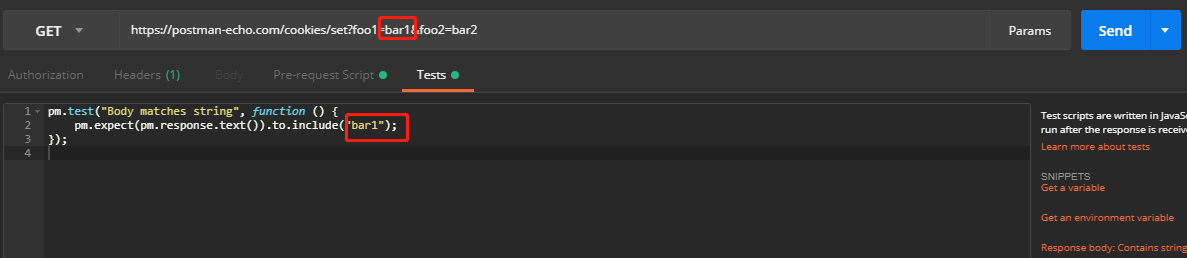
以下是一些测试脚本样例:
1// example using pm.response.to.have
2pm.test("response is ok", function () { pm.response.to.have.status(200); }); // example using pm.expect() pm.test("environment to be production", function () { pm.expect(pm.environment.get("env")).to.equal("production"); }); // example using response assertions pm.test("response should be okay to process", function () { pm.response.to.not.be.error; pm.response.to.have.jsonBody(""); pm.response.to.not.have.jsonBody("error"); }); // example using pm.response.to.be* pm.test("response must be valid and have a body", function () { // assert that the status code is 200 pm.response.to.be.ok; // info, success, redirection, clientError, serverError, are other variants // assert that the response has a valid JSON body pm.response.to.be.withBody; pm.response.to.be.json; // this assertion also checks if a body exists, so the above check is not needed });
我们可以根据我们的需要,添加各种各样的测试案例。
沙箱
之前在《Postman—脚本介绍》这篇文章中已经说到了,Postman中的脚本是在一个沙箱环境中运行的。这个沙箱环境和Postman本身运行的环境是完全隔离开的,也就是说,这个沙箱环境给脚本的执行提供了一个上下文环境。这个沙箱环境本身就集成了很多的工具方法,我们可以在我们的测试脚本中直接使用这些工具方法。具体的可以参考以下文档:
代码片段
为了更提高使用者的测试脚本编写效率,Postman提供了很多的代码片段,我们可以直接使用这些已经写好的代码片段来完成测试脚本的编写。
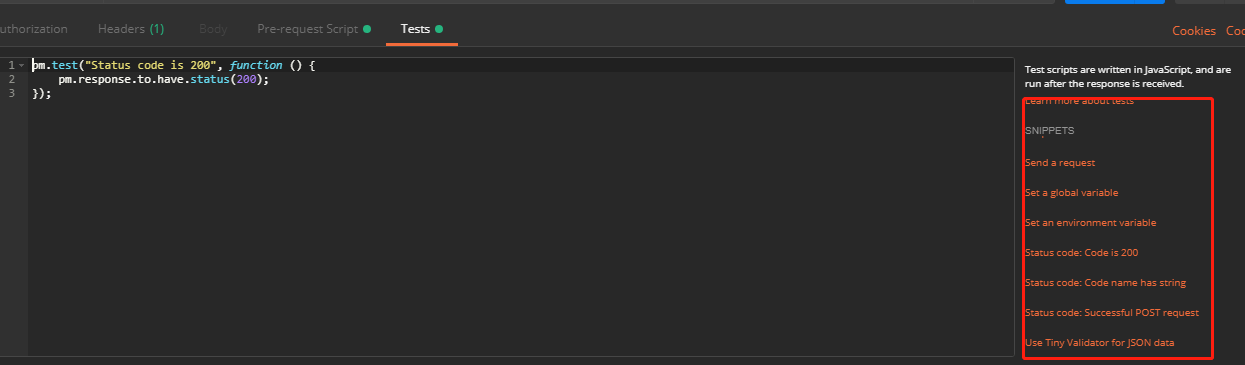
查看结果
每次运行请求时Postman都会运行测试。当然,我们可以选择不查看测试结果!
测试结果显示在响应查看器下的“Test Results”选项卡中。选项卡标题显示通过了多少测试.
