
##概述
####编程范式
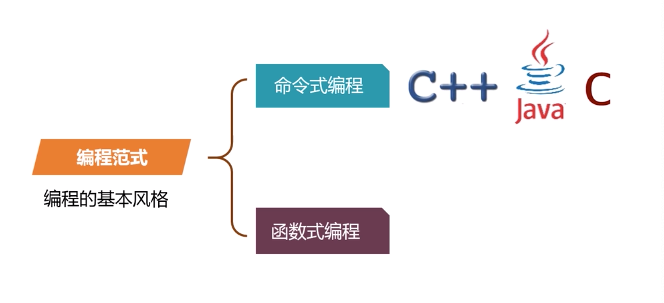



####函数式编程

就是只用纯函数(Pure function)来编写程序.
纯函数:没有副作用的函数,副作用就是状态的变化(mutation)
引用透明(Referential Transparency)对于相同的输入,总是得到相同的输出.
不变性(Immutabli)
函数是一等公民(First-class Function) 一切都是计算,函数式编程中只有比爱哦大师,变量,函数都是表达式
高阶函数(Higher order Function)
闭包(Closure)
####Scala简介
官方网站
https://www.scala-lang.org/
运行在Java虚拟机(jvm),兼容所有的JAVA程序。
纯粹的面向对象的语言
函数式的语言
##安装开发环境
下载JDK配置JAVA1.8以上开发环境
下载Scala下载地址
https://www.scala-lang.org/download/
##scala 历史版本
https://github.com/scala/scala/releases
idea开发IDE的安装
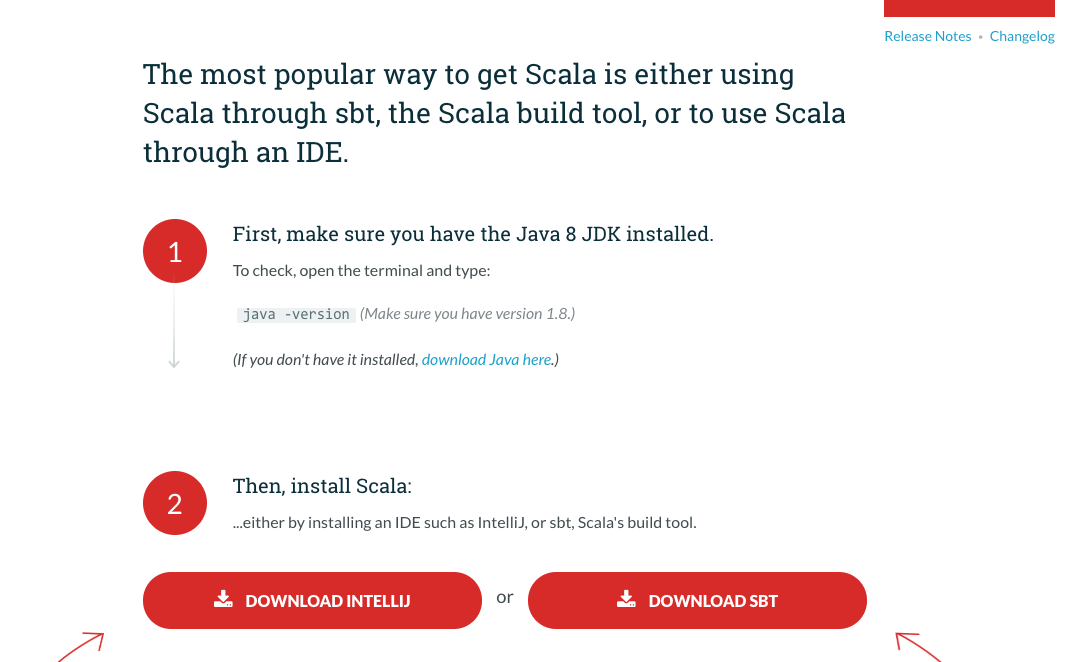
- 确保安装了 Java 8 JDK (also known as 1.8)
-
Run
javac -versionon the command line and make sure you seejavac 1.8.___ -
If you don’t have version 1.8 or higher, install the JDK
-
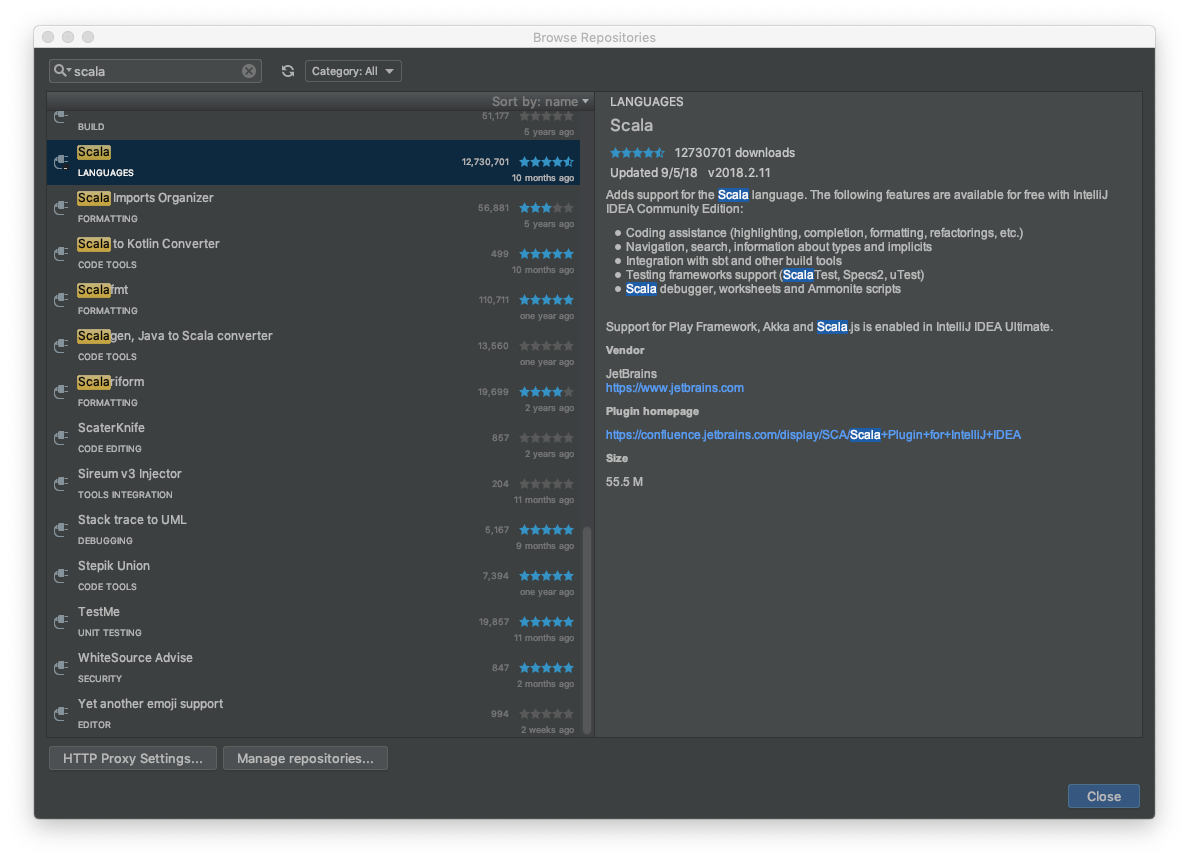
启动 IntelliJ, 下载安装 Scala 插件,安装插件说明 how to install IntelliJ plugins (search for “Scala” in the plugins menu.)
####创建工程HelloWorld -
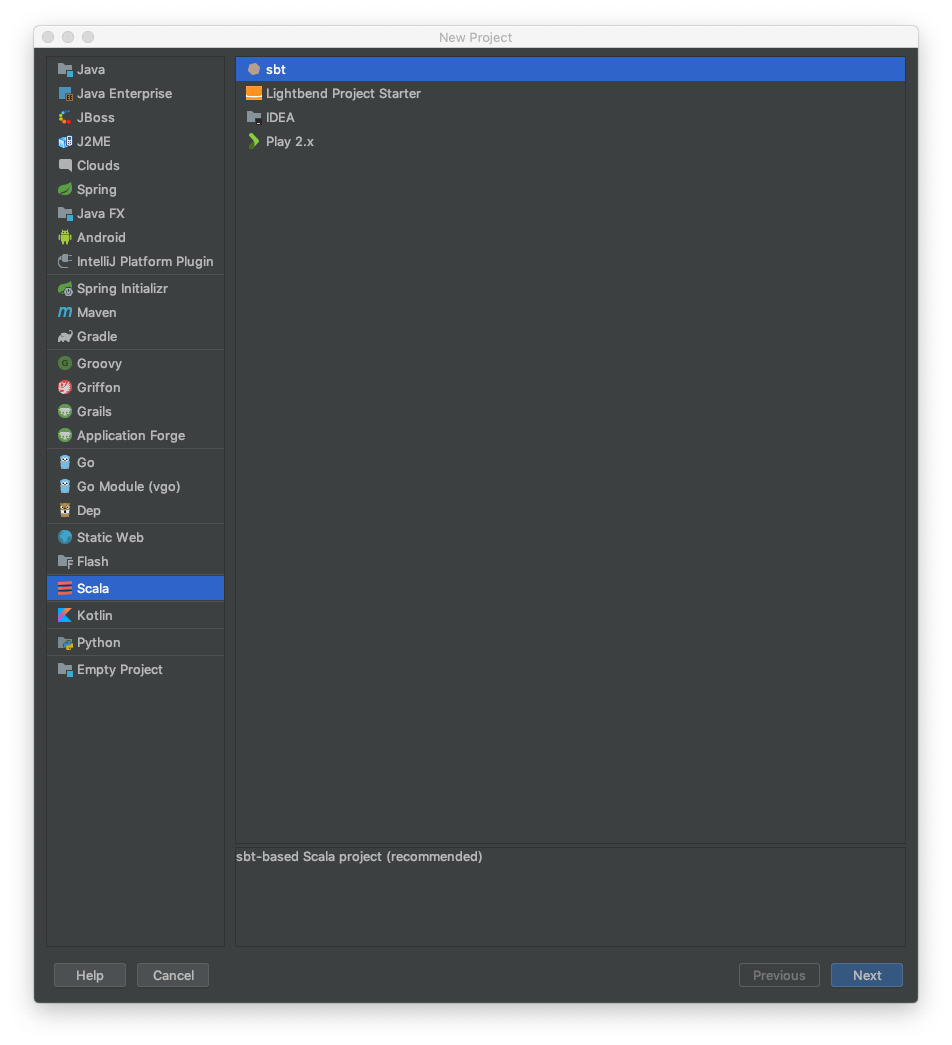
打开 IntelliJ 然后点击 File => New => Project
2 在左侧菜单栏选择Scala 然后选择右侧选择IDEA
-
创建项目 HelloWorld
4 如果没有安装Scala SDK 可以选在安装SDK 版本
######Writing code -
On the Project pane on the left, right-click
srcand select New => Scala class. If you don’t see Scala class, right-click on HelloWorld and click on Add Framework Support…, select Scala and proceed. If you see Error: library is not specified, you can either click download button, or select the library path manually. -
Name the class
Helloand change the Kind toobject. -
Change the code in the class to the following:
####Maven创建项目
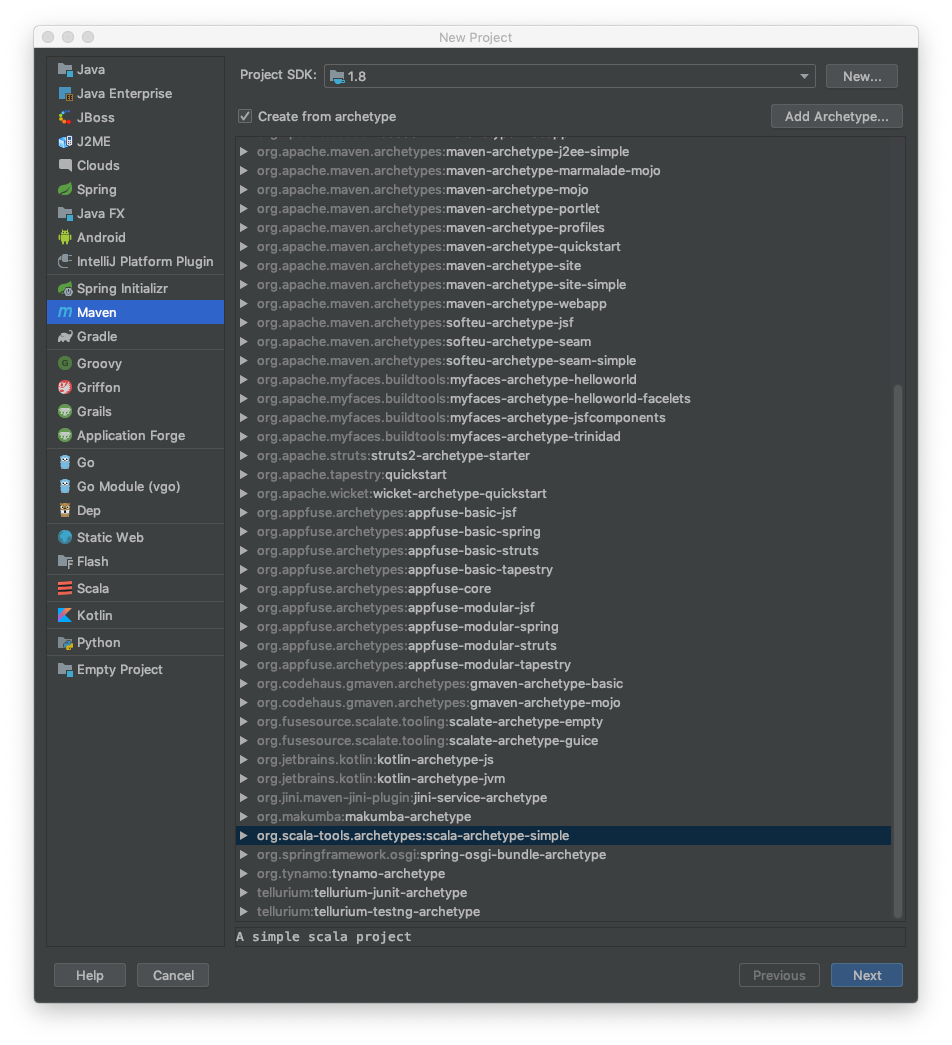
选择org.scals-tools.archetypes:scala-archetype-simple
##REPL
REPL(Read-Eval-Print Loop,交互式解释器),为我们提供了交互式执行环境,表达式计算完成就会输出结果,而不必等到整个程序运行完毕
使用命令“:q”退出Scala解释器
####hello world
$vim HelloWorld.scala
scalac命令编译
本文同步分享在 博客“羊羽”(other)。
如有侵权,请联系 support@oschina.cn 删除。
本文参与“OSC源创计划”,欢迎正在阅读的你也加入,一起分享。