
前言
在之前的一篇博文中介绍了Nginx负载均衡的实现,本篇文章就简单介绍下如何用Nginx搭建一个文件服务器。
Nginx安装
在之前的一篇博文中已经讲述过了,这里就不在讲述了。
地址:Nginx Linux和Windows安装教程 :https://www.cnblogs.com/xuwujing/p/11899890.html
Nginx配置
Nginx的配置这块和普通的一样就可以了,只要在nginx/html 目录新增文件即可。然后通过Nginx的IP加上文件的路径即可下载,比如在nginx/html目录创建一个test目录,然后在test目录在创建一个xuwujing.txt和xuwujing.zip的文件,最在浏览器输入 http://localhost:8080/test/xuwujing.zip,即可进行下载。
示例图:
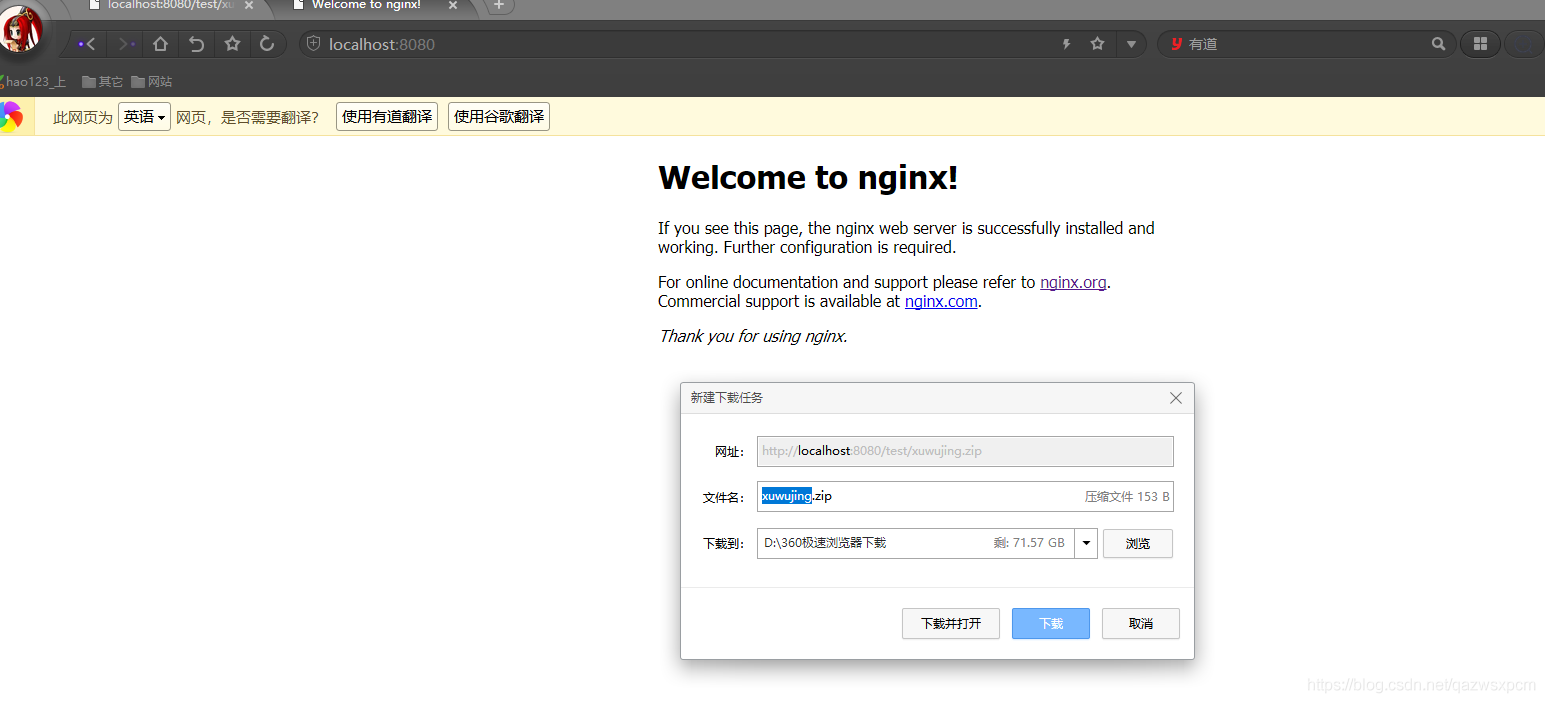
静态文件下载
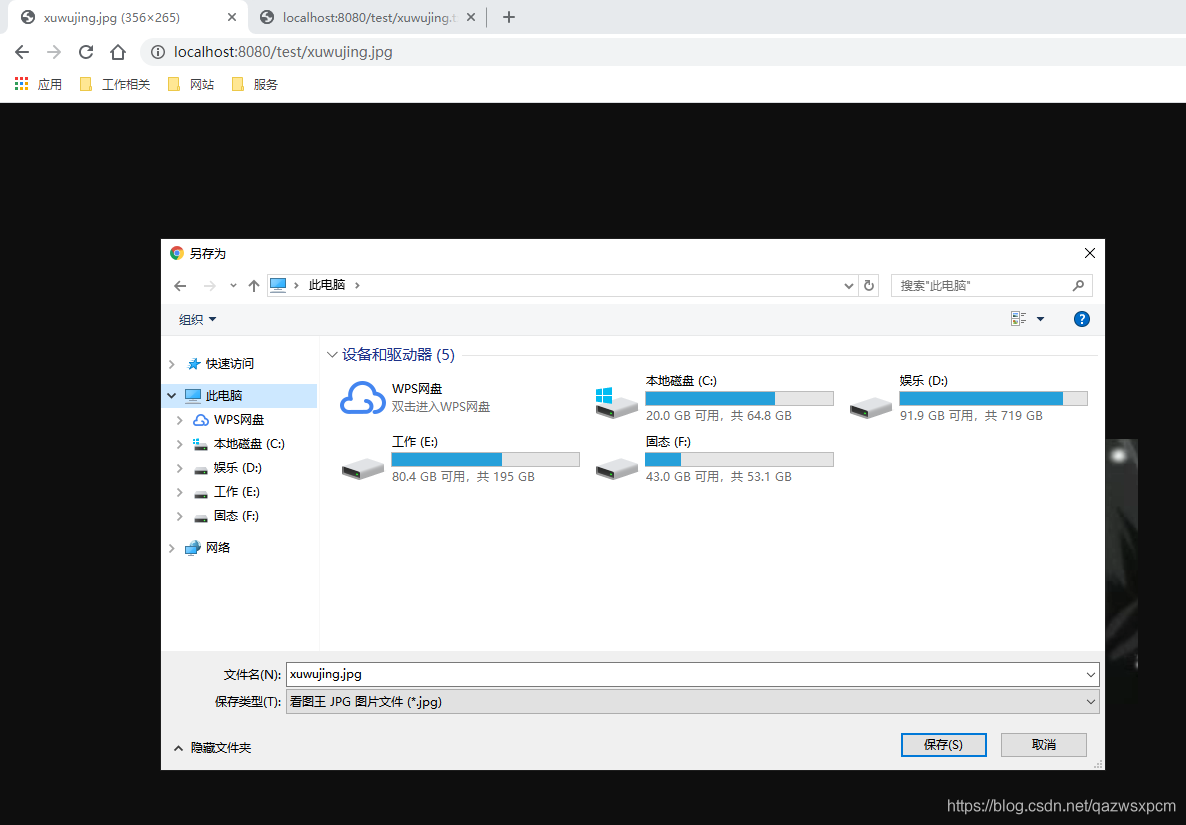
上述的配置可以简单满足一些要求,但是有时候我们想通过nginx进行下载其他的格式的文件时候,比如下载一张图片,但是访问这个url浏览器会自动展现这张图片,那么这时我们就可以通过增加配置,并且让浏览器下载该图片。
例如,我们在访问test目录的静态文件,那么我们在nginx/conf中添加如下配置即可!
1      location /test {
2           add_header Content-Disposition "attachment;";
3        }
示例图:
未加配置的时候:

添加配置的时候:
指定文件存放路径
Nginx的文件路径默认在安装的nginx/html 目录下,如果我们想改变这路径,可以将location 的root 路径进行更改,比如更改到opt目录下 :
1 location / {
2           root   /opt/nginx/nginx-1.8.0/html;
3           index  index.html index.htm;
4}
nginx/conf 配置
那么nginx/conf的配置如下
1worker_processes  1;
2
3events {
4    worker_connections  1024;
5}
6
7
8http {
9    include       mime.types;
10    default_type  application/octet-stream;
11
12    sendfile        on;
13
14    keepalive_timeout  65;
15
16
17
18    server {
19        listen       8080;
20        server_name  localhost;
21
22
23
24             location / {
25            root   /opt/nginx/nginx-1.8.0/html;
26            index  index.html index.htm;
27
28        }
29
30
31        location /test {
32           add_header Content-Disposition "attachment;";
33        }
34
35
36        error_page   500 502 503 504  /50x.html;
37        location = /50x.html {
38            root   html;
39        }
40    }
41}
其他
相关文章
Nginx Linux和Windows安装教程:https://www.cnblogs.com/xuwujing/p/11899890.html
SpringBoot+SpringCloud实现负载均衡: https://www.cnblogs.com/xuwujing/p/10273989.html
Nginx+SpringBoot实现负载均衡: https://www.cnblogs.com/xuwujing/p/11953697.html
音乐推荐
原创不易,如果感觉不错,希望点赞或推荐!您的支持是我写作的最大动力!
版权声明:
作者:虚无境
博客园出处:http://www.cnblogs.com/xuwujing
CSDN出处:http://blog.csdn.net/qazwsxpcm
掘金出处:https://juejin.im/user/5ae45d5bf265da0b8a6761e4
个人博客出处:http://www.panchengming.com