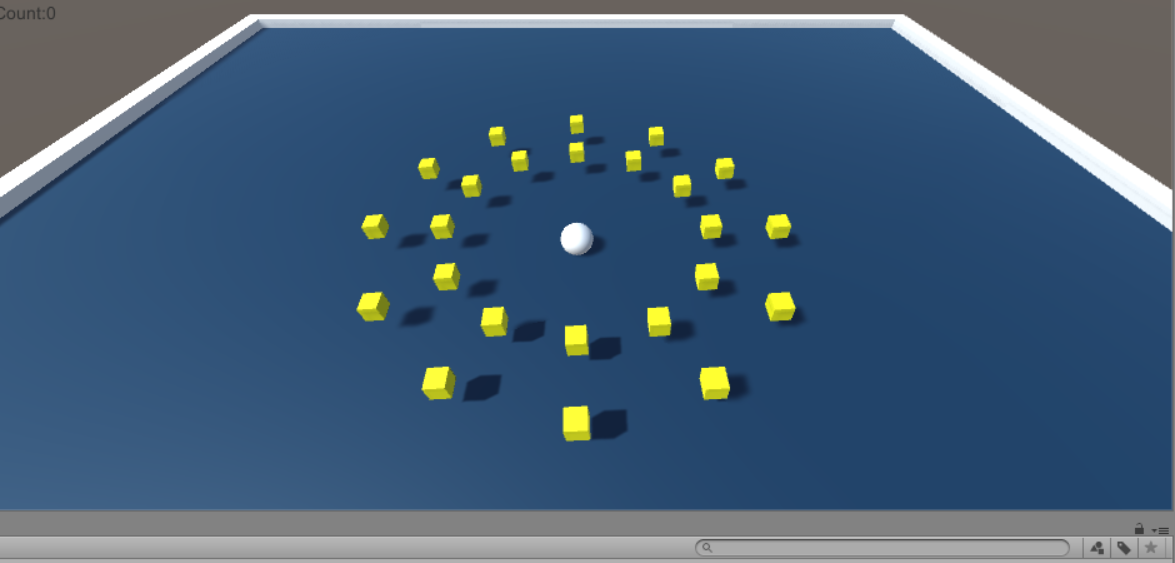
- 制作内容
小球移动吞噬转动的方块
- 制作工具
Unity、Vscode
- 制作步骤
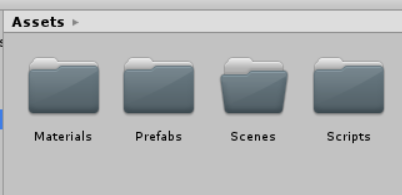
1、新建项目,下载材质素材,创建文件夹(scenes场景、脚本scripts、prefabs预制件),基本设置调整(摄像机调高,45°,取消允许HDR渲染)
2、用Plane建场地,命名为Ground,导入材质文件。
3、做墙体:
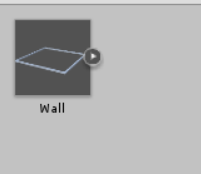
建立空游戏对象Gameproject并命名wall——添加4个Cube调整大小位置作为东南西四边的墙eastwall、westwall、southwall、northwall,可把wall这个墙体作为预制件放入prefabs
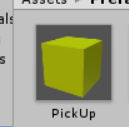
4、添加一个cube对象命名pickup——添加材质,添加Tag,定义一个Tag-pickup(编程时要引用),添加rigidbody(打勾Is Trigger检测碰撞、Is Kinematic使它不受重力影响),写旋转脚本rotatepickup,把设置好的pickup作为预制件
1using System.Collections;
2using System.Collections.Generic;
3using UnityEngine;
4
5public class RotatePickUp : MonoBehaviour {
6
7	// Use this for initialization
8	void Start () {
9
10	}
11
12	// Update is called once per frame
13	void Update () {
14        this.transform.Rotate(new Vector3(15, 30, 45) * Time.deltaTime);//Y轴
15	}
16}
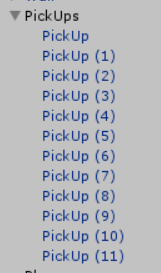
5、在场景中加入12个pickup预制件(设置空游戏对象pickups,放进去一个pickup预制件,复制11个)把12个pickup排成一圈

6、创建一个Sphere对象命名为player——添加rigidbody,添加运动脚本playercontroller)并添加两个text<显示碰撞个数(ui-text)命名counttext,wintext,设置锚点,位置,在playercontroller脚本里添加相关代码
1using System.Collections;
2using System.Collections.Generic;
3using UnityEngine;
4using UnityEngine.UI;
5
6public class PlayerController : MonoBehaviour {
7    public float speed;
8    private Rigidbody rb;
9    public Text countText;
10    public Text winText;
11    private int count;
12	// Use this for initialization
13	void Start () {
14        rb = GetComponent<Rigidbody>();
15        count = 0;
16        winText.text = " ";
17        SetCountText();
18	}
19	void FixedUpdate()//控制横向纵向
20    {
21        float moveHorizontal = Input.GetAxis("Horizontal");
22        float moveVertical = Input.GetAxis("Vertical");
23        Vector3 movement = new Vector3(moveHorizontal, 0, moveVertical);
24        rb.AddForce(movement * speed);
25    }
26
27    void OnTriggerEnter(Collider other)//吃掉
28    {
29        if(other.gameObject .CompareTag ("PickUp"))
30        {
31            other.gameObject.SetActive(false);
32            count += 1;
33            SetCountText();
34        }
35    }
36
37    void SetCountText()
38    {
39        countText.text = "Count:" + count.ToString();
40        if(count>=12)
41        {
42            winText.text = "You Win";
43        }
44    }
45	// Update is called once per frame
46
47	void Update () {
48
49	}
50}
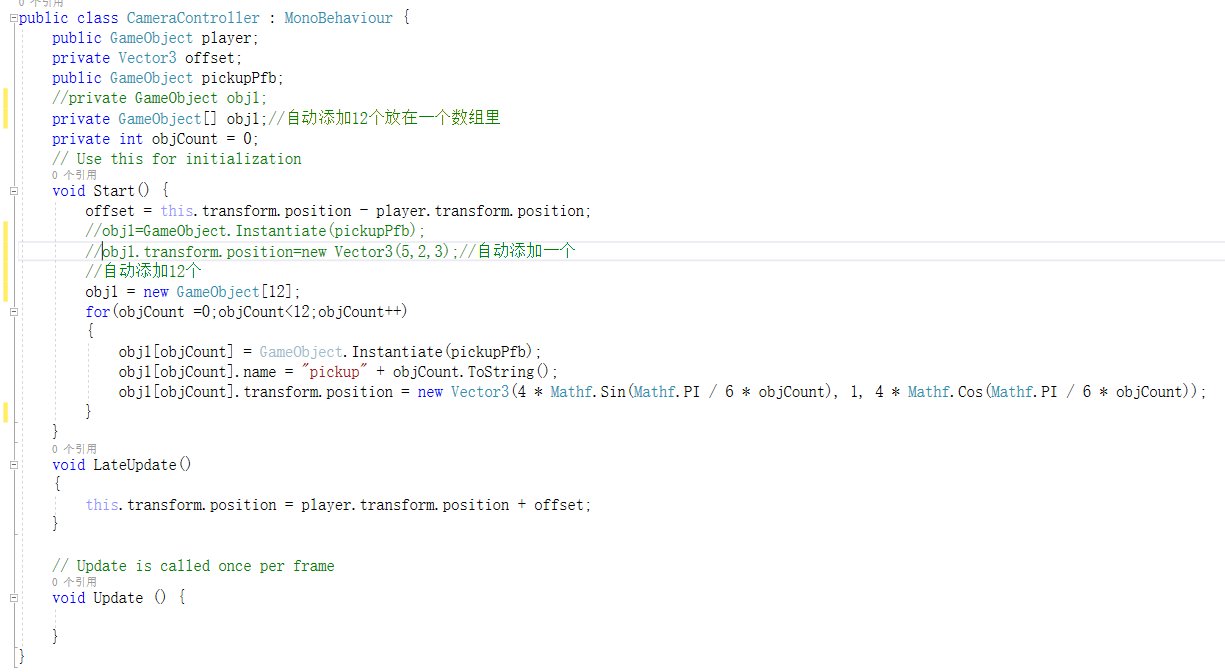
7、写摄像机脚本cameracontroller
1using System.Collections;
2using System.Collections.Generic;
3using UnityEngine;
4
5public class CameraController : MonoBehaviour {
6    public GameObject player;
7    private Vector3 offset;
8    public GameObject pickupPfb;
9    //private GameObject obj1;
10    private GameObject[] obj1;//自动添加12个放在一个数组里
11    private int objCount = 0;
12    // Use this for initialization
13    void Start() {
14        offset = this.transform.position - player.transform.position;
15        //obj1=GameObject.Instantiate(pickupPfb);
16        //obj1.transform.position=new Vector3(5,2,3);//自动添加一个
17        //自动添加12个
18        obj1 = new GameObject[12];
19        for(objCount =0;objCount<12;objCount++)
20        {
21            obj1[objCount] = GameObject.Instantiate(pickupPfb);
22            obj1[objCount].name = "pickup" + objCount.ToString();
23            obj1[objCount].transform.position = new Vector3(4 * Mathf.Sin(Mathf.PI / 6 * objCount), 1, 4 * Mathf.Cos(Mathf.PI / 6 * objCount));
24        }
25    }
26    void LateUpdate()
27    {
28        this.transform.position = player.transform.position + offset;
29    }
30
31	// Update is called once per frame
32	void Update () {
33
34	}
35}
8、也可设计自动生成12个转动的方块