原文链接: tesseract ocr node api使用
安装
https://github.com/UB-Mannheim/tesseract/wiki
https://github.com/tesseract-ocr/tesseract/wiki
https://www.npmjs.com/package/tesseract.js
目前用过的在线api有百度ocr, 腾讯ocr, 这两个半斤八两吧感觉
第一次使用会有点慢, 是因为需要下载数据文件
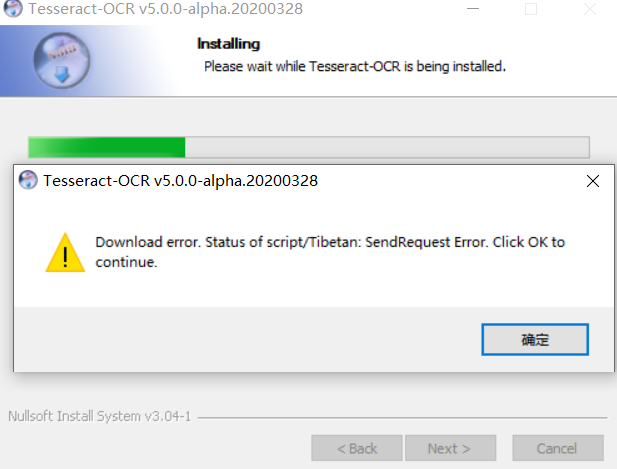
windows
https://github.com/UB-Mannheim/tesseract/wiki
ubuntu
1sudo apt install tesseract-ocr
2sudo apt install libtesseract-dev
3
4
5sudo vi /etc/apt/sources.list
6
7Copy the first line "deb http://archive.ubuntu.com/ubuntu bionic main" and paste it as shown below on the next line.
8If you are using a different release of ubuntu, then replace bionic with the respective release name.
9
10deb http://archive.ubuntu.com/ubuntu bionic universe
安装
yarn add tesseract.js
使用
1// sudo apt install tesseract-ocr -y
2// sudo apt install libtesseract-dev -y
3
4// import Tesseract from "tesseract.js";
5const Tesseract = require("tesseract.js");
6// Tesseract.recognize("./word.png", "eng", {
7Tesseract.recognize("./output.png", "eng", {
8  logger: (m) => console.log(m),
9}).then(({ data: { text } }) => {
10  console.log("text:", text);
11});
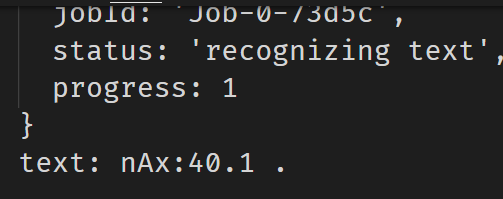
好像有点不太行...