原文链接: vscode 中使用新windows terminal 并修改主题
目前没有找到能在vscode中使用的办法... 建议还是cmder吧, 不要瞎折腾了
还是gg好啊, 找了一会就找到了, 浪费我几个小时用bing和百度...
我单方面宣布, 这就是最好看的windows终端了
https://docs.microsoft.com/zh-cn/windows/terminal/
https://github.com/microsoft/terminal
https://iterm2colorschemes.com/
https://windowsterminalthemes.dev/
cmder太慢了...所以想试试windows terminal
安装
直接在应用商店安装就行
这个看着是触摸板和手写板的问题

修改配置文件
~\AppData\Local\Packages\Microsoft.WindowsTerminal_8wekyb3d8bbwe\RoamingState\profiles.json
主题切换
https://github.com/Crawler995/wtcolor
报错 https://blog.csdn.net/hl971115/article/details/102078132
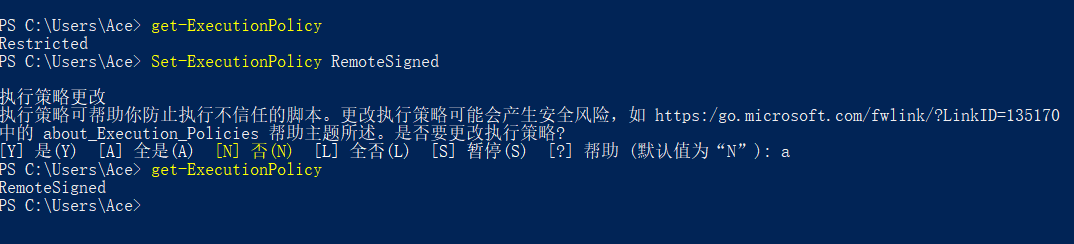
1wtcolor : 无法加载文件 C:\Users\Ace\AppData\Roaming\npm\wtcolor.ps1,因为在此系统上禁止运行脚本。有关详细信息,请参阅 h
2ttps:/go.microsoft.com/fwlink/?LinkID=135170 中的 about_Execution_Policies。

以管理员身份运行ps, 然后重新设置模式
报错, 原因是文件名修改了
1× Open config file failed! Please check the given path.
2
3C:\Users\Ace\AppData\Roaming\npm\node_modules\wtcolor
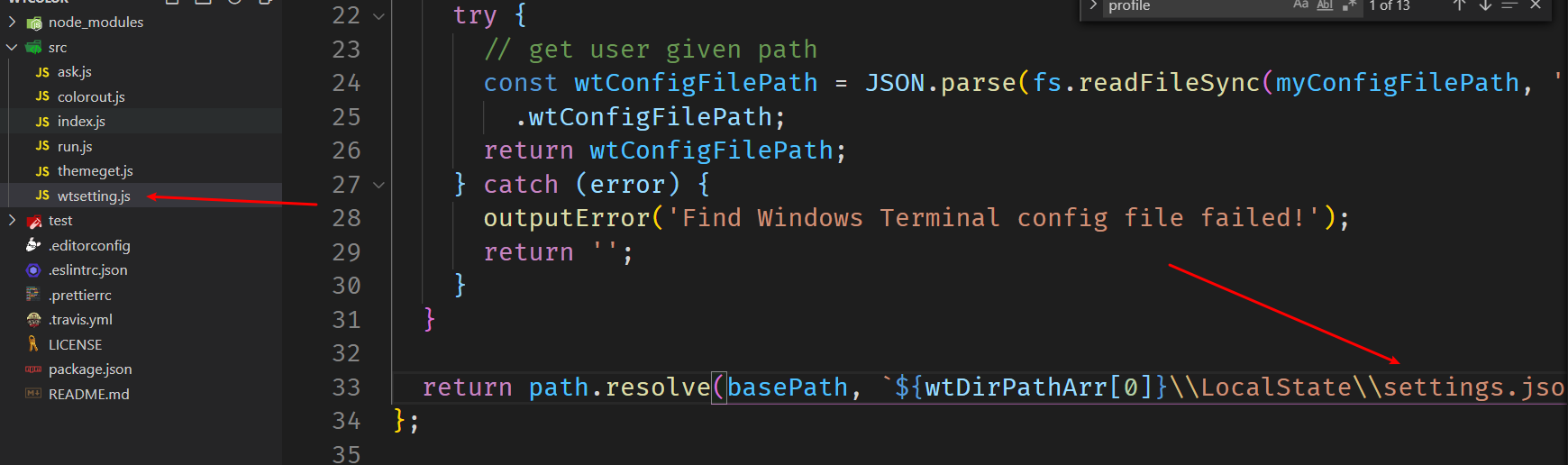
安装git支持, powershell 管理员模式运行
1Install-Module posh-git -Scope CurrentUser
2Install-Module oh-my-posh -Scope CurrentUser
3
4Install-Module -Name PSReadLine -Scope CurrentUser -Force -SkipPublisherCheck
创建配置文件, 使用$PROFILE可以看到文件位置
New-Item -ItemType file -Path $PROFILE -Force
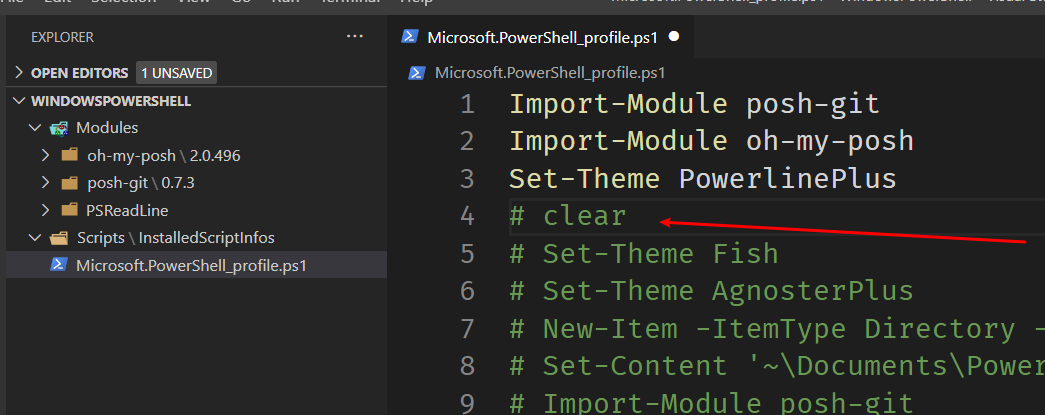
在配置文件中加入
1Import-Module posh-git
2Import-Module oh-my-posh
3Set-Theme PowerlinePlus
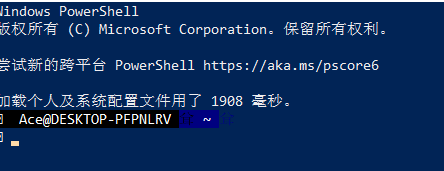
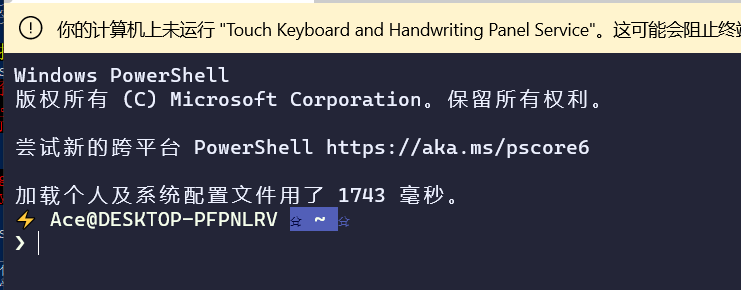
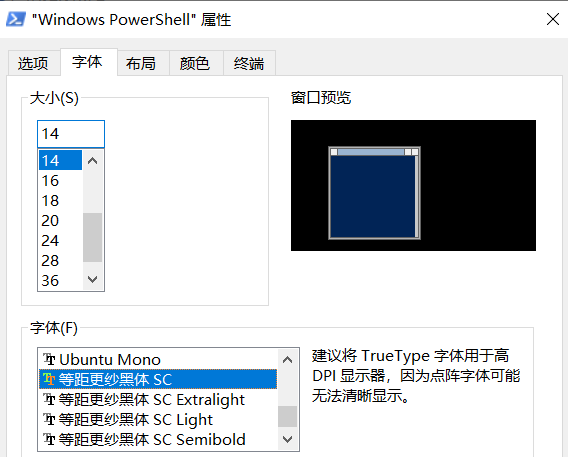
安装字体
选择ttf, 然后全部安装
https://github.com/microsoft/cascadia-code/releases
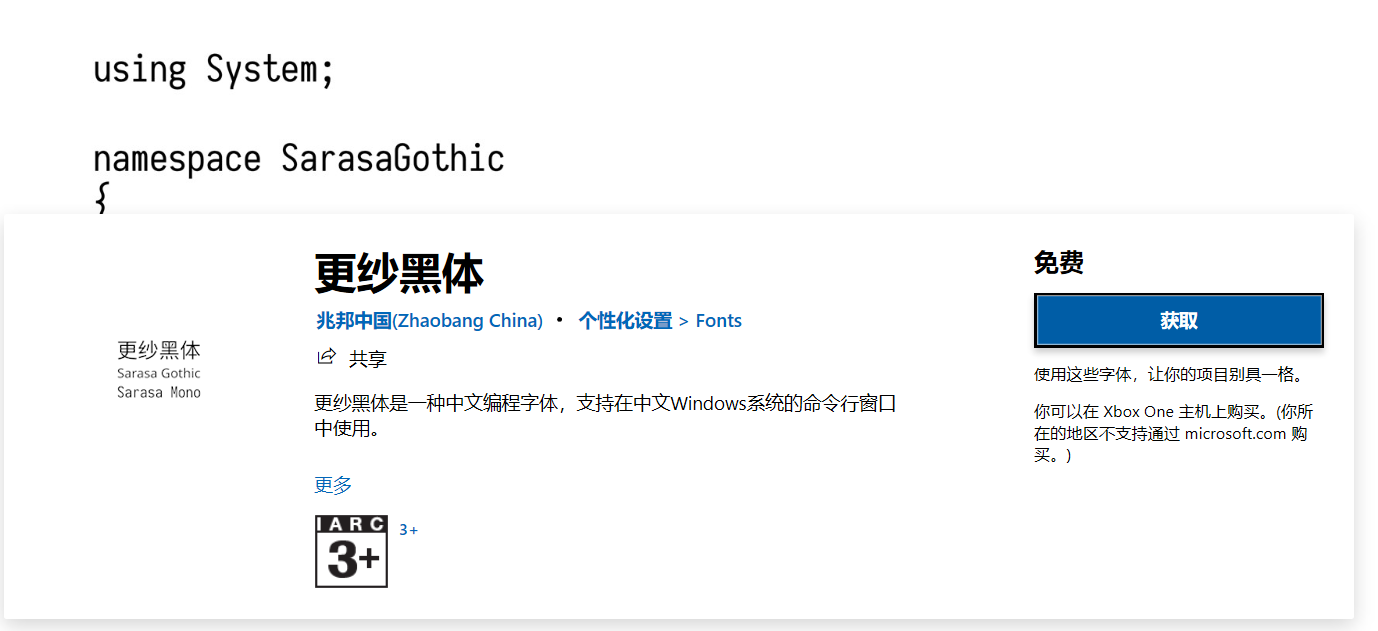
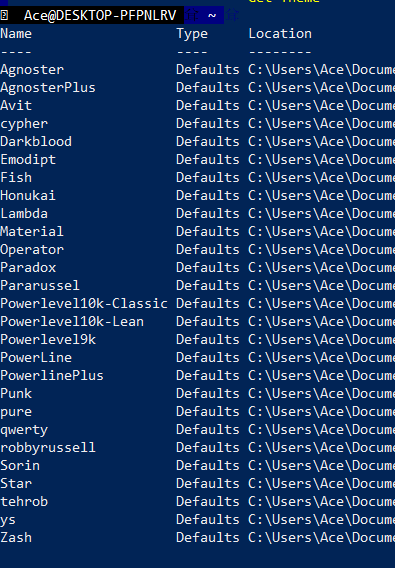
查看主题
Get-Theme
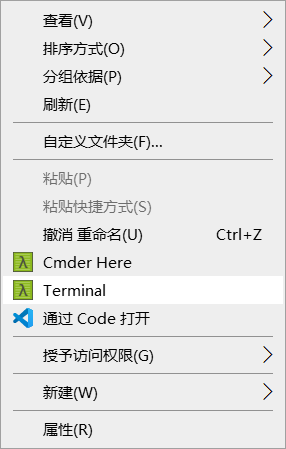
加入右键菜单
添加注册表, Terminal是新建项, command也是新建项, Icon是新建字符串, command中的值是wt的位置, 图标用的cmder的
1where wt
2C:\Users\Ace\AppData\Local\Microsoft\WindowsApps\wt.exe


wt添加启动目录
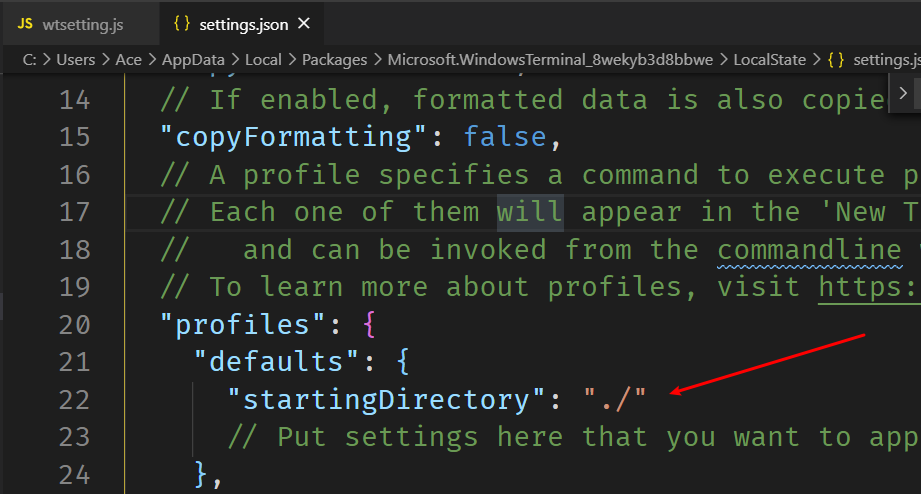
好像也慢了不少啊....
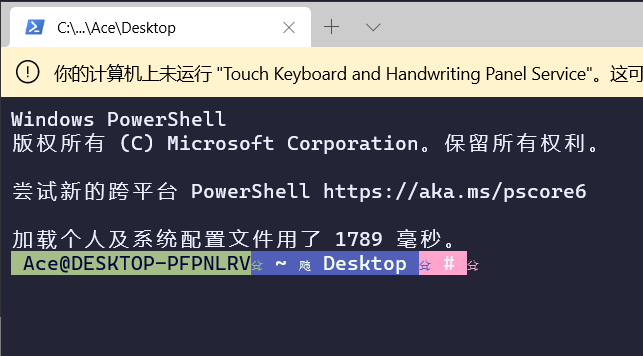
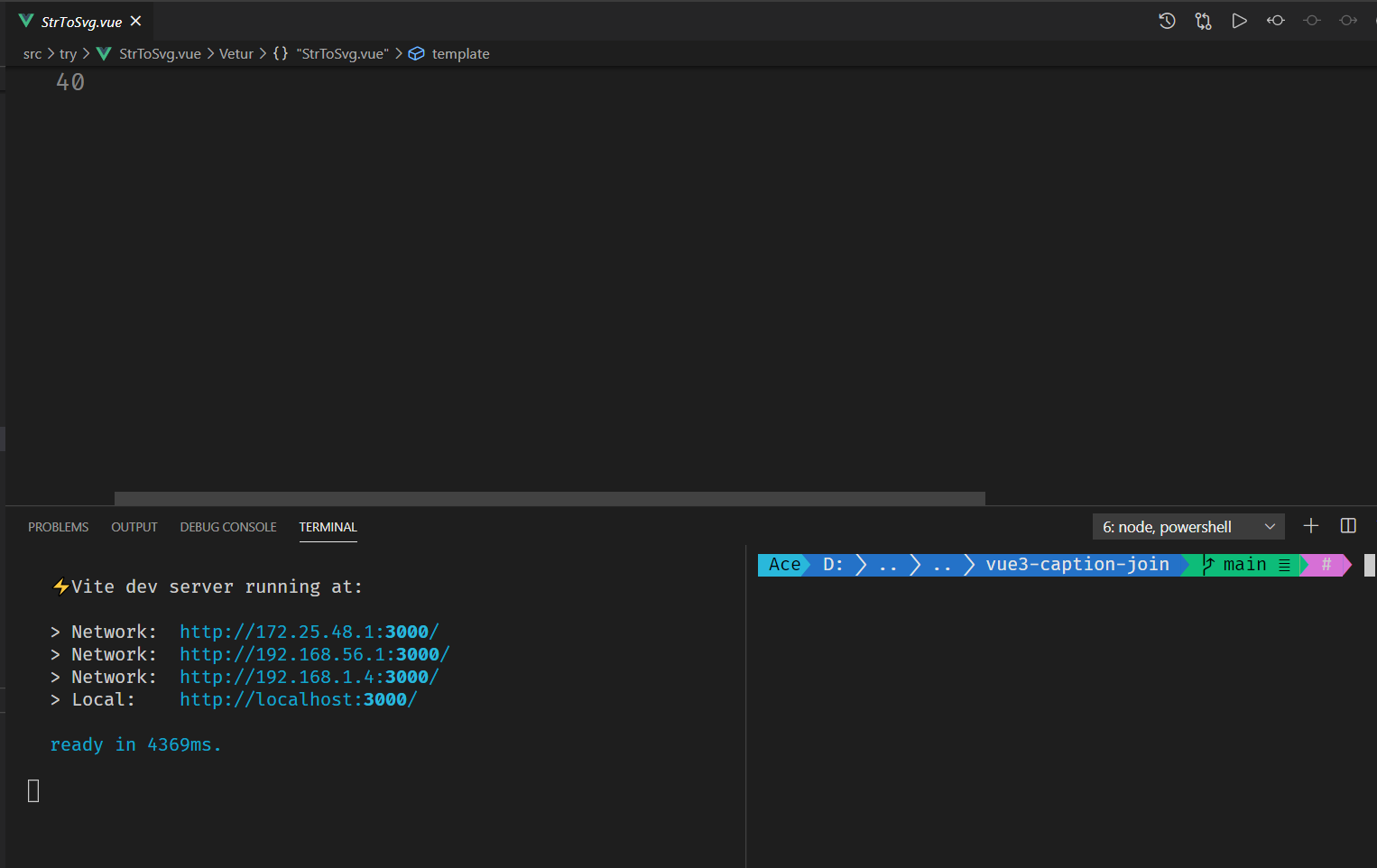
在vscode中使用
好像没有解决办法... 每次都会重新弹出来一个新窗口...
"terminal.external.windowsExec": "wt -p cmd cmd",
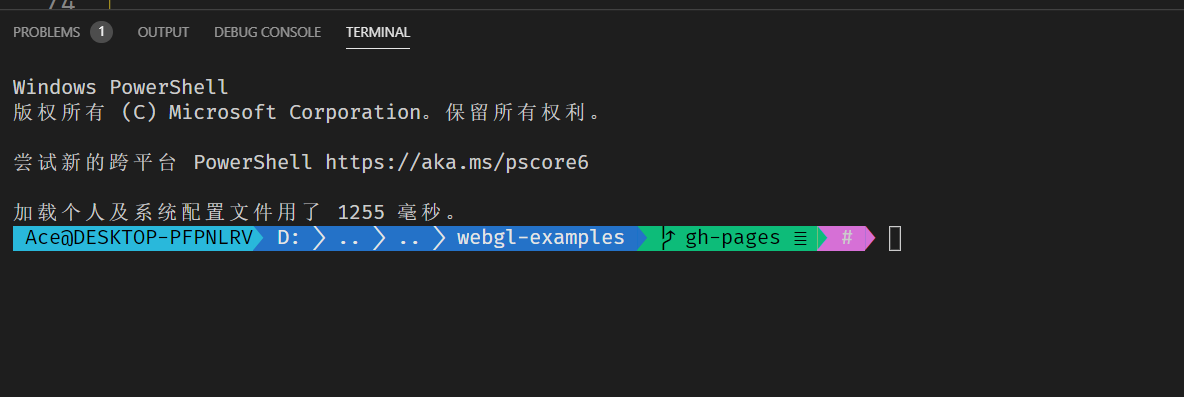
修改配置文件
1  "profiles": {
2    "defaults": {
3      //   "startingDirectory": "./",
4      "startingDirectory": "%__CD__%",
5      "fontFace": "Fira Code",
6      "fontSize": 16,
7      "useAcrylic": true,
8      "snapOnInput": true,
9      "supportApplicationTitle": true
10      // Put settings here that you want to apply to all profiles.
11    },
用这种方式吧, ps也是一样的 , 并且可以去除开始的文字, 可以少加一个clear
1  "terminal.integrated.shell.windows": "C:/Windows/System32/WindowsPowerShell/v1.0/powershell.exe",
2  "terminal.integrated.shellArgs.windows": ["-nologo"],