
本地 windows 10 ,托管平台 码云 ,另一个远程仓库环境 Linux
1 首先码云新建仓库
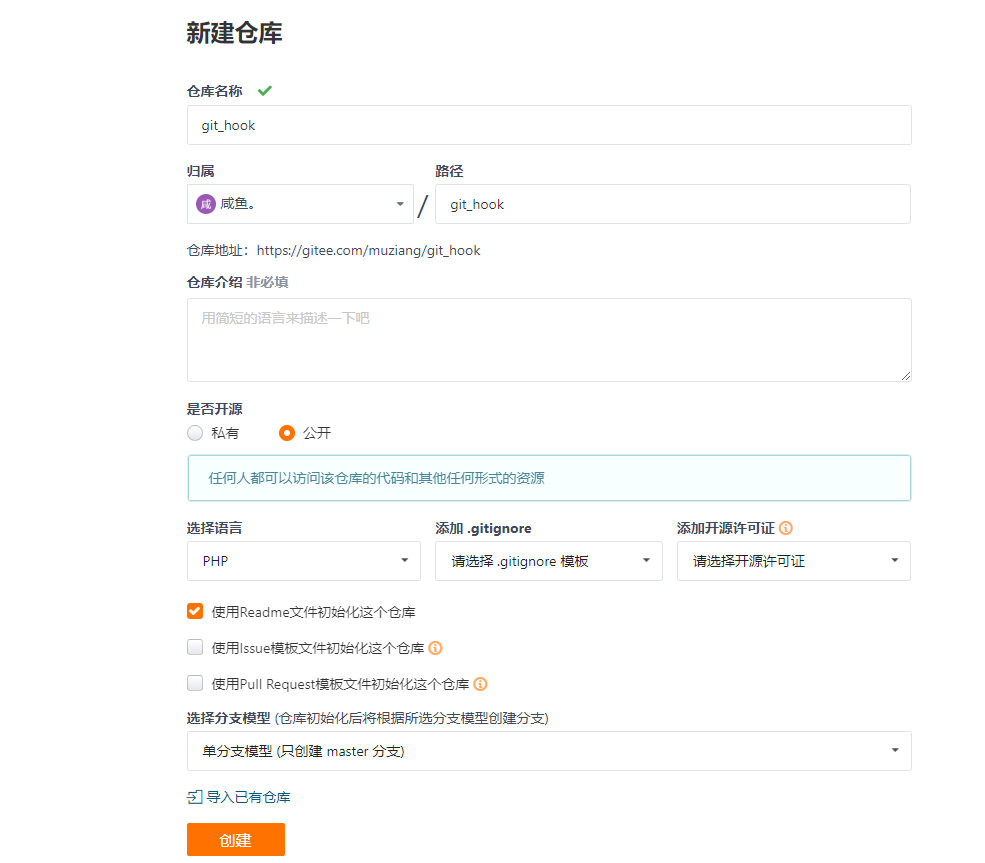
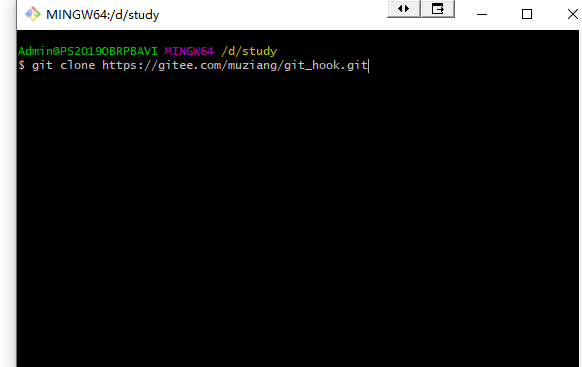
2 windows 本地拉取刚才项目
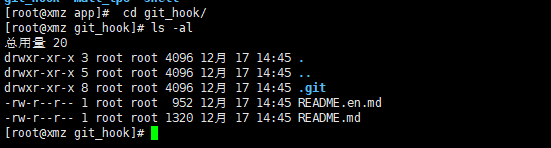
3 linux拉取刚才新仓库

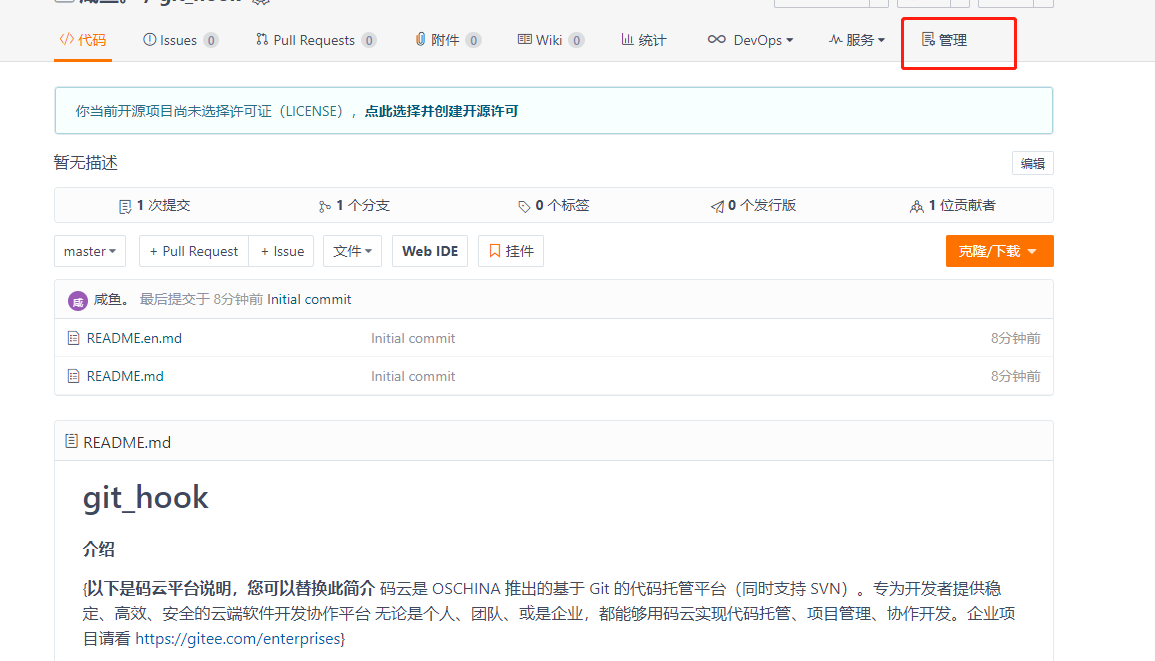
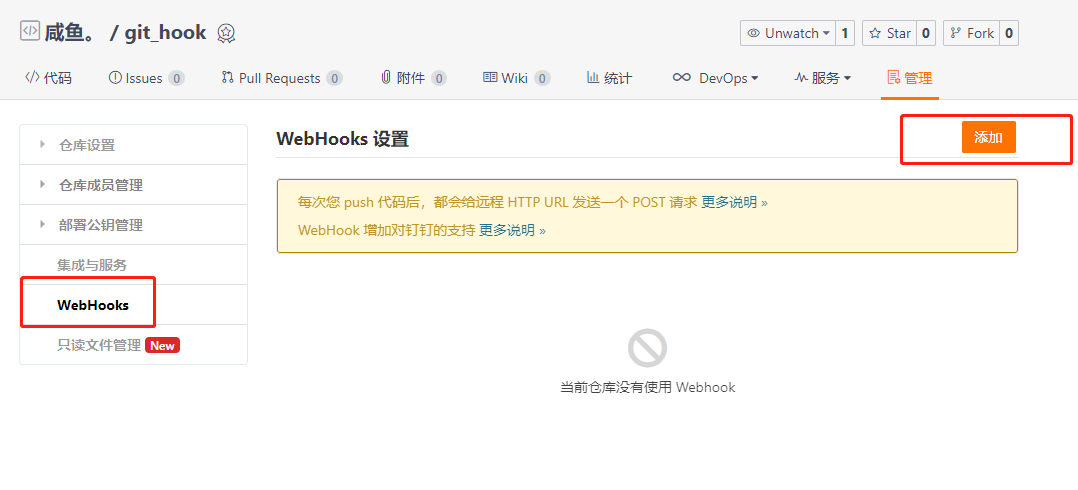
4 进入码云控制台刚才仓库-管理-WebHooks-添加
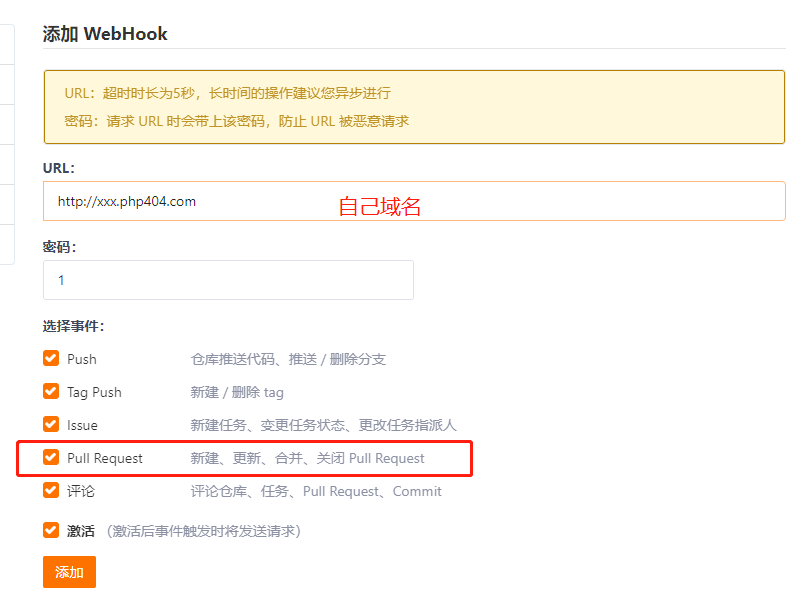
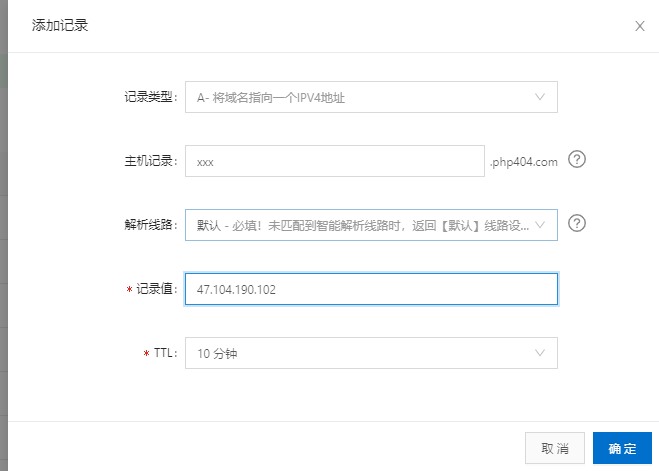
5,域名解析,nginx添加二级域名

vim xxx.conf, 修改server_name root wq!保存退出,
然后 service nginx restart 重启nginx
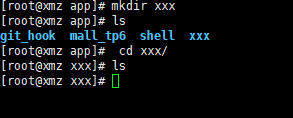
然后 cd /app
mkdir xxx
cd xxx

vim index.php <? phpinfo();
如果输出下图,说明webhooks配置成功

接下来修改index.php内容为
1<?php
2$json = file_get_contents("php://input");
3$data = json_decode($json,true);
4if (isset($data['ref']) && $data['total_commits_count']>0) {
5    $res = PHP_EOL."pull start ---------------------------------------------".PHP_EOL;
6    $res .= shell_exec("cd /app/xxx && git pull  2<&1 ");
7    $res_log = '------------------------------------------------------------'.PHP_EOL;
8    $res_log .= $data['user_name'] . ' 在' . date('Y-m-d H:i:s') . '向' . $data['repository']['name'] . '项目的' . $data['ref'] . '分支push了' . $data['total_commits_count'] . '个commit:'.$data['commits']['message'];
9    $res_log .= $res.PHP_EOL;
10    $res_log .= "pull end -----------------------------------------------------".PHP_EOL;
11    file_put_contents("/home/wwwlogs/webhook/".date('Y-m-d',time()).".txt", $res_log, FILE_APPEND);//写入日志到log文件中
12}
wq!保存退出
回到本地新建个1.txt 新增-提交-推送到远程仓库
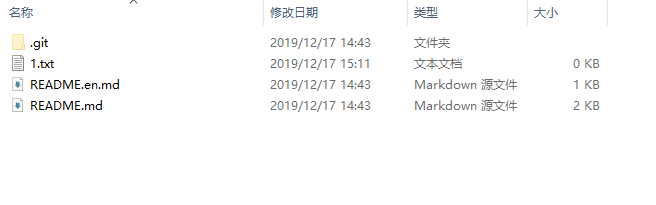
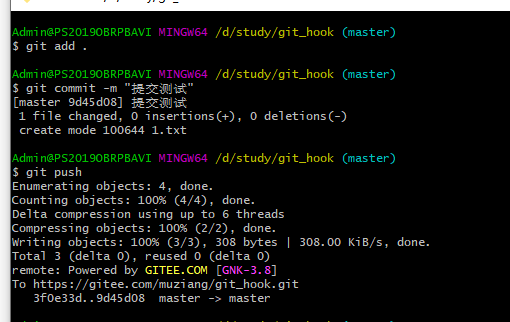
回到linux /app/git_hook文件夹下 ls, what fuck ? 没东西??
再看一下刚才/app/xxx/index.php 文件内容 最后一行为 写入文件到/home/wwwlogs/webhook/下? 进入/home下 ls 空空如也,原因是没有权限,
好吧 手动新建 mkdir -p /wwwlogs/webhook 建完给权限 chmod -R 777 wwwlogs/
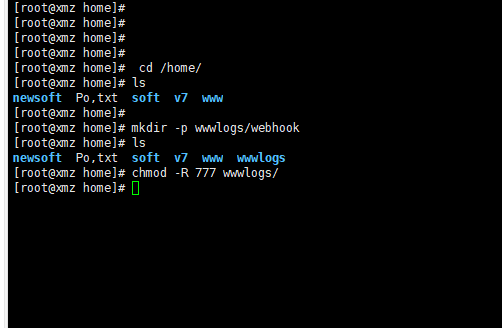
好吧,回到本地新增个2.txt, 提交-推送,再回到/app/git_hook ls 还是空空如也 ,进入/home/wwwlogs/webhook/目录下
看到日志写进去了 cat 日志名称
内容如下
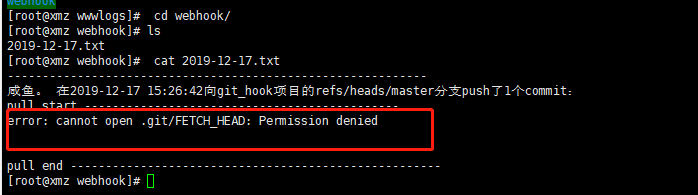
进入 app 目录下 查看 git_hook权限 cd /app&ll 看到是root用户root组
chown -R www:www git_hook/
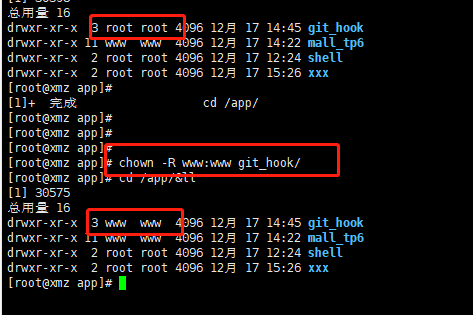
重新再本地新建3.txt 提交 推送 . 回到Linux 看到已经自动更新成功
附录 nginx 配置
1server {
2        charset utf-8;
3        client_max_body_size 128M;
4        listen 80;
5        server_name  xxx.php404.com;
6        root  /app/xxx;
7        index  index.php;
8
9        location ~* \.(eot|otf|ttf|woff)$ {
10            add_header Access-Control-Allow-Origin *;
11        }
12
13
14        location / {
15            index    index.html index.php;
16
17
18            if ( !-e $request_filename) {
19                rewrite ^/(.*)$ /index.php/$1 last;
20                break;
21            }
22         #autoindex  on;
23        }
24
25        location ~ \.php {
26            set $script $uri;
27            set $path_info "";
28            if ($uri ~ "^(.+\.php)(/.+)") {
29                set $script $1;
30                set $path_info $2;
31            }
32            include   fastcgi_params;
33            fastcgi_index    index.php?IF_REWRITE=1;
34            fastcgi_pass   127.0.0.1:9000;
35            fastcgi_param    PATH_INFO    $path_info;
36            fastcgi_param    SCRIPT_FILENAME    $document_root$fastcgi_script_name;
37            fastcgi_param    SCRIPT_NAME    $script;
38            try_files $uri =404;
39        }
40    access_log  /var/log/nginx/dubang-access.log  mains;
41    }