1. 引入依赖
在父工程中,我们已经管理了依赖,版本为:
<fastDFS.client.version>1.26.7</fastDFS.client.version>
因此,这里我们直接在工程的pom.xml中引入坐标即可:
1<dependency>
2    <groupId>com.github.tobato</groupId>
3    <artifactId>fastdfs-client</artifactId>
4</dependency>
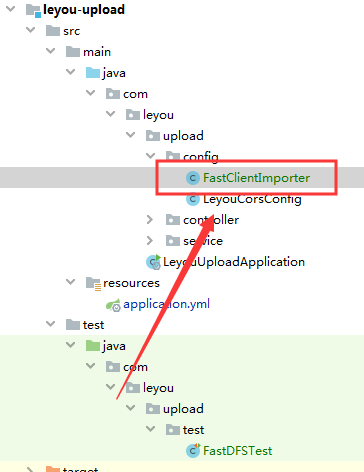
1@Configuration
2@Import(FdfsClientConfig.class)
3// 解决jmx重复注册bean的问题
4@EnableMBeanExport(registration = RegistrationPolicy.IGNORE_EXISTING)
5public class FastClientImporter {
6
7}
2. 在application.yml文件中编写FastDFS属性
1fdfs:
2  so-timeout: 1501 # 超时时间
3  connect-timeout: 601 # 连接超时时间
4  thumb-image: # 缩略图
5    width: 60
6    height: 60
7  tracker-list: # tracker地址:你的虚拟机服务器地址+端口(默认是22122)
8    - 192.168.0.22:22122
3. 测试
1package com.leyou.upload.test;
2
3import com.github.tobato.fastdfs.domain.fdfs.StorePath;
4import com.github.tobato.fastdfs.domain.fdfs.ThumbImageConfig;
5import com.github.tobato.fastdfs.service.FastFileStorageClient;
6import org.junit.Test;
7import org.junit.runner.RunWith;
8import org.springframework.beans.factory.annotation.Autowired;
9import org.springframework.boot.test.context.SpringBootTest;
10import org.springframework.test.context.junit4.SpringRunner;
11
12import java.io.File;
13import java.io.FileInputStream;
14import java.io.FileNotFoundException;
15
16/**
17 * @author john
18 * @date 2019/12/6 - 15:09
19 */
20@SpringBootTest
21@RunWith(SpringRunner.class)
22public class FastDFSTest {
23
24    @Autowired
25    private FastFileStorageClient storageClient;
26
27    @Autowired
28    private ThumbImageConfig thumbImageConfig;
29
30    @Test
31    public void testUpload() throws FileNotFoundException {
32        // 要上传的文件
33        File file = new File("D:\\imooc\\project\\images\\1.jpg");
34        // 上传并保存图片,参数:1-上传的文件流 2-文件的大小 3-文件的后缀 4-可以不管他
35        StorePath storePath = this.storageClient.uploadFile(
36                new FileInputStream(file), file.length(), "jpg", null);
37        // 带分组的路径
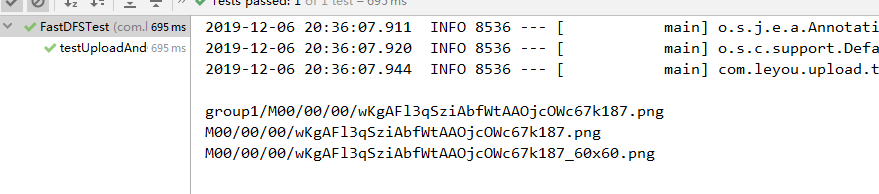
38        System.out.println(storePath.getFullPath());
39        // 不带分组的路径
40        System.out.println(storePath.getPath());
41    }
42
43    @Test
44    public void testUploadAndCreateThumb() throws FileNotFoundException {
45        File file = new File("D:\\imooc\\project\\images\\2.jpg");
46        // 上传并且生成缩略图
47        StorePath storePath = this.storageClient.uploadImageAndCrtThumbImage(
48                new FileInputStream(file), file.length(), "png", null);
49        // 带分组的路径
50        System.out.println(storePath.getFullPath());
51        // 不带分组的路径
52        System.out.println(storePath.getPath());
53        // 获取缩略图路径
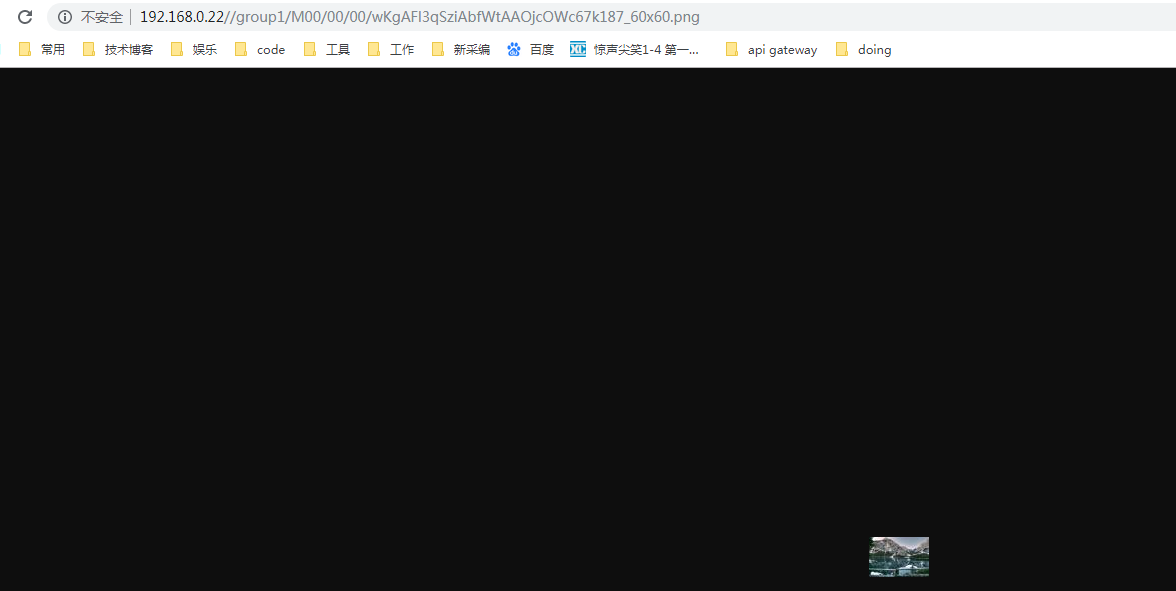
54        String path = thumbImageConfig.getThumbImagePath(storePath.getPath());
55        System.out.println(path);
56    }
57}