
@TOC
一、dnf工具介绍
1. dnf工具简介
DNF(Dandified Yum)是Fedora Linux操作系统中的一个包管理器,它是基于Yum开发的。它的主要特点是快速、可靠、易用和优秀的用户体验。
2. dnf的功能
DNF提供了许多强大的功能和命令行工具,包括:
-
安装和升级软件包:可以使用dnf install和dnf update命令来安装和升级软件包。
-
查询和列出软件包:可以使用dnf search和dnf list命令来查询和列出软件包。
-
删除软件包:可以使用dnf remove命令来删除已安装的软件包。
-
清理系统:可以使用dnf clean命令来清理系统中的软件包缓存和元数据。
-
版本管理:可以使用dnf history命令来查看软件包操作历史记录,并进行回滚或重做操作。
-
软件包组管理:可以使用dnf group命令来安装、升级和删除软件包组。
-
存储库管理:可以使用dnf repolist命令来列出系统中的存储库,并使用dnf config命令来配置存储库。
二、DNF的安装
1. 检查本地操作系统版本
检查本地操作系统版本
1[root@jeven ~]# cat /etc/system-release
2CentOS Linux release 7.6.1810 (Core)
3
2. 安装epel
- 配置epel,启动epel的yum仓库。
1yum install epel-release -y
- 或者使用阿里云的epel源
1wget -O /etc/yum.repos.d/epel.repo https://mirrors.aliyun.com/repo/epel-7.repo
3. 检查本地yum仓库状态
检查本地yum仓库状态
1[root@jeven ~]# yum repolist all |grep enable
2!base/7/x86_64        CentOS-7 - Base - mirrors.aliyun.com       enabled: 10,072
3epel/x86_64           Extra Packages for Enterprise Linux 7 - x8 enabled: 13,753
4!extras/7/x86_64      CentOS-7 - Extras - mirrors.aliyun.com     enabled:    515
5!updates/7/x86_64     CentOS-7 - Updates - mirrors.aliyun.com    enabled:  5,053
6
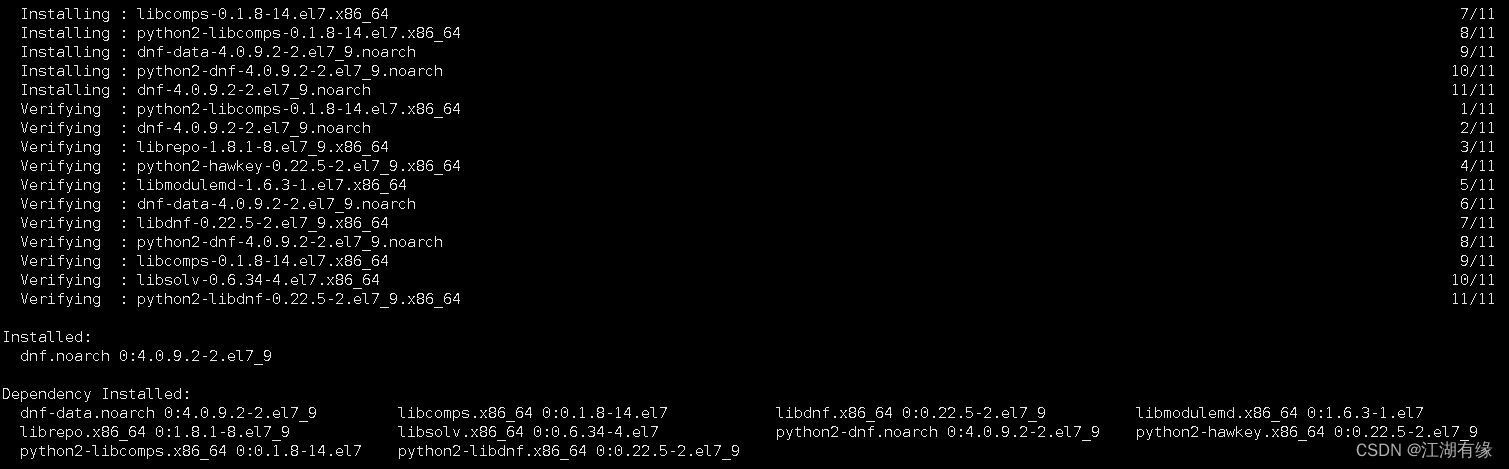
4. 安装dnf包
使用yum安装dnf包
1yum install dnf -y
三、dnf的使用帮助
1. 查看dnf版本
查看dnf包管理器版本
1[root@jeven ~]# dnf --version
24.0.9
3  Installed: dnf-0:4.0.9.2-2.el7_9.noarch at Mon 03 Jul 2023 11:24:14 AM CST
4  Built    : CentOS BuildSystem <http://bugs.centos.org> at Wed 07 Apr 2021 03:52:38 PM CST
5
6  Installed: rpm-0:4.11.3-48.el7_9.x86_64 at Sat 24 Jun 2023 10:08:53 PM CST
7  Built    : CentOS BuildSystem <http://bugs.centos.org> at Wed 24 Nov 2021 04:33:39 PM CST
8
2. 查看dnf命令的帮助信息
查看DNF在Linux的help帮助信息
1[root@jeven ~]# dnf --help
2usage: dnf [options] COMMAND
3
4List of Main Commands:
5
6alias                     List or create command aliases
7autoremove                remove all unneeded packages that were originally installed as dependencies
8check                     check for problems in the packagedb
9check-update              check for available package upgrades
10clean                     remove cached data
11deplist                   List package's dependencies and what packages provide them
12distro-sync               synchronize installed packages to the latest available versions
13downgrade                 Downgrade a package
14group                     display, or use, the groups information
15help                      display a helpful usage message
16history                   display, or use, the transaction history
17info                      display details about a package or group of packages
18install                   install a package or packages on your system
19list                      list a package or groups of packages
20makecache                 generate the metadata cache
21mark                      mark or unmark installed packages as installed by user.
22module                    Interact with Modules.
23provides                  find what package provides the given value
24reinstall                 reinstall a package
25remove                    remove a package or packages from your system
26repolist                  display the configured software repositories
27repoquery                 search for packages matching keyword
28repository-packages       run commands on top of all packages in given repository
29search                    search package details for the given string
30shell                     run an interactive DNF shell
31swap                      run an interactive dnf mod for remove and install one spec
32updateinfo                display advisories about packages
33upgrade                   upgrade a package or packages on your system
34upgrade-minimal           upgrade, but only 'newest' package match which fixes a problem that affects your system
35
36Optional arguments:
37  -c [config file], --config [config file]
38                        config file location
39  -q, --quiet           quiet operation
40  -v, --verbose         verbose operation
41  --version             show DNF version and exit
42  --installroot [path]  set install root
43  --nodocs              do not install documentations
44  --noplugins           disable all plugins
45  --enableplugin [plugin]
46                        enable plugins by name
47  --disableplugin [plugin]
48                        disable plugins by name
49  --releasever RELEASEVER
50                        override the value of $releasever in config and repo
51                        files
52  --setopt SETOPTS      set arbitrary config and repo options
53  --skip-broken         resolve depsolve problems by skipping packages
54  -h, --help, --help-cmd
55                        show command help
56  --allowerasing        allow erasing of installed packages to resolve
57                        dependencies
58  -b, --best            try the best available package versions in
59                        transactions.
60  -C, --cacheonly       run entirely from system cache, don't update cache
61  -R [minutes], --randomwait [minutes]
62                        maximum command wait time
63  -d [debug level], --debuglevel [debug level]
64                        debugging output level
65  --debugsolver         dumps detailed solving results into files
66  --showduplicates      show duplicates, in repos, in list/search commands
67  -e ERRORLEVEL, --errorlevel ERRORLEVEL
68                        error output level
69  --obsoletes           enables dnf's obsoletes processing logic for upgrade
70                        or display capabilities that the package obsoletes for
71                        info, list and repoquery
72  --rpmverbosity [debug level name]
73                        debugging output level for rpm
74  -y, --assumeyes       automatically answer yes for all questions
75  --assumeno            automatically answer no for all questions
76  --enablerepo [repo]
77  --disablerepo [repo]
78  --repo [repo], --repoid [repo]
79                        enable just specific repositories by an id or a glob,
80                        can be specified multiple times
81  --enable, --set-enabled
82                        enable repos with config-manager command
83                        (automatically saves)
84  --disable, --set-disabled
85                        disable repos with config-manager command
86                        (automatically saves)
87  -x [package], --exclude [package], --excludepkgs [package]
88                        exclude packages by name or glob
89  --disableexcludes [repo], --disableexcludepkgs [repo]
90                        disable excludepkgs
91  --repofrompath [repo,path]
92                        label and path to additional repository, can be
93                        specified multiple times.
94  --noautoremove        disable removal of dependencies that are no longer
95                        used
96  --nogpgcheck          disable gpg signature checking (if RPM policy allows)
97  --color COLOR         control whether color is used
98  --refresh             set metadata as expired before running the command
99  -4                    resolve to IPv4 addresses only
100  -6                    resolve to IPv6 addresses only
101  --destdir DESTDIR, --downloaddir DESTDIR
102                        set directory to copy packages to
103  --downloadonly        only download packages
104  --comment COMMENT     add a comment to transaction
105  --bugfix              Include bugfix relevant packages, in updates
106  --enhancement         Include enhancement relevant packages, in updates
107  --newpackage          Include newpackage relevant packages, in updates
108  --security            Include security relevant packages, in updates
109  --advisory ADVISORY, --advisories ADVISORY
110                        Include packages needed to fix the given advisory, in
111                        updates
112  --bzs BUGZILLA        Include packages needed to fix the given BZ, in
113                        updates
114  --cves CVES           Include packages needed to fix the given CVE, in
115                        updates
116  --sec-severity {Critical,Important,Moderate,Low}, --secseverity {Critical,Important,Moderate,Low}
117                        Include security relevant packages matching the
118                        severity, in updates
119  --forcearch ARCH      Force the use of an architecture
120
3. dnf命令的选项解释
dnf命令的选项解释
1DNF(Dandified Yum)是Fedora、CentOS、RHEL等Linux发行版上最新的包管理工具,下面是DNF工具常用选项的解释:
2
31. `install`:安装一个或多个软件包
42. `remove`:卸载一个或多个软件包
53. `update`:更新现有的软件包
64. `upgrade`:更新系统中所有软件包(包括依赖项)
75. `info`:查询软件包详细信息
86. `search`:搜索软件包
97. `list`:列出系统中所有已安装的软件包
108. `clean`:清除系统中的缓存
119. `check-update`:检查系统中可用的更新
1210. `repository`:管理 YUM 仓库
1311. `module`:管理模块
1412. `group`:管理软件包组
1513. `config-manager`:管理 DNF 配置文件和库
1614. `version`:查看 DNF 版本信息
四、dnf命令的基本使用
1. 查询dnf软件库
- 查看系统中可用的DNF软件库
1[root@jeven ~]# dnf repolist
2Extra Packages for Enterprise Linux 7 - x86_64                                                                                         6.5 MB/s |  17 MB     00:02
3CentOS-7 - Base - mirrors.aliyun.com                                                                                                   7.0 MB/s |  10 MB     00:01
4CentOS-7 - Updates - mirrors.aliyun.com                                                                                                8.2 MB/s |  27 MB     00:03
5CentOS-7 - Extras - mirrors.aliyun.com                                                                                                 978 kB/s | 332 kB     00:00
6repo id                                                      repo name                                                                                           status
7base                                                         CentOS-7 - Base - mirrors.aliyun.com                                                                10,072
8epel                                                         Extra Packages for Enterprise Linux 7 - x86_64                                                      13,753
9extras                                                       CentOS-7 - Extras - mirrors.aliyun.com                                                                 515
10updates                                                      CentOS-7 - Updates - mirrors.aliyun.com                                                              5,053
- 查询系统中所有的 DNF软件库,包括可用于不可用的。
1[root@jeven ~]# dnf repolist all
2Last metadata expiration check: 0:01:45 ago on Mon 03 Jul 2023 07:32:09 PM CST.
3repo id                                                repo name                                                                                        status
4base                                                   CentOS-7 - Base - mirrors.aliyun.com                                                             enabled: 10,072
5centosplus                                             CentOS-7 - Plus - mirrors.aliyun.com                                                             disabled
6contrib                                                CentOS-7 - Contrib - mirrors.aliyun.com                                                          disabled
7epel                                                   Extra Packages for Enterprise Linux 7 - x86_64                                                   enabled: 13,753
8epel-debuginfo                                         Extra Packages for Enterprise Linux 7 - x86_64 - Debug                                           disabled
9epel-source                                            Extra Packages for Enterprise Linux 7 - x86_64 - Source                                          disabled
10extras                                                 CentOS-7 - Extras - mirrors.aliyun.com                                                           enabled:    515
11updates                                                CentOS-7 - Updates - mirrors.aliyun.com                                                          enabled:  5,053
2.查询系统的rpm包
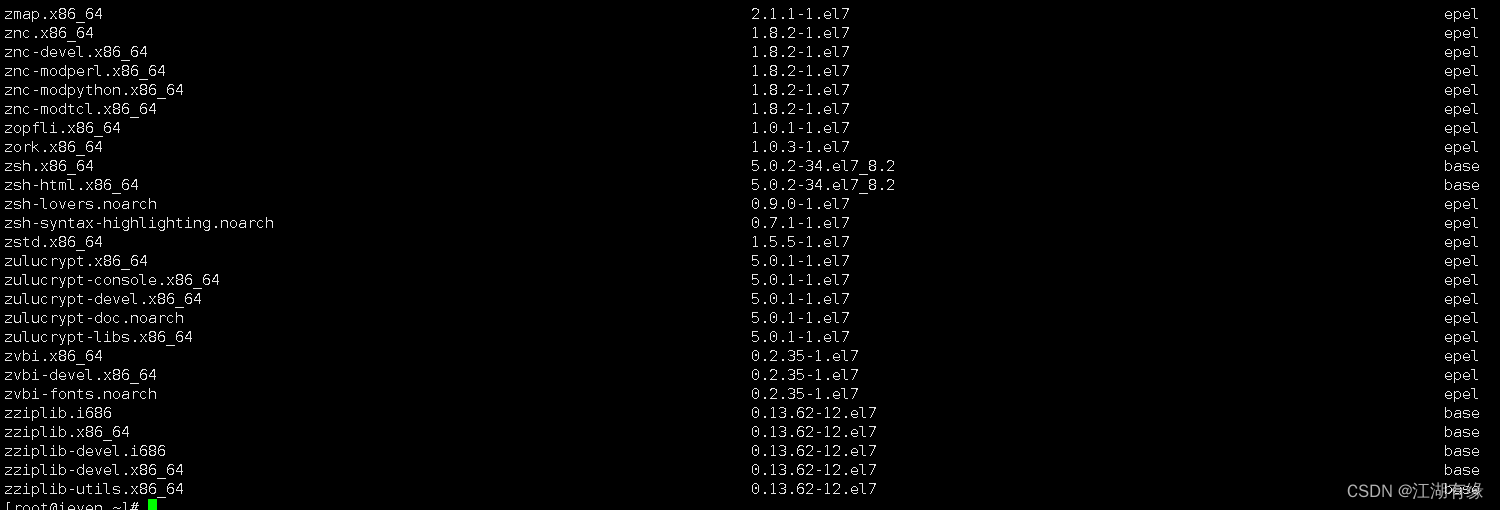
- 查询系统中所有的软件包,该命令用于列出用户系统上的所有来自软件库的可用软件包和所有已经安装在系统上的软件包。
1dnf list
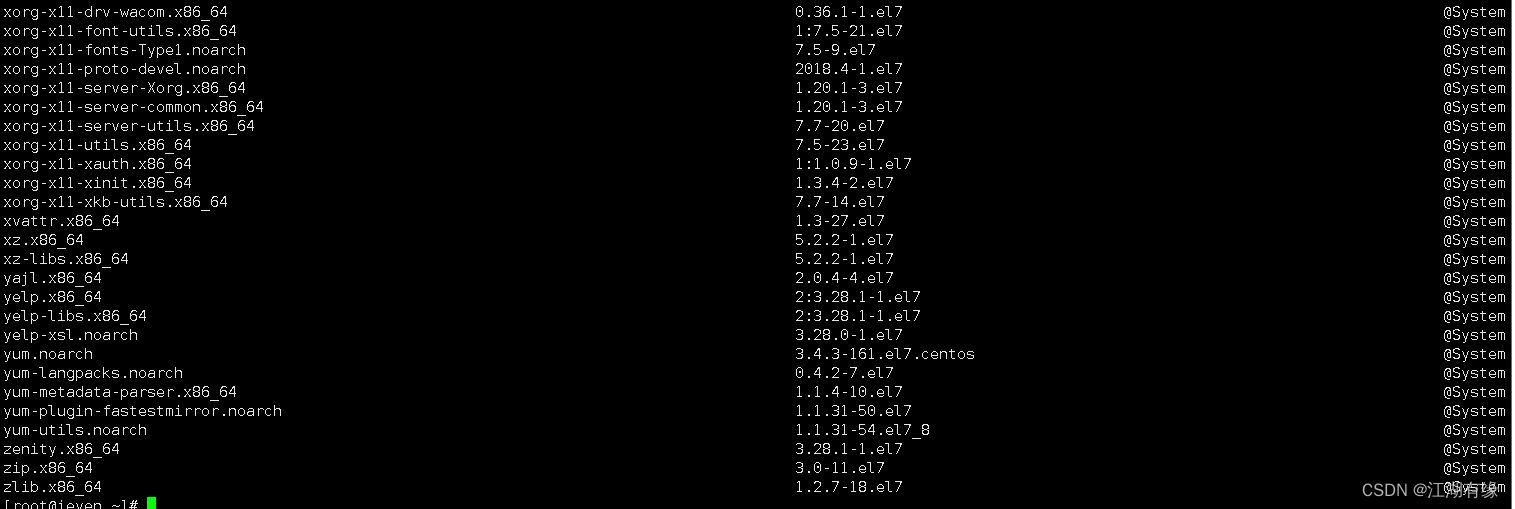
- 查询已经安装的rpm包
1dnf list installed
- 查询可供安装的 RPM 包
1dnf list available
- 搜索软件库中的某个软件包
1[root@jeven ~]# dnf search fdisk
2Last metadata expiration check: 0:07:32 ago on Mon 03 Jul 2023 07:32:09 PM CST.
3======================================================================= Summary Matched: fdisk ========================================================================
4gdisk.x86_64 : An fdisk-like partitioning tool for GPT disks
- 查询某个命令对应的软件名
1dnf provides /bin/bash
3. 软件包的安装与卸载
- 安装软件包
1dnf install tree -y

- 卸载软件包
1dnf remove tree -y
- 更新软件包
1dnf update tree -y

4. 检查系统软件包的更新
- 使用以下命令检查系统中所有软件包的更新
1dnf check-update
5. 升级所有系统软件包
使用以下命令升级系统中所有有可用升级的软件包
1dnf update 或 dnf upgrade
2
6. 查看dnf命令的执行历史
查看DNF命令的执行历史
1[root@jeven ~]# dnf history
2ID     | Command line             | Date and time    | Action(s)      | Altered
3-------------------------------------------------------------------------------
4     1 | install nginx -y         | 2023-07-03 19:47 | Install        |    3
7. 查看所有的软件包组
查看所有的软件包组
1dnf grouplist
- 安装开发包组
1dnf groupinstall "Development Tools" -y
8. 查询软件的详细信息
- 查看某个软件的详细信息
1[root@jeven ~]# dnf info tree
2Last metadata expiration check: 0:21:56 ago on Mon 03 Jul 2023 07:32:09 PM CST.
3Installed Packages
4Name         : tree
5Version      : 1.6.0
6Release      : 10.el7
7Arch         : x86_64
8Size         : 87 k
9Source       : tree-1.6.0-10.el7.src.rpm
10Repo         : @System
11Summary      : File system tree viewer
12URL          : http://mama.indstate.edu/users/ice/tree/
13License      : GPLv2+
14Description  : The tree utility recursively displays the contents of directories in a
15             : tree-like format.  Tree is basically a UNIX port of the DOS tree
16             : utility.
17
五、dnf命令的使用总结
1. dnf命令的使用总结
- 安装软件包:使用dnf install命令,后跟要安装的软件包的名称。例如,dnf install firefox安装Firefox浏览器。
- 升级软件包:使用dnf upgrade命令升级所有已安装的软件包。dnf upgrade package-name升级单个软件包。
- 搜索软件包:使用dnf search命令搜索要安装的软件包。例如,dnf search mysql搜索MySQL软件包。
- 删除软件包:使用dnf remove命令删除已安装的软件包。例如,dnf remove firefox删除Firefox浏览器。
- 列出已安装的软件包:使用dnf list installed命令列出所有已安装的软件包。
- 列出可用的软件包:使用dnf list available命令列出所有可用的软件包。
- 列出软件包的详细信息:使用dnf info package-name命令列出软件包的详细信息。
- 清理缓存:使用dnf clean all命令清理DNF缓存。
- 禁用或启用软件包仓库:使用dnf config-manager命令禁用或启用软件包仓库。例如,dnf config-manager --disable repository-name禁用软件包仓库。
- 检查依赖关系:使用dnf check命令检查软件包之间的依赖关系。
2. dnf与yum包管理器比较
dnf相比于yum有以下几个优点:
-
性能更好:dnf使用了更先进的依赖关系解决算法,因此速度更快。
-
交互性更好:dnf提供更友好的命令行交互,支持自动补全、多个软件包同时安装、更好的错误信息提示等功能。
-
依赖关系处理更加精确:dnf可以非常准确地处理软件包之间的依赖关系,避免因为缺少依赖而导致安装失败的问题。
-
提供更多的包信息:dnf提供更多、更详细的软件包信息,包括依赖关系、提供的功能、安装的文件以及其他相关信息。
-
具有扩展性:dnf是基于插件架构设计的,可以方便地扩展新的功能。