
原文链接: travis 自动 更新 github pages
切换到新分支上
git checkout -b gh-pages
删除除了 .git文件夹外的所有文件
在pages分支下执行
git commmit -am"init"
切换到master, 更新两个分支
1git push origin master
2git push origin pages
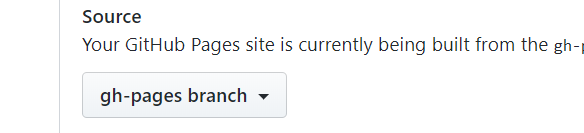
在设置中选择gh-pages分支
打包命令
parcel竟然不支持相对路径!!!!!!!!!!!!!!!!!!
"pages": "npx parcel build ./example/index.html -d pages --no-source-maps --public-url https://ahaoboy.github.io/pracel-ts-demo/",
travis.yml
1language: node_js
2node_js:
3  - 'stable'
4script:
5  - npm install codecov -g
6  - npm run build
7  - npm run pages
8  - npm run test
9after_success:
10  - codecov
11  # 更新 github-pages
12  - cd ./pages
13  - git init
14  - git config user.name "ahaoboy"
15  - git config user.email "504595380@qq.com"
16  - git add .
17  - git commit -m "自动更新pages"
18  # - git push --force --quiet https://abcd@github.com/ahaoboy/pracel-ts-demo.git master:gh-pages
19  - git push --force --quiet "https://${API_KEY}@${GH_REF}" master:gh-pages
20# 可以进行其他操作,包括改名或压缩
21
22deploy:
23  provider: releases
24  skip_cleanup: true
25  file: "$TRAVIS_BUILD_DIR/dist/index.js"
26  api_key:
27    secure: "$API_KEY"
28  on:
29    tags: true #发布  tag版 时才进行发包
30    draft: false # 不发表drafs
31
32env:
33 global:
34   - GH_REF: "github.com/ahaoboy/pracel-ts-demo.git"  # 就是你github上存放静态博客最终文件的仓库地址末尾加上.git
push之后就会自动更新pages页面