




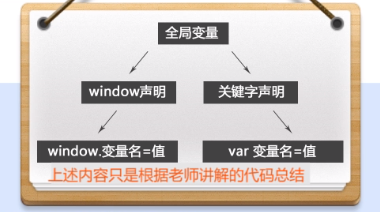
全局变量声明的两种方式:
1,window.变量名=值;
2,var 变量名=值;
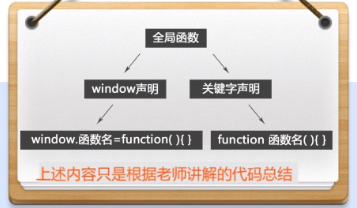
全局函数声明的两种方式:
1,window.函数名=function(){}
2,function 函数名=function(){}
BOM是Browser Object Model的缩写,是浏览器对象模型
核心是window对象,所有的全局变量和全局函数都被归在了window上





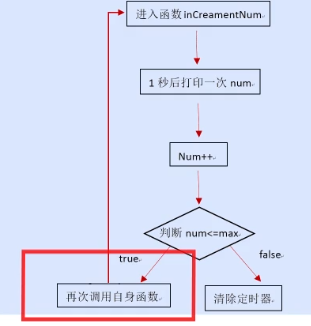
使用超时调用执行间歇调用的操作。






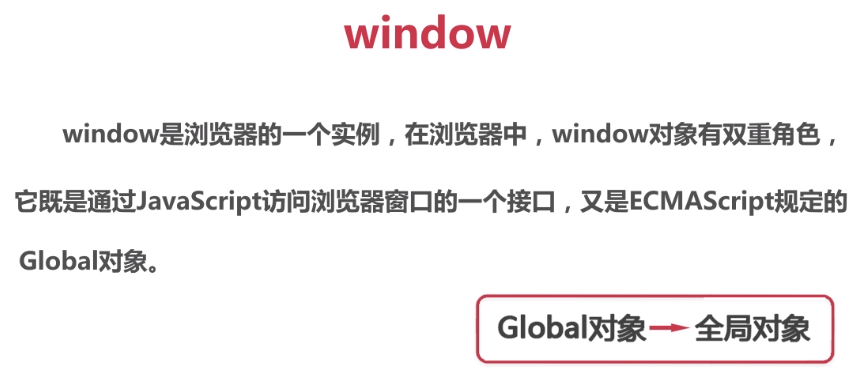
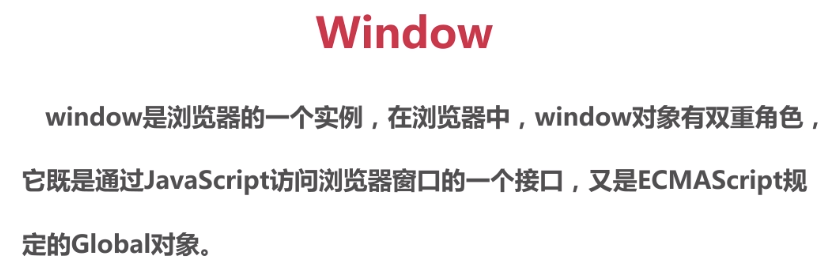
A: window是浏览器的一个实例
1,即是JS访问浏览器的一个接口。
2,又是ECMAScript的全局对象(global对象)
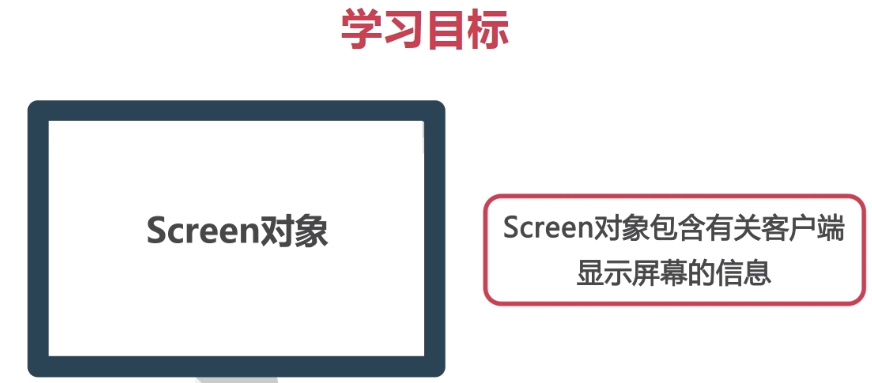
B: screen对象包含有关客户端显示屏幕的信息
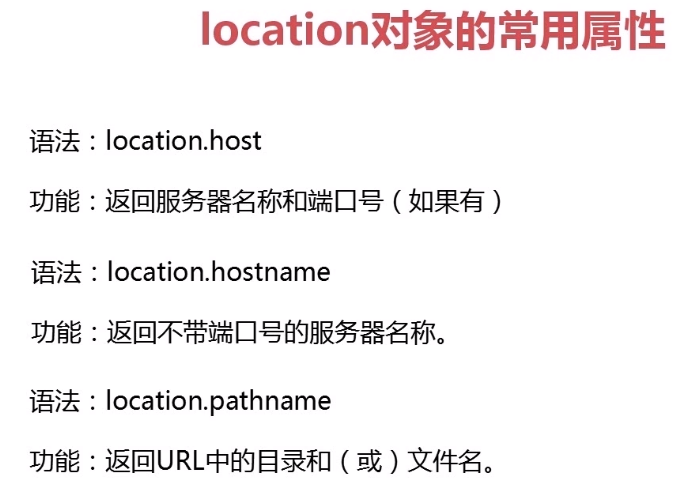
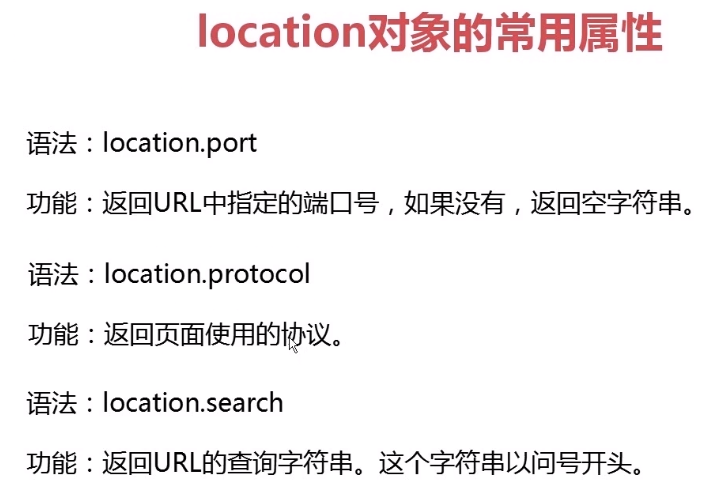
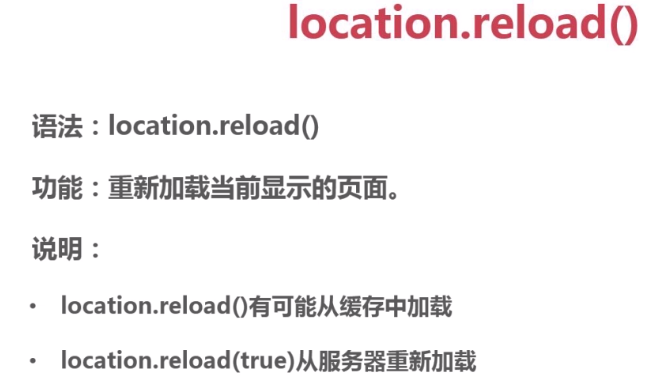
C: location对象包含有关当前URL的信息
D: navigator对象包含有关浏览器的信息
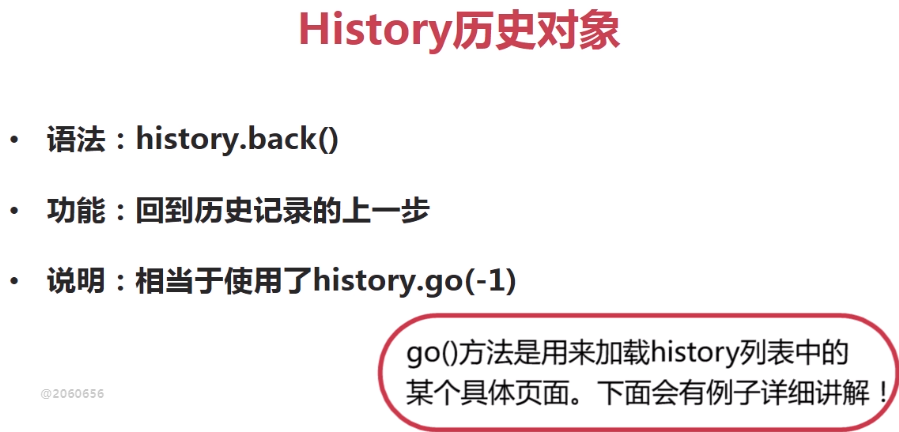
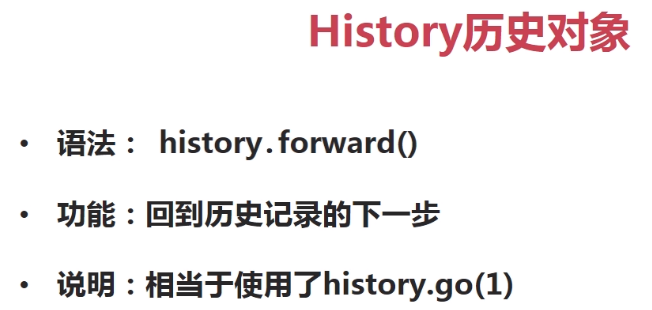
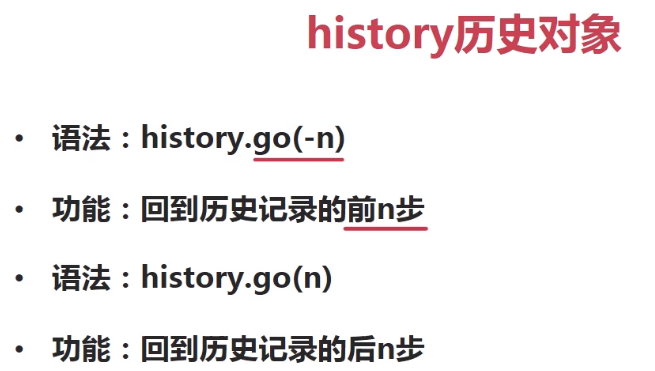
E: history对象包含用户在浏览器中访问过的URL
========window全局对象==========
window全局对象
---1,声明变量----
全局变量声明的两种方式:
1,window.变量名=值;
2,var 变量名=值;
全局函数声明的两种方式:
1,window.函数名=function(){}
2,function 函数名=function(){}
---2,弹窗----
BOM是Browser Object Model的缩写,是浏览器对象模型
核心是window对象,所有的全局变量和全局函数都被归在了window上
在提示框中"\n"表示换行。
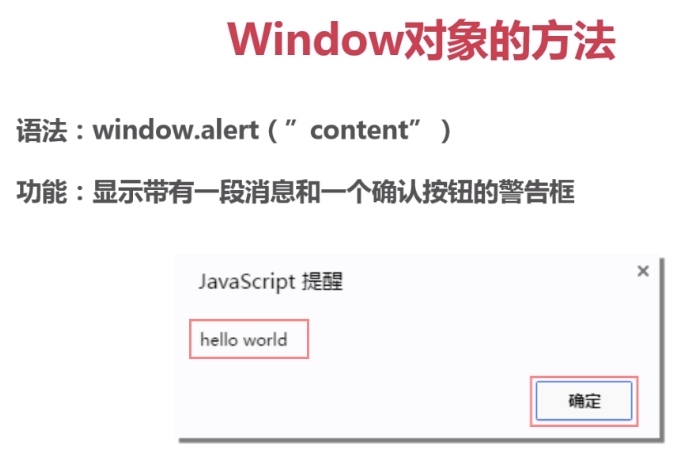
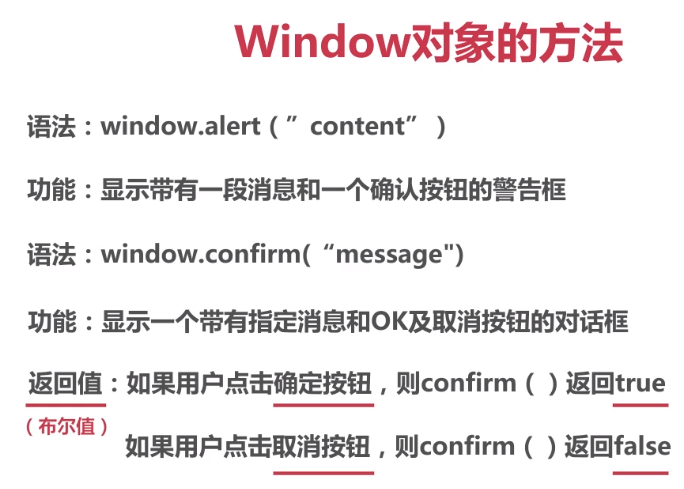
A:window.alert()弹出警告框 window是可以省略的
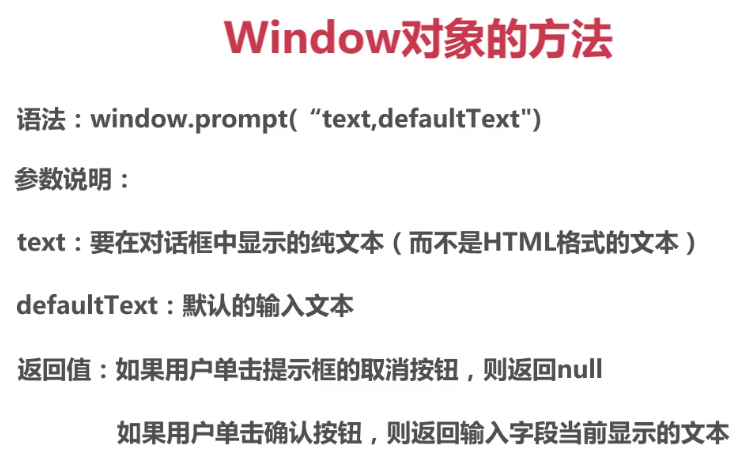
B:window.prompt()弹出输入框 window是可以省略的
C:window.confirm()弹出确认框 window是可以省略的
---3,计时器----
超时调用 间歇调用
setTimeout()方法用于指定的时间后执行一次代码:
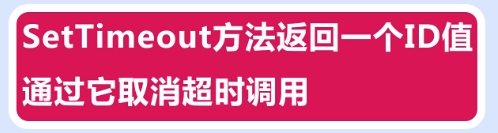
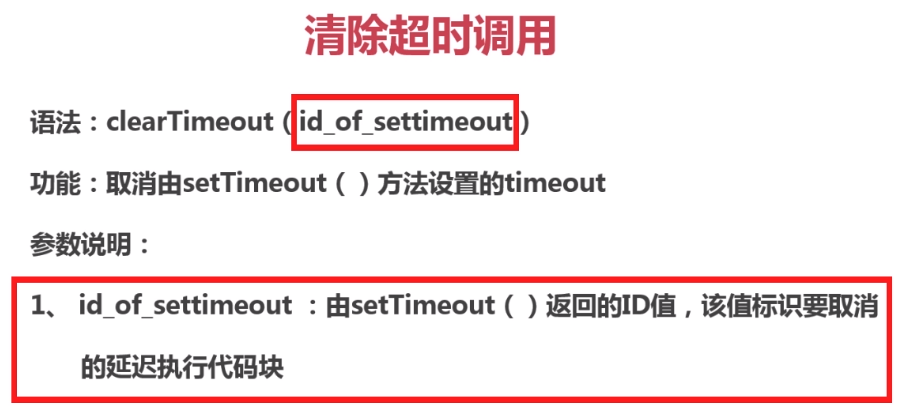
var timer=setTimeout(fn,time) clearTimeout(timer)清除超时调用
setTimeout()方法用于指定的时间后执行一次代码
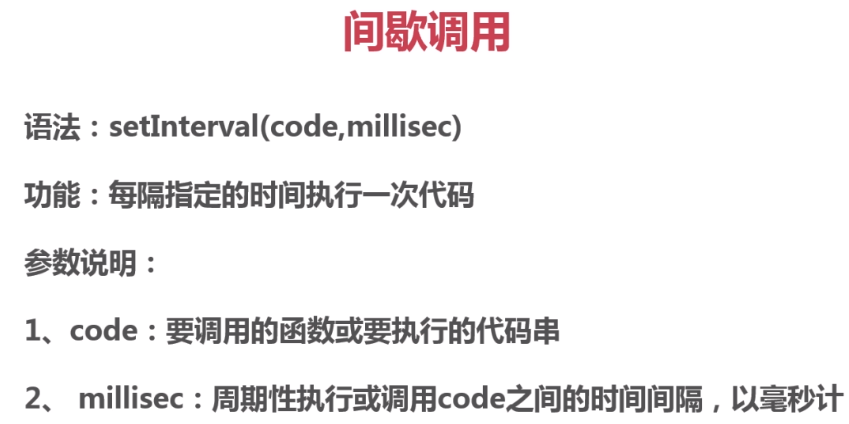
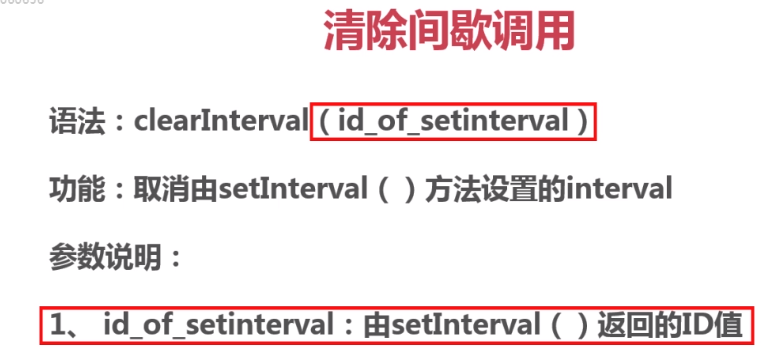
var timer=setInterval(fn,time) clearInterval(timer)清除间歇调用
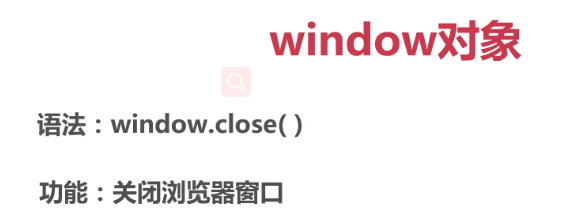
---4,window.open/close()----
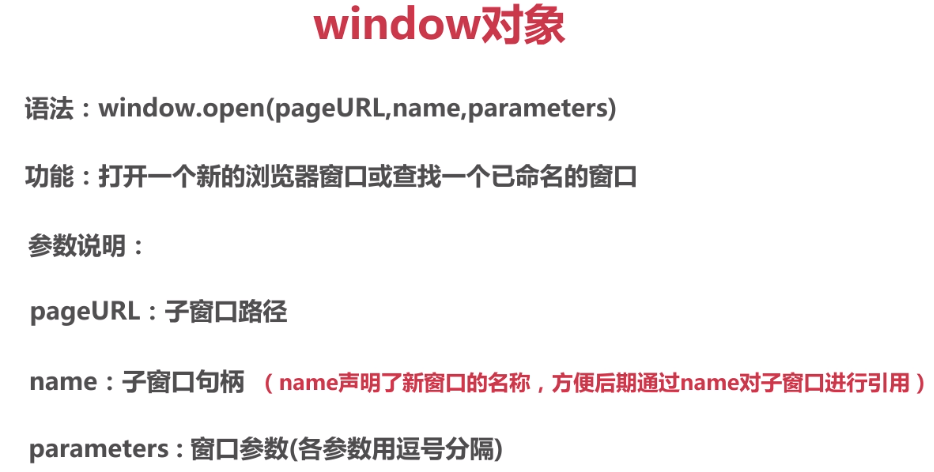
---window.open(openURL,name,parameters)---
window.open: 当网页加载完成时立即打开一个新窗口,
openURL:网页地址,相对地址/绝对地址
name:网页title标签的描述。
parameters:各种参数,属性和属性值之间用等号连接。如下:
width,height: 设置浏览器窗口宽高
top,left: 设置浏览器的位置
toolbar: 设置浏览器工具栏
menubar: 设置浏览器菜单栏
scrollbars: 设置浏览器滚动条(垂直和水平滚动条)
status: 设置浏览器状态栏
location: 储存位置
========location全局对象==========
//location 位置,未知参数
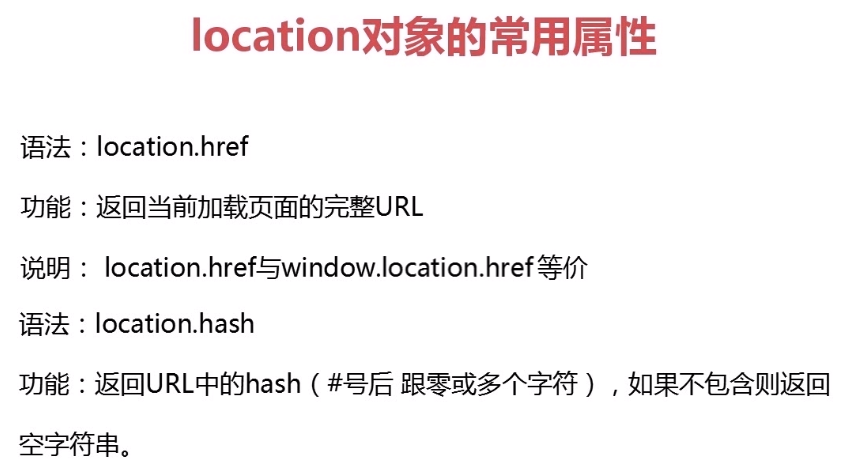
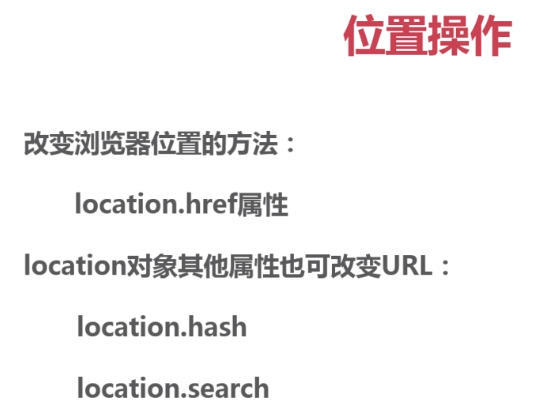
locatiion.href //返回当前页面的完整的URL(包括协议)。会返回一个历史记录
location.hash //返回指定锚点
location.host //返回服务器名称和端口号
location.hostname //返回无端口服务器名称
location.pathname //返回URL中的目录和文件名(不包括协议)
location.port //返回的端口号
location.portocol //返回协议
location.search //返回地址栏中问号后面的: ?id=55&name="zheng" 不存在则返回空。*/
========history全局对象========
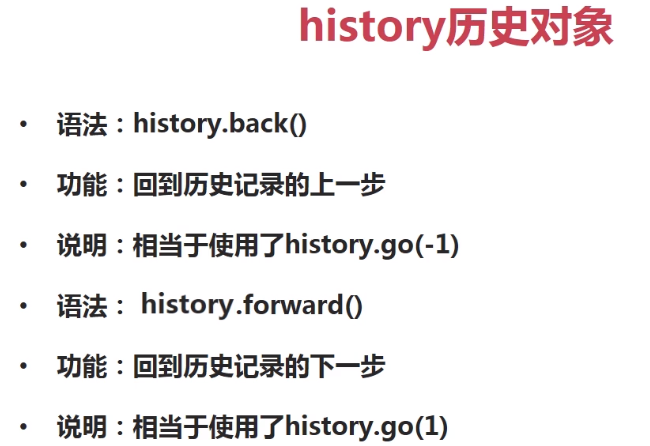
history.back() 等价于 history.go(-1) 后退到历史记录的上一个页面
history.forward() 等价于 history.go(1) 前面到历史记录的下一个页面
history.go(n) n可以正数也可以是负数,正数表示前进,负数表示后退
========screen全局对象========
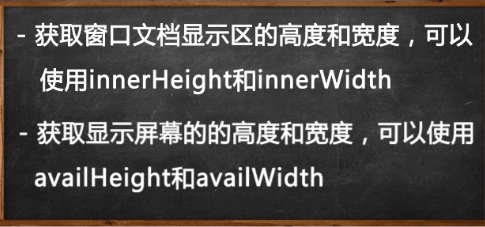
window.innerWidth 获得浏览器窗口宽度,滚动条除外,随窗口变化而变化 错误写法:console.log(window.width);
window.innerHeight 获得浏览器窗口高度,状态栏除外,随窗口变化而变化 错误写法:console.log(window.height);
screen表示屏幕,取屏幕的宽度的属性比较少用,了解即可。
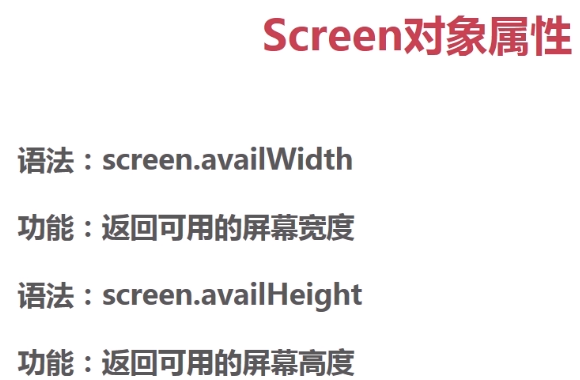
screen.availWidth 获得设备屏幕宽度 固定不会改变的 等价于:console.log(screen.width);
screen.availHeight 获得设备屏幕高度 固定不会改变的 等价于:console.log(screen.height);
以下是针对文档进行取值:document.body
scrollWidth 等于 clientWidth
scrollWidth 表示网页正文宽度,包括滚动的滚动条
clientWidth 表示网页的可见宽度,包括滚动的滚动条
scrollHeight 等于 clientHeight
scrollHeight 表示网页正文高度,包括滚动的滚动条
clientHeight 表示网页的可见高度,包括滚动的滚动条
offsetWidth 表示网页可见区域的宽度,包括边框,包括滚动的滚动条
offsetHeight 表示网页可见区域的高度,包括边框,包括滚动的滚动条
========navigator全局对象========
//navigator.userAgent获取浏览器的名称,版本,引擎以及操作系统灯信息的内容。
//此外还可以识别是移动端还是PC端设备。
window.username="marry";//定义全局变量,等价于:var window.username="marry";
// window.sayName=function(){//等价于下面一行
var sayName=function(){
// console.log(window.username);//等价于下面一行
console.log(this.username);//等价于下面一行
// console.log(username);//比较习惯使用该种方式
}
// window.sayName();//等价于下面一行
sayName();*/
//-------使用confirm("是否确定删除?"); 进行二次确定----------
//一下所有的window都可以使用var进行变量声明。
/*window.cont=document.getElementById("container");//获得id="container"对象
window.firstChild=document.getElementById("container").children[0];//获得id="container"对象第一个子元素
window.del=document.getElementById('del');//获取删除按钮对象
window.del.onclick=function(){
//var result=confirm("是否确定删除?");返回boolean,false/true。
window.result=window.confirm("是否确定删除?");
if (window.result===true) {//返回值为:true,则删除container第一个子元素
window.cont.removeChild(firstChild);
}else{
return;//否则阻止程序运行。不做任何事情。
}
}*/
//用户输入框:prompt(text,defaultText);
//text 表示在提示框输入内容的信息
//defaultText 表示输入框内的默认值
/*var age=18;
var privateAge=prompt("请输入您的年龄\n不能大于60,且不能小于18岁",age);//返回值:boolean false/true
console.log(privateAge);//点击确定,返回值:输入的内容;点击取消,返回值:null。*/
//confirm确认框。
/*var change=document.getElementById("change");
change.onclick=function(){
var inp=confirm("确定删除吗?");//返回boolean布尔值
if (inp===true) {//true时执行以下代码
this.style.border="1px solid #f00";
this.style.color="#f00";
}else{//false时,执行以下代码
this.style.border="1px solid #ccc";
this.style.color="#ccc";
}
}*/
//--------window.open(openURL,name,parameters)------------
//window.open: 当网页加载完成时立即打开一个新窗口,
//openURL:网页地址,相对地址/绝对地址
//name:网页title标签的描述。
//parameters:各种参数,属性和属性值之间用等号连接。如下:
//
//width,height: 设置浏览器窗口宽高
//top,left: 设置浏览器的位置
//toolbar: 设置浏览器工具栏
//menubar: 设置浏览器菜单栏
//scrollbars: 设置浏览器滚动条(垂直和水平滚动条)
//status: 设置浏览器状态栏
//location: 储存位置
//
//1、open方法用于打开一个新的浏览器窗口或查找一个已命名的窗口
//2、通过open方法中参数的设置可以重新设定窗口的特征,可以对打开的新窗口的宽和高等进行改变
//3、如果open方法中的url参数为空的话,那么新窗口也会被打开只是不会显示任何文档(空白的页面)
window.onload=function(){
var open=document.getElementById("open");//关闭按钮
open.onclick=function(){
var con=confirm("是否确定打开页面?");
if (con===true) {
window.open("http://www.imooc.com","慕课网","width=400px,height=300px,top=200px,left=200px,toolbar=no,menubar=no,scrollbars=no,location=no,status=no");
}else{
window.close();
}
}
}
</script>
var timer=setTimeout(fn,time)超时调用 clearTimeout(timer)清除超时调用
var timer=setInterval(fn,time)间歇调用 clearInterval(timer)清除间歇调用
超时调用
超时调用使用递归可以实现间歇调用的操作。
setTimeout()方法用于指定的时间后执行一次代码,有两个参数:
第一个参数是要执行的函数或者执行脚本;
第二个参数是指延时指定时间;
定时器要取消的话用clearTimeout方法进行取消。
间歇调用
setInterval()方法用每隔指定的时间执行一次代码,有两个参数:
第一个参数是要执行的函数或者执行脚本;
第二个参数是周期性执行代码的时间间隔;
定时器要取消的话用clearInterval方法进行取消。
//方法一:
//自定义函数
/*function fn(){
alert("Hello world! 1000毫秒");
}
setTimeout(fn,1000);//延迟1000毫秒执行fn函数*/
//推荐方法二:
//函数变量化
/*var fnone=function(){//把函数定义为一个变量。
alert("fnone");
};
var a=setTimeout(fnone,1000);//延迟1000毫秒,执行fnone函数
//console.log(a);//setTimeout(fnone,1000) 返回一个ID值,取消这个ID值就取消了该延迟操作
clearTimeout(a);//取消该延迟操作
//推荐方法二:
//匿名函数
var b=setTimeout(function(){
alert("Hello world! 2000毫秒");
},6000);
//console.log(b);//setTimeout(a,time)返回一个ID值,取消这个ID值就取消了该延迟操作
//方法一 和 方法二 两个都是延迟一秒执行代码,可以说是同时进行的,但是JS是单线程的,方法一在前面,所以方法一先执行,然后立马执行方法二。
//clearTimeout(b);//取消该延迟操作
*/
//超时调用,从0开始一直下去
//秒数计时器 超时调用setTimeout(fn,time);过了time时间后执行函数fn();
/*var num=0,
timer=null,//计时器
begin=document.getElementsByTagName('input')[1],//获取按钮对象
text=document.getElementById('text');//获取文本框对象
begin.onclick=function numCount(){//点击后执行函数
text.value=num;
num+=1;//整个函数一秒执行一次,num每次增加1
timer=setTimeout(numCount,1000);//计时器递归
}*/
//间歇调用,从1到10秒
//秒数计时器,使用间歇调用setInterval(fn,time);每过time时间就执行一次fn()函数;
/*var text = document.getElementById("text");
text.value=0;
var timer=setInterval(function(){////间歇调用的id,即:可以理解为定时器
text.value=parseInt(text.value)+1;
},1000);
setTimeout(function(){clearInterval(timer)},10000);//过10秒后执行该函数*/
//使用间歇调用setInterval(fn,time);
/*var i=0;
var max=10;
var timer=null;
var text=document.getElementById("text");
timer=setInterval(function(){//间歇调用的id,即:可以理解为定时器
i++;
if (i>10) {
clearInterval(timer);//清除计时器
}else{
text.value=i;
}
},1000)*/
//使用超时调用,从1到10秒
var i=0;
var max=10;
var timer=null;//超时调用的id,即:可以理解为定时器
var text=document.getElementById("text");//获得文本框对象
//这里使用了递归,自己调用自己,且这里使用了自定义函数fn(),谨记
timer=setTimeout(function fn(){//超时调用的id,即:可以理解为定时器
text.value=i;
i++;
if (i>10) {
clearTimeout(timer);
}else{
setTimeout(fn,1000)
}
},1000)
</script>
============
//location 位置,未知参数
locatiion.href //返回当前页面的完整的URL(包括协议)。会返回一个历史记录
location.hash //返回指定锚点
location.host //返回服务器名称和端口号
location.hostname //返回无端口服务器名称
location.pathname //返回URL中的目录和文件名(不包括协议)
location.port //返回的端口号
location.portocol //返回协议
location.search //返回地址栏中问号后面的: ?id=55&name="zheng" 不存在则返回空。*/
console.log(window.location.href);//window可以省略,等价于上面一句
// console.log(location.hash);//获取页面中的锚点
var btn1=document.getElementsByTagName('input')[0];//获取第一个按钮对象
var btn2=document.getElementsByTagName('input')[1];//获取第二个按钮对象
var btn3=document.getElementsByTagName('input')[2];//获取第三个按钮对象
btn1.onclick=function(){//单机按钮跳转到页面对应的div1部分
var a=location.hash="#div1";
console.log(a);//返回锚点#div1 hash属性返回从#号开始的URL
}
btn2.onclick=function(){//单机按钮跳转到页面对应的div2部分
var a=location.hash="#div2";
console.log(a);//返回锚点#div2 hash属性返回从#号开始的URL
}
btn3.onclick=function(){//单机按钮跳转到页面对应的div3部分
var a=location.hash="#div3";
console.log(a);//返回锚点#div3 hash属性返回从#号开始的URL
}*/
/*//可以打开任意网页,在控制台输入以下代码都可以执行,如:location.pathname
console.log(location.host);//返回服务器名称和者端口号(如不存在则返回空)如:"i.cnblogs.com" "class.imooc.com" "www.baidu.com" 即是:协议后面的一段(如果有端口号还要带上款口号:8080)
console.log(location.hostname);//返回不带端口号的服务器名称。如:"i.cnblogs.com" "class.imooc.com" "www.baidu.com" 即是:协议后面的一段
console.log(location.pathname);//返回URL中的目录和文件名(不包括协议) 如:"/u/index/plans" "/EditPosts.aspx"
console.log(location.port);//返回url中指定的端口号,不存在返回空字符串。
console.log(location.protocol);//protocol:/'prəʊtəkɒl/ 协议 返回页面URL使用的协议:http:或者https: 如果是本地的则是:file:
console.log(location.search);//返回地址栏中问号后面的: ?id=55&name="zheng" 不存在则返回空。*/
//页面重定向四种方法:
//location.href("index.html")/replace("index.html")/reload();
//window.location("index.html");
/*setTimeout(function(){
//两种方法在页面中重定向
// location.href="textOne.html";//打开该页面,一秒后重定向页面跳转到textOne.html,并且会在浏览器中生成一个历史记录,点击后退可以回到第一个页面,等价于:window.location="textOne.html";
location.replace("textOne.html");//该种方法也是重定向,但是不会生成一个历史记录,即无法点击浏览器后退回到第一个页面
},1000)*/
//刷新这个操作一般都是放在JS代码的最后
document.getElementById('reload').onclick=function(){
location.reload(true);//从服务器重新加载页面。
}
</script>
==============
history.back() 等价于 history.go(-1) 后退到历史记录的上一个页面
history.forward() 等价于 history.go(1) 前面到历史记录的下一个页面
history.go(n) n可以正数也可以是负数,正数表示前进,负数表示后退
// console.log(window.innerWidth);//获得浏览器窗口宽度,滚动条除外 错误写法:console.log(window.width);
// console.log(window.innerHeight);//获得浏览器窗口高度,状态栏除外 错误写法:console.log(window.height);
//一般的在document.body下:
// scrollWidth 等于 clientWidth
// scrollWidth 表示网页正文宽度,包括滚动的滚动条
// clientWidth 表示网页的可见宽度,包括滚动的滚动条
//
// scrollHeight 等于 clientHeight
// scrollHeight 表示网页正文高度,包括滚动的滚动条
// clientHeight 表示网页的可见高度,包括滚动的滚动条
//
// offsetWidth 表示网页可见区域的宽度,包括边框,包括滚动的滚动条
// offsetHeight 表示网页可见区域的高度,包括边框,包括滚动的滚动条
//设定X轴上的滚动条 向右移动500px,如X轴上没有滚动条就忽略
//设定Y轴上的滚动条 向右移动500px,如Y轴上没有滚动条就忽略
window.scrollBy(500,500);
//只有设定了window.scrollBy(500,500);
// 才可以正常显示pageXOffset或者pageYOffset,否则都为0.
//也就是通常都是两个属性一起用。
console.log(window.pageXOffset);
console.log(window.pageYOffset);
console.log("网页的可见宽度document.body.clientWidth:"+document.body.clientWidth);
console.log("网页的可见高度document.body.clientHeight:"+document.body.clientHeight);
console.log("网页正文的宽度document.body.scrollWidth:"+document.body.scrollWidth);
console.log("网页正文高度document.body.scrollHeight:"+document.body.scrollHeight)
console.log("网页可见区域宽度,包括边框document.body.offsetWidth:"+document.body.offsetWidth);
console.log("网页可见区域高度,包括边框document.body.offsetHeight:"+document.body.offsetHeight);
//任务栏在顶端或者底端
console.log("屏幕任务栏宽度window.screen.availWidth:"+window.screen.availWidth);
//任务栏在右边或者左边
console.log("屏幕任务栏高度window.screen.availHeight:"+window.screen.availHeight);
//谷歌中可以正常显示,火狐显示为:undefined,undefined
console.log("窗口相对于屏幕的X坐标:"+ window.screenLeft);
console.log("窗口相对于屏幕的Y坐标:"+ window.screenTop);
//鼠标移动在$("#one")标签中显示鼠标的坐标
//$("html") 可以重新指定一个对象
$("html").on("mousemove",function (e) {
var event = e || window.event;//
var x = event.pageX;
var y = event.pageY;
$("#one").text("X轴:"+x+",Y轴:"+y);
})
</script>