
Build Setup
1# clone the project
2git clone https://github.com/PanJiaChen/vue-admin-template.git

完成之后,修改项目名称-修改名称之后idea会提示报错,点击报错信息,然后将弹出的对话框中的git依赖“-”删掉,然后执行下面的语句运行项目
1# enter the project directory
2cd vue-admin-template
3
4# install dependency
5npm install
6
7# develop
8npm run dev
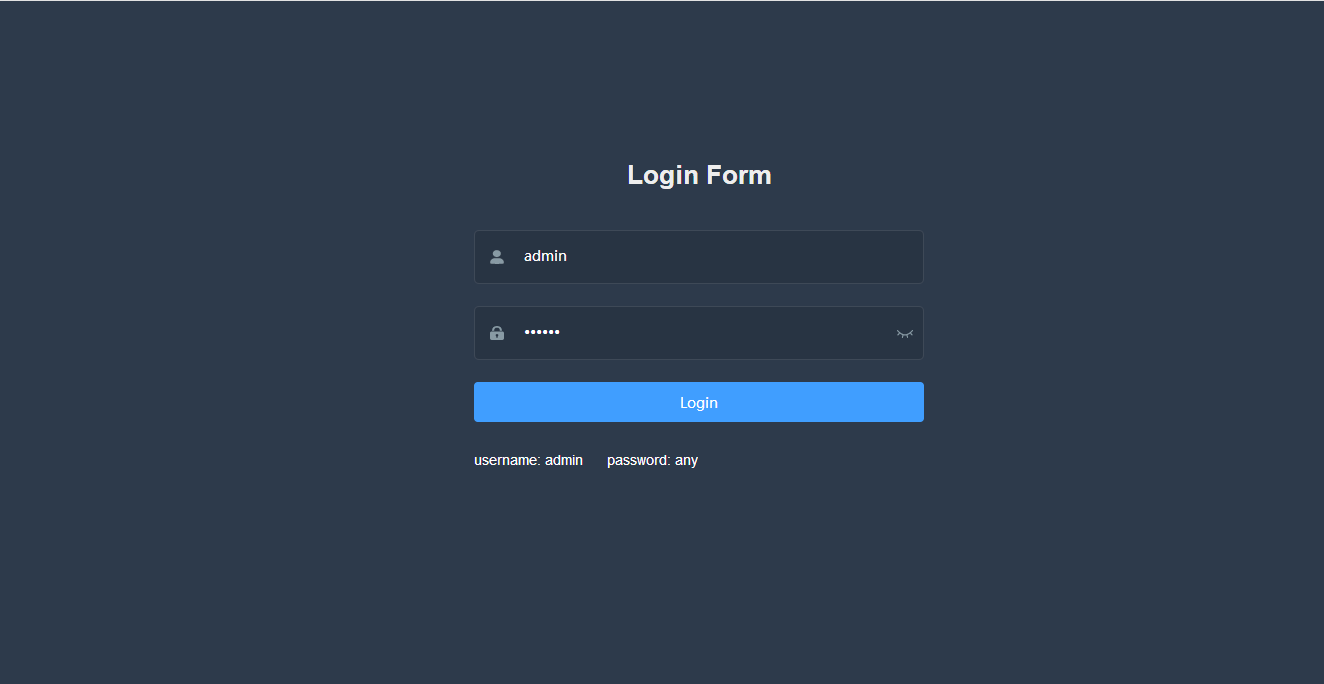
This will automatically open http://localhost:9528
Build
1# build for test environment
2npm run build:stage
3
4# build for production environment
5npm run build:prod
Advanced
1# preview the release environment effect
2npm run preview
3
4# preview the release environment effect + static resource analysis
5npm run preview -- --report
6
7# code format check
8npm run lint
9
10# code format check and auto fix
11npm run lint -- --fix
Refer to Documentation for more information