

为了让自己写的代码更优雅且高效,特意向大佬请教了这 10 条 JS 技巧
1. 数组分割
1const listChunk = (list = [], chunkSize = 1) => {
2    const result = [];
3    const tmp = [...list];
4    if (!Array.isArray(list) || !Number.isInteger(chunkSize) || chunkSize <= 0) {
5        return result;
6    };
7    while (tmp.length) {
8        result.push(tmp.splice(0, chunkSize));
9    };
10    return result;
11};
12listChunk(['a', 'b', 'c', 'd', 'e', 'f', 'g']);
13// [['a'], ['b'], ['c'], ['d'], ['e'], ['f'], ['g']]
14
15listChunk(['a', 'b', 'c', 'd', 'e', 'f', 'g'], 3);
16// [['a', 'b', 'c'], ['d', 'e', 'f'], ['g']]
17
18listChunk(['a', 'b', 'c', 'd', 'e', 'f', 'g'], 0);
19// []
20
21listChunk(['a', 'b', 'c', 'd', 'e', 'f', 'g'], -1);
22// []
2. 求数组元素交集
1const listIntersection = (firstList, ...args) => {
2    if (!Array.isArray(firstList) || !args.length) {
3        return firstList;
4    }
5    return firstList.filter(item => args.every(list => list.includes(item)));
6};
7listIntersection([1, 2], [3, 4]);
8// []
9
10listIntersection([2, 2], [3, 4]);
11// []
12
13listIntersection([3, 2], [3, 4]);
14// [3]
15
16listIntersection([3, 4], [3, 4]);
17// [3, 4]
3. 按下标重新组合数组
1const zip = (firstList, ...args) => {
2    if (!Array.isArray(firstList) || !args.length) {
3        return firstList
4    };
5    return firstList.map((value, index) => {
6        const newArgs = args.map(arg => arg[index]).filter(arg => arg !== undefined);
7        const newList = [value, ...newArgs];
8        return newList;
9    });
10};
11zip(['a', 'b'], [1, 2], [true, false]);
12// [['a', 1, true], ['b', 2, false]]
13
14zip(['a', 'b', 'c'], [1, 2], [true, false]);
15// [['a', 1, true], ['b', 2, false], ['c']]
4. 按下标组合数组为对象
1const zipObject = (keys, values = {}) => {
2    const emptyObject = Object.create({});
3    if (!Array.isArray(keys)) {
4        return emptyObject;
5    };
6    return keys.reduce((acc, cur, index) => {
7        acc[cur] = values[index];
8        return acc;
9    }, emptyObject);
10};
11zipObject(['a', 'b'], [1, 2])
12// { a: 1, b: 2 }
13zipObject(['a', 'b'])
14// { a: undefined, b: undefined }
5. 检查对象属性的值
1const checkValue = (obj = {}, objRule = {}) => {
2    const isObject = obj => {
3        return Object.prototype.toString.call(obj) === '[object Object]';
4    };
5    if (!isObject(obj) || !isObject(objRule)) {
6        return false;
7    }
8    return Object.keys(objRule).every(key => objRule[key](obj[key]));
9};
10
11const object = { a: 1, b: 2 };
12
13checkValue(object, {
14    b: n => n > 1,
15})
16// true
17
18checkValue(object, {
19    b: n => n > 2,
20})
21// false
6. 获取对象属性
1const get = (obj, path, defaultValue) => {
2    if (!path) {
3        return;
4    };
5    const pathGroup = Array.isArray(path) ? path : path.match(/([^[.\]])+/g);
6    return pathGroup.reduce((prevObj, curKey) => prevObj && prevObj[curKey], obj) || defaultValue;
7};
8
9const obj1 = { a: { b: 2 } }
10const obj2 = { a: [{ bar: { c: 3 } }] }
11
12get(obj1, 'a.b')
13// 2
14get(obj2, 'a[0].bar.c')
15// 3
16get(obj2, ['a', '0', 'bar', 'c'])
17// 2
18get(obj1, 'a.bar.c', 'default')
19// default
20get(obj1, 'a.bar.c', 'default')
21// default
7. 将特殊符号转成字体符号
1const escape = str => { 2 const isString = str => { 3 return Object.prototype.toString.call(str) === '[string Object]'; 4 }; 5 if (!isString(str)) { 6 return str; 7 } 8 return (str.replace(/&/g, '&') 9 .replace(/"/g, '"') 10 .replace(/'/g, ''') 11 .replace(/</g, '<') 12 .replace(/>/g, '>') 13 .replace(/\//g, '/') 14 .replace(/\\/g, '\') 15 .replace(/`/g, '`')); 16};
8. 利用注释创建一个事件监听器
1class EventEmitter {
2    #eventTarget;
3    constructor(content = '') {
4        const comment = document.createComment(content);
5        document.documentElement.appendChild(comment);
6        this.#eventTarget = comment;
7    }
8    on(type, listener) {
9        this.#eventTarget.addEventListener(type, listener);
10    }
11    off(type, listener) {
12        this.#eventTarget.removeEventListener(type, listener);
13    }
14    once(type, listener) {
15        this.#eventTarget.addEventListener(type, listener, { once: true });
16    }
17    emit(type, detail) {
18        const dispatchEvent = new CustomEvent(type, { detail });
19        this.#eventTarget.dispatchEvent(dispatchEvent);
20    }
21};
22
23const emmiter = new EventEmitter();
24emmiter.on('biy', () => {
25    console.log('hello world');
26});
27emmiter.emit('biu');
28// hello world
9. 生成随机的字符串
1const genRandomStr = (len = 1) => {
2    let result = '';
3    for (let i = 0; i < len; ++i) {
4        result += Math.random().toString(36).substr(2)
5    }
6    return result.substr(0, len);
7}
8genRandomStr(3)
9// u2d
10genRandomStr()
11// y
12genRandomStr(10)
13// qdueun65jb
10. 判断是否是指定的哈希值
1const isHash = (type = '', str = '') => {
2    const isString = str => {
3        return Object.prototype.toString.call(str) === '[string Object]';
4    };
5    if (!isString(type) || !isString(str)) {
6        return str;
7    };
8    const algorithms = {
9        md5: 32,
10        md4: 32,
11        sha1: 40,
12        sha256: 64,
13        sha384: 96,
14        sha512: 128,
15        ripemd128: 32,
16        ripemd160: 40,
17        tiger128: 32,
18        tiger160: 40,
19        tiger192: 48,
20        crc32: 8,
21        crc32b: 8,
22    };
23    const hash = new RegExp(`^[a-fA-F0-9]{${algorithms[type]}}$`);
24    return hash.test(str);
25};
26
27isHash('md5', 'd94f3f016ae679c3008de268209132f2');
28// true
29isHash('md5', 'q94375dj93458w34');
30// false
31
32isHash('sha1', '3ca25ae354e192b26879f651a51d92aa8a34d8d3');
33// true
34isHash('sha1', 'KYT0bf1c35032a71a14c2f719e5a14c1');
35// false
前端面试题汇总
前端面试题是我面试过程中遇到的面试题,每一次面试后我都会复盘总结。我做了一个整理,并且在技术博客找到了专业的解答,大家可以参考下:
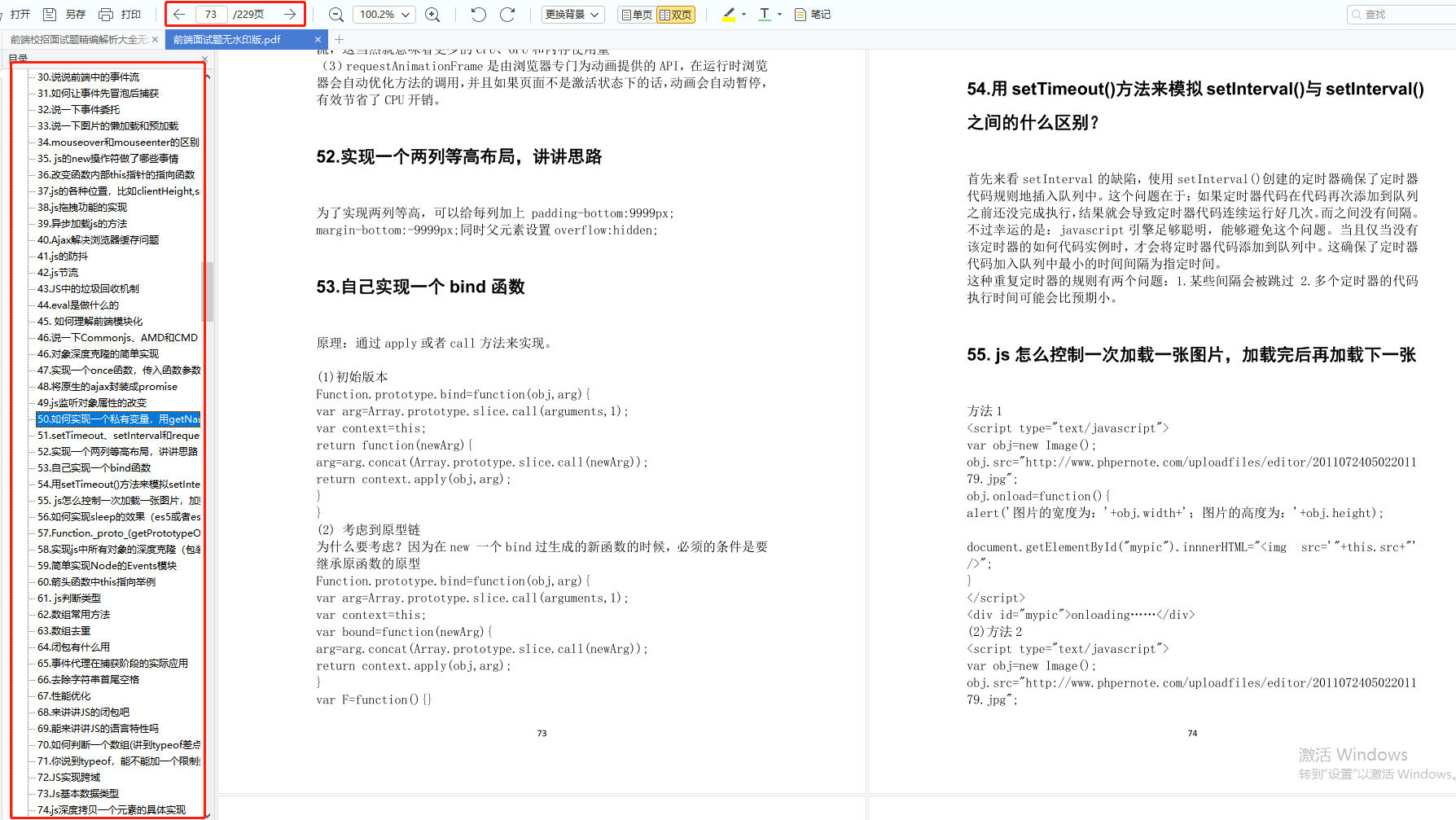
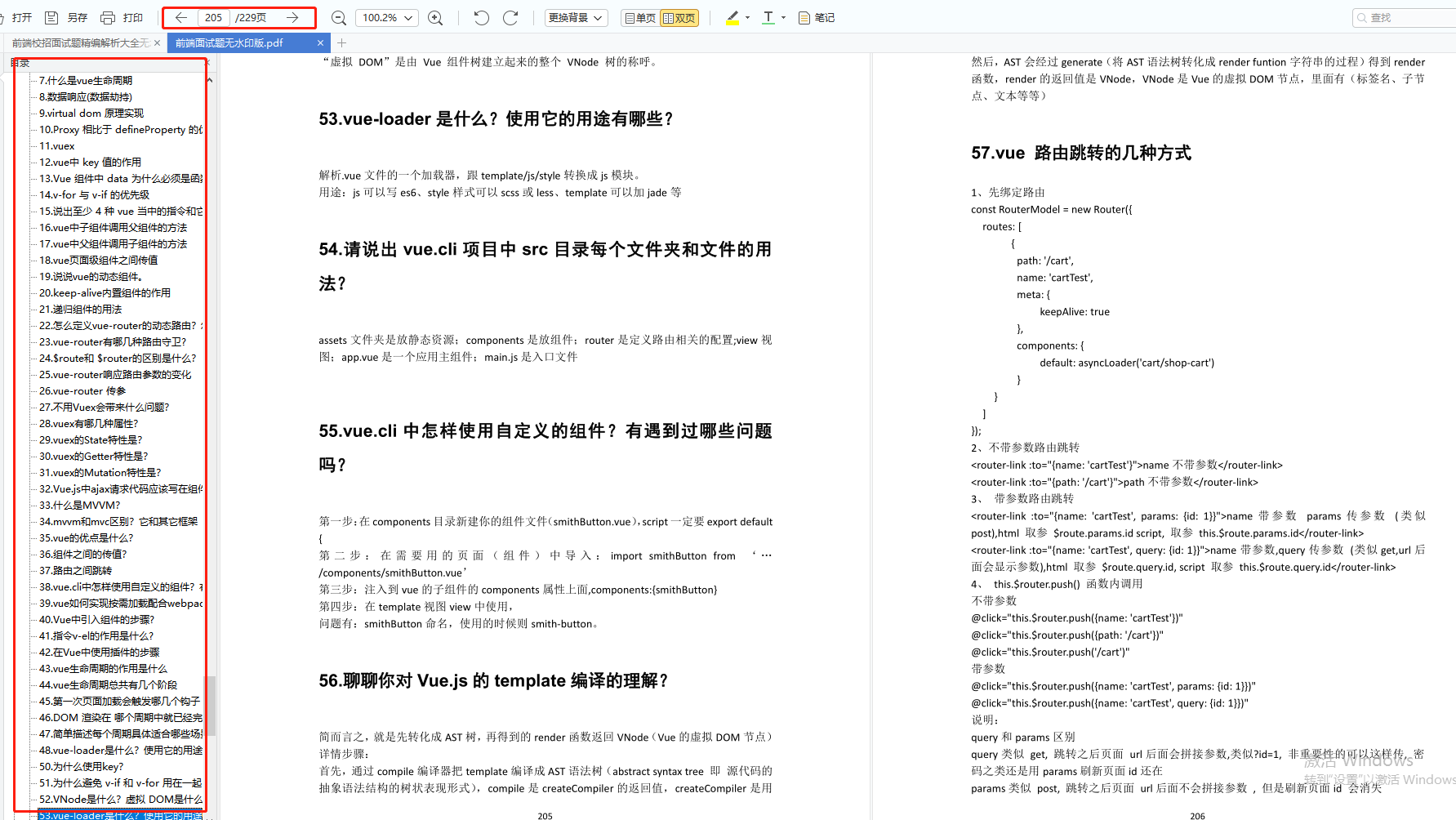
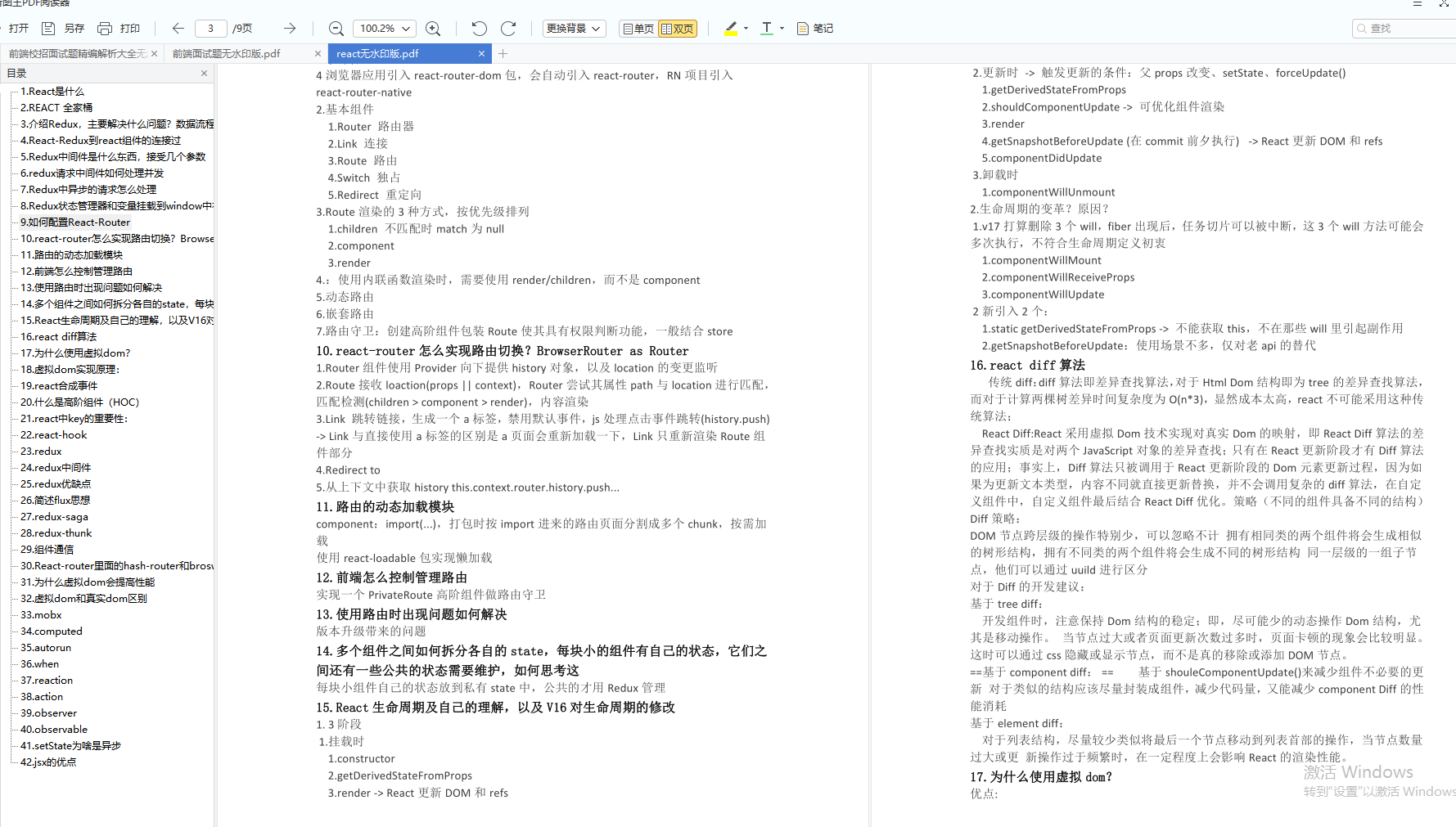
想学习前端web的朋友,和需要PDF文档的朋友都可以加入这边的交流裙,前面:938,中间:051,最后:673,裙里从学生到大佬都有,资源免费分享,不见不散哦!
本文转自 https://www.jianshu.com/p/5e0eac374657,如有侵权,请联系删除。