
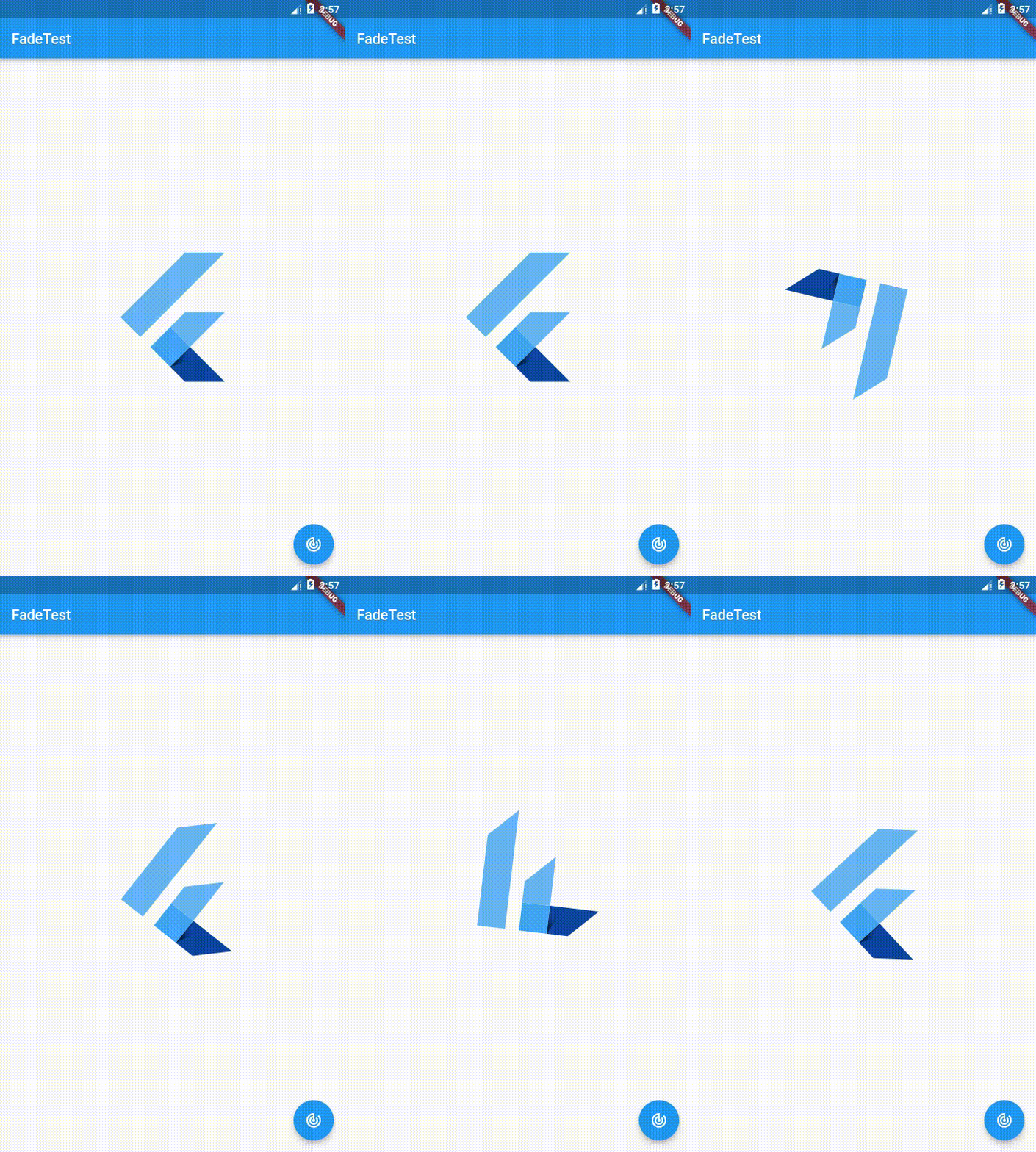
旋转动画
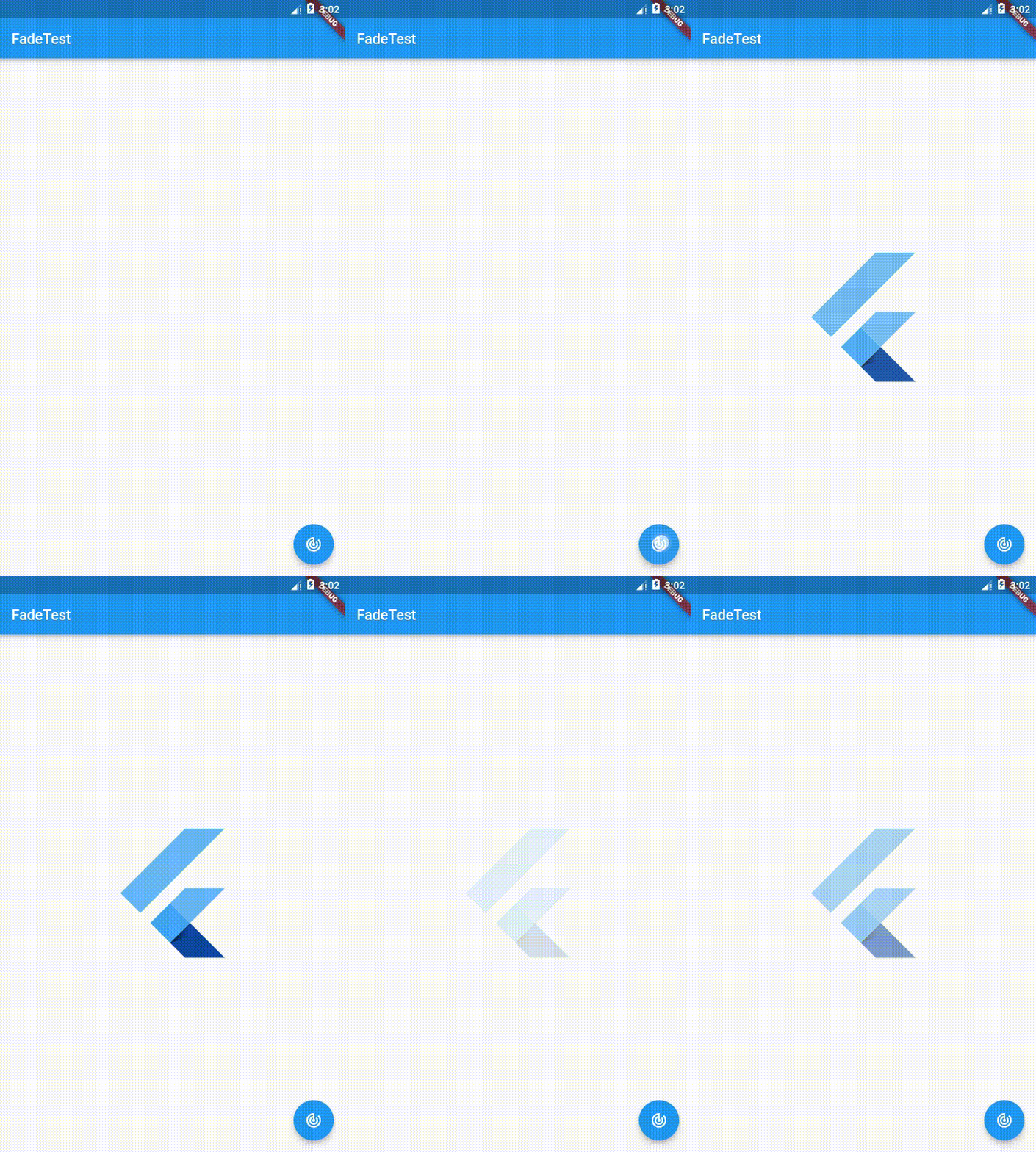
透明度变换动画
在Android中,可以通过View.animate()对视图进行动画处理,那在Flutter中怎样才能对Widget进行处理
在Flutter中,可以通过动画库给widget添加动画。
在Android中,您可以通过XML创建动画或在视图上调用.animate()。在Flutter中,您可以将widget包装到Animation中。
与Android相似,在Flutter中,您有一个AnimationController和一个Interpolator, 它是Animation类的扩展,例如CurvedAnimation。您将控制器和动画传递到AnimationWidget中,并告诉控制器启动动画。
1import 'package:flutter/material.dart';
2
3void main() {
4  runApp(new FadeAppTest());
5}
6
7class FadeAppTest extends StatelessWidget {
8  @override
9  Widget build(BuildContext context) {
10    return new MaterialApp(
11      title: 'Fade Demo',
12      theme: new ThemeData(
13        primarySwatch: Colors.green,
14      ),
15      home: new MyFadeTest(title: 'Fade Demo'),
16    );
17  }
18}
19
20class MyFadeTest extends StatefulWidget {
21  MyFadeTest({Key key, this.title}) : super(key: key);
22  final String title;
23
24  @override
25  State createState() => new _MyFadeTest();
26}
27
28class _MyFadeTest extends State<MyFadeTest> with TickerProviderStateMixin {
29  AnimationController controller;//动画控制器
30  CurvedAnimation curved;//曲线动画,动画插值,
31  bool forward = true;
32
33  @override
34  void initState() {//初始化,当当前widget被插入到树中时调用
35    super.initState();
36    controller = new AnimationController(
37        vsync: this, duration: const Duration(seconds: 3));
38    curved = new CurvedAnimation(parent: controller, curve: Curves.bounceOut);//模仿小球自由落体运动轨迹
39//    controller.forward();//放在这里开启动画 ,打开页面就播放动画
40  }
41
42  @override
43  Widget build(BuildContext context) {
44    return new Scaffold(
45      appBar: new AppBar(
46        title: new Text('FadeTest'),
47      ),
48      body: new Center(
49//        child: new FadeTransition(//透明度动画
50//          opacity: curved,//将动画传入不同的动画widget
51//          child: new FlutterLogo(//创建一个小部件,用于绘制Flutter徽标
52//            size: 200.0,
53//          ),
54//        ),
55        child: new RotationTransition(//旋转动画
56          turns: curved,
57          child: new FlutterLogo(
58            size: 200.0,
59          ),
60
61        ),
62
63      ),
64      floatingActionButton: new FloatingActionButton(
65        onPressed: () {
66          if (forward)
67            controller.forward();//向前播放动画
68          else
69            controller.reverse();//向后播放动画
70          forward = !forward;
71        },
72        tooltip: 'fade',
73        child: new Icon(Icons.track_changes),
74      ),
75    );
76  }
77}