
1<!-- lang: cpp -->
2void addAnimatedBezierDemo(GiPlayingHelper *play)
3{
4    __block Point2d pt1, pt2, pt3, pt4;
5    __block float t = 0;
6
7    [play addPlayProvider:^int(GiFrame frame) {
8        MgShapes *shapes = MgShapes::fromHandle(frame.shapes);
9
10        if (shapes->getShapeCount() == 0) {
11            GiViewHelper *helper = [GiViewHelper sharedInstance:frame.view];
12            MgShapeT<MgPathShape> path;
13
14            path._context.setLineWidth(-5, true);
15            pt1 = d2m(10, 50, helper);
16            pt2 = d2m(100, 400, helper);
17            pt3 = d2m(300, 400, helper);
18            pt4 = d2m(300, 50, helper);
19
20            path._shape.path().moveTo(pt1);
21            path._shape.path().bezierTo(pt2, pt3, pt4);
22            shapes->addShape(path);
23        }
24
25        if (frame.tick < frame.lastTick + 10) {
26            return 0;
27        }
28
29        MgShape* newsp = shapes->getLastShape()->cloneShape();
30        GiPath& path = ((MgPathShape*)newsp->shape())->path();
31
32        Point2d pts[12] = { pt1, pt2, pt3, pt4 };
33        mgcurv::splitBezier(pts, t, pts + 4, pts + 8);
34        path.clear();
35        path.moveTo(pts[4]);
36        path.beziersTo(3, pts + 5);
37
38        t += 1e-2;
39        if (t > 1)
40            t = 0;
41        shapes->updateShape(newsp, true);
42        return 1;
43    } ended:nil tag:1];
44}
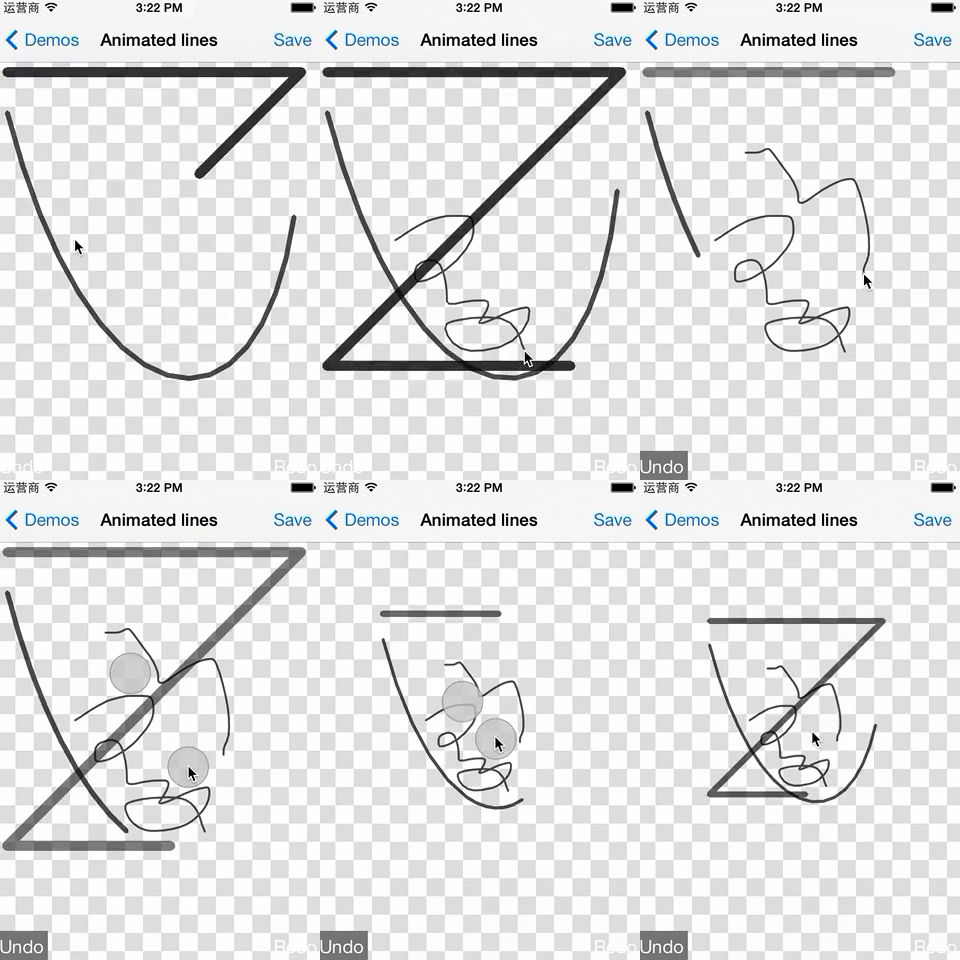
代码见 vgplay-ios 项目的 AnimatedLines.mm 或 AnimatedBezier.mm。
只是一个动画原型,还需要更多完善,使用还需要精简。目标使用还比较复杂,理想情况是写类似于脚本串指定速度、时间、moveto/lineto/curveto等简单绘图指令,隐藏坐标转换、图形更新等复杂细节。