
1.面向过程的拖拽实现代码:

1<!DOCTYPE html>
2<html>
3<head>
4    <title>drag Div</title>
5    <style type="text/css">
6        #div1{width: 100px;height: 100px;background: red;position: absolute;}
7    </style>
8    <script type="text/javascript">
9        window.onload=function(){
10            var oDiv=document.getElementById('div1');
11            var disX=0;
12            var disY=0;
13            oDiv.onmousedown=function(ev){
14                var oEvent=ev||event;
15                disX=oEvent.clientX-oDiv.offsetLeft;
16                disY=oEvent.clientY-oDiv.offsetTop;
17                document.onmousemove=function(ev){
18                var oEvent=ev||event;
19                var l=oEvent.clientX-disX;
20                var t=oEvent.clientY-disY;
21                if (l<0)
22                 {l=0;}
23                else if(l>document.documentElement.clientWidth-oDiv.offsetWidth){
24                    l=document.documentElement.clientWidth-oDiv.offsetWidth;
25                }
26                    if (t<0)
27                 {t=0;}
28                else if(t>document.documentElement.clientHeight-oDiv.offsetHeight){
29                    l=document.documentElement.clientHeight-oDiv.offsetHeight;
30                }
31
32                oDiv.style.left=l+'px';
33                oDiv.style.top=t+'px';
34            };
35            document.onmouseup=function(){
36                document.onmousemove=null;
37                document.onmouseup=null;
38            }
39        };
40
41        return false;
42
43    };
44    </script>
45</head>
46<body>
47    <div id="div1"></div>
48</body>
49</html>
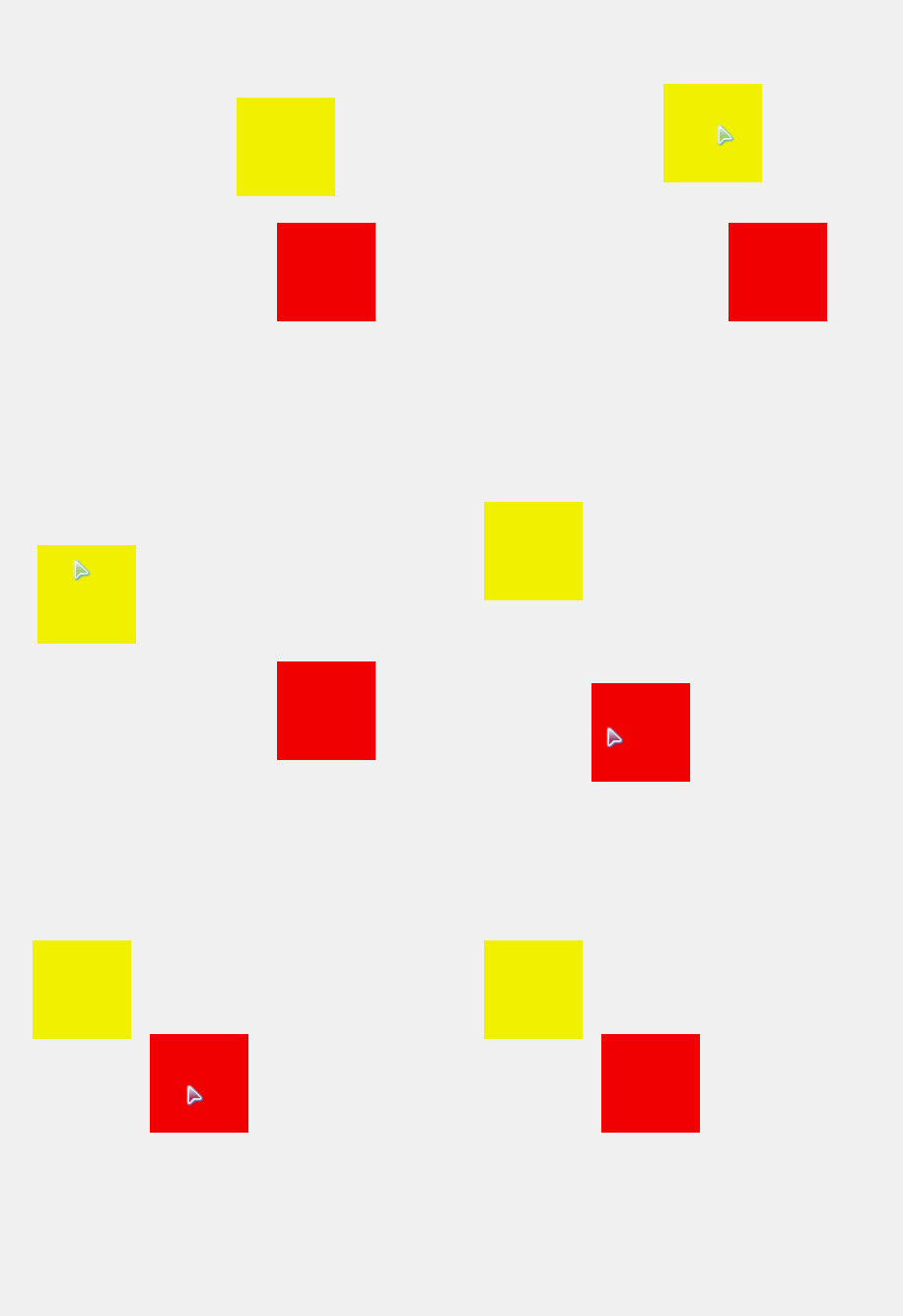
2.面向对象的实现方法,只用新建对象,可以实现多个div的拖拽运动
1<!DOCTYPE html>
2<html>
3<head>
4    <title>drag Div</title>
5    <style type="text/css">
6        #div1{width: 100px;height: 100px;background: red;position: absolute;}
7        #div2{width: 100px;height: 100px;background: yellow;position: absolute;}
8    </style>
9    <script type="text/javascript">
10    window.onload=function(){
11        new Drag('div1');
12        new Drag('div2');
13    }
14
15        function Drag(id){
16            var _this=this;
17            this.disX=0;
18            this.dixY=0;
19            this.oDiv=document.getElementById(id);
20            this.oDiv.onmousedown=function()
21            {
22                _this.fnDown();
23            };
24
25        return false;
26
27    }
28Drag.prototype.fnDown=function(ev){
29                var _this=this;
30                var oEvent=ev||event;
31                this.disX=oEvent.clientX-this.oDiv.offsetLeft;
32                this.disY=oEvent.clientY-this.oDiv.offsetTop;
33                document.onmousemove=function(){
34                    _this.fnMove();
35                };
36            document.onmouseup=function(){
37                _this.fnUp();
38            };
39        };
40Drag.prototype.fnMove=function(ev){
41                var oEvent=ev||event;
42                var l=oEvent.clientX-this.disX;
43                var t=oEvent.clientY-this.disY;
44                if (l<0)
45                 {l=0;}
46                else if(l>document.documentElement.clientWidth-this.oDiv.offsetWidth){
47                    l=document.documentElement.clientWidth-this.oDiv.offsetWidth;
48                }
49                    if (t<0)
50                 {t=0;}
51                else if(t>document.documentElement.clientHeight-this.oDiv.offsetHeight){
52                    l=document.documentElement.clientHeight-this.oDiv.offsetHeight;
53                }
54
55                this.oDiv.style.left=l+'px';
56                this.oDiv.style.top=t+'px';
57            };
58Drag.prototype.fnUp=function(){
59                document.onmousemove=null;
60                document.onmouseup=null;
61            };
62    </script>
63</head>
64<body>
65    <div id="div1"></div>
66    <div id="div2"></div>
67</body>
68</html>