
Ubuntu下为Firefox安装Adobe Flash Player
使用环境:
OS:Ubuntu 12.04 LTS
Browser: Firefox 12.0
Adobe Flash Player: install_flash_player_11_linux.x86_64.tar.gz
安装方法:
1. 下载Adobe Flash Player:
请从Adobe官方下载,也可以从这个URL下载,这个URL也是官方的链接:
http://fpdownload.macromedia.com/get/flashplayer/pdc/11.2.202.235/install\_flash\_player\_11\_
linux.x86_64.tar.gz
2. 解压Adobe Flash Player压缩包:
进入到保存Adobe Flash Player压缩包的路径,将压缩包解压,使用如下命令:
tar -zxvf install_flash_player_11_linux.x86_64.tar.gz
解压完成后,你将会得到如下的文件:
├── libflashplayer.so
├── readme.txt
└── usr
├── bin
│ └── flash-player-properties
├── lib64
│ └── kde4
│ └── kcm_adobe_flash_player.so
└── share
├── applications
│ └── flash-player-properties.desktop
├── icons www.2cto.com
│ └── hicolor
│ ├── 16x16
│ │ └── apps
│ │ └── flash-player-properties.png
│ ├── 22x22
│ │ └── apps
│ │ └── flash-player-properties.png
│ ├── 24x24
│ │ └── apps
│ │ └── flash-player-properties.png
│ ├── 32x32
│ │ └── apps
│ │ └── flash-player-properties.png
│ └── 48x48
│ └── apps
│ └── flash-player-properties.png
├── kde4
│ └── services
│ └── kcm_adobe_flash_player.desktop
└── pixmaps
└── flash-player-properties.png -> ../icons/hicolor/48x48/apps/flash-player-properties.
png
3. 安装Adobe Flash Player:
Adobe Flash Player的安装比较容易,只要将对应的文档复制到正确的的位置即可,具体的操作
如下:
(1) 将libflashplayer.so拷贝到Firefox的Plugin目录:
cp libflashplayer.so /usr/lib/mozilla/plugins/
(2) 将usr目录下的所有文档拷贝到系统的/usr目录下:
cp -r ./usr/* /usr/
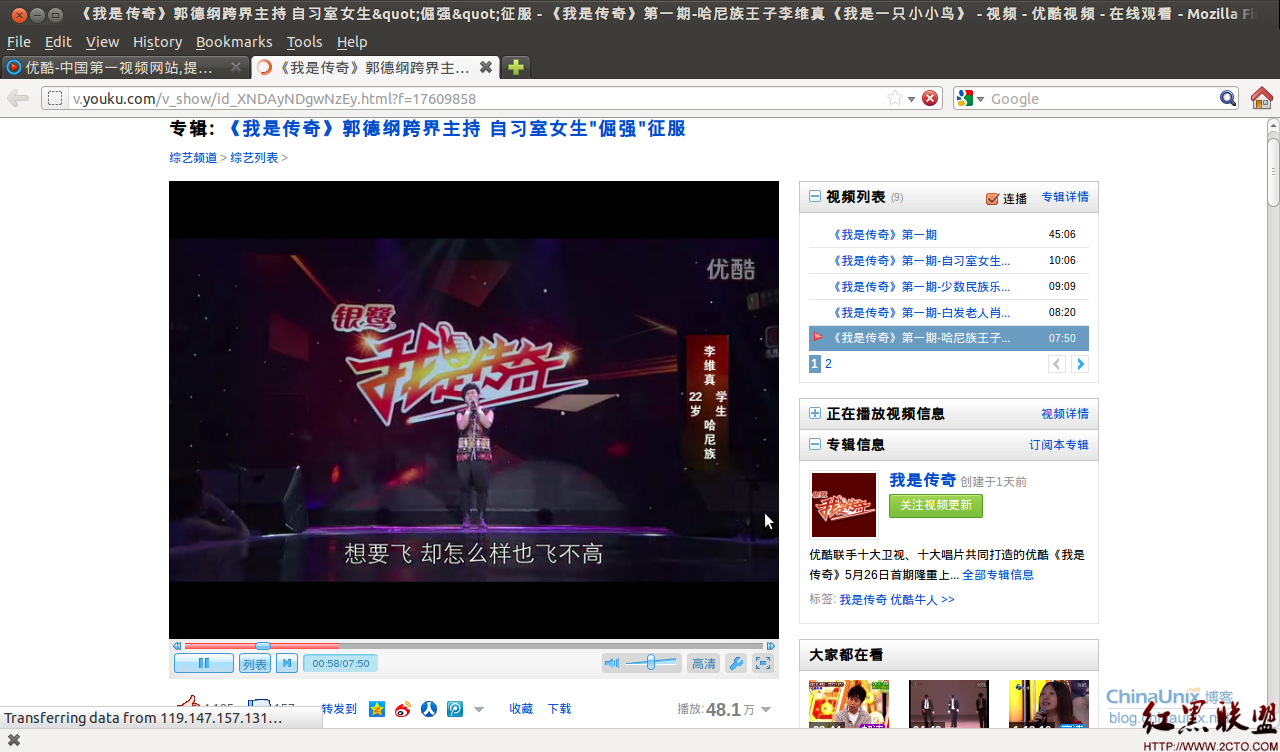
重新打开Firefox后,就可以在网页上播放视频了,祝你幸运!
【Firefox截图】
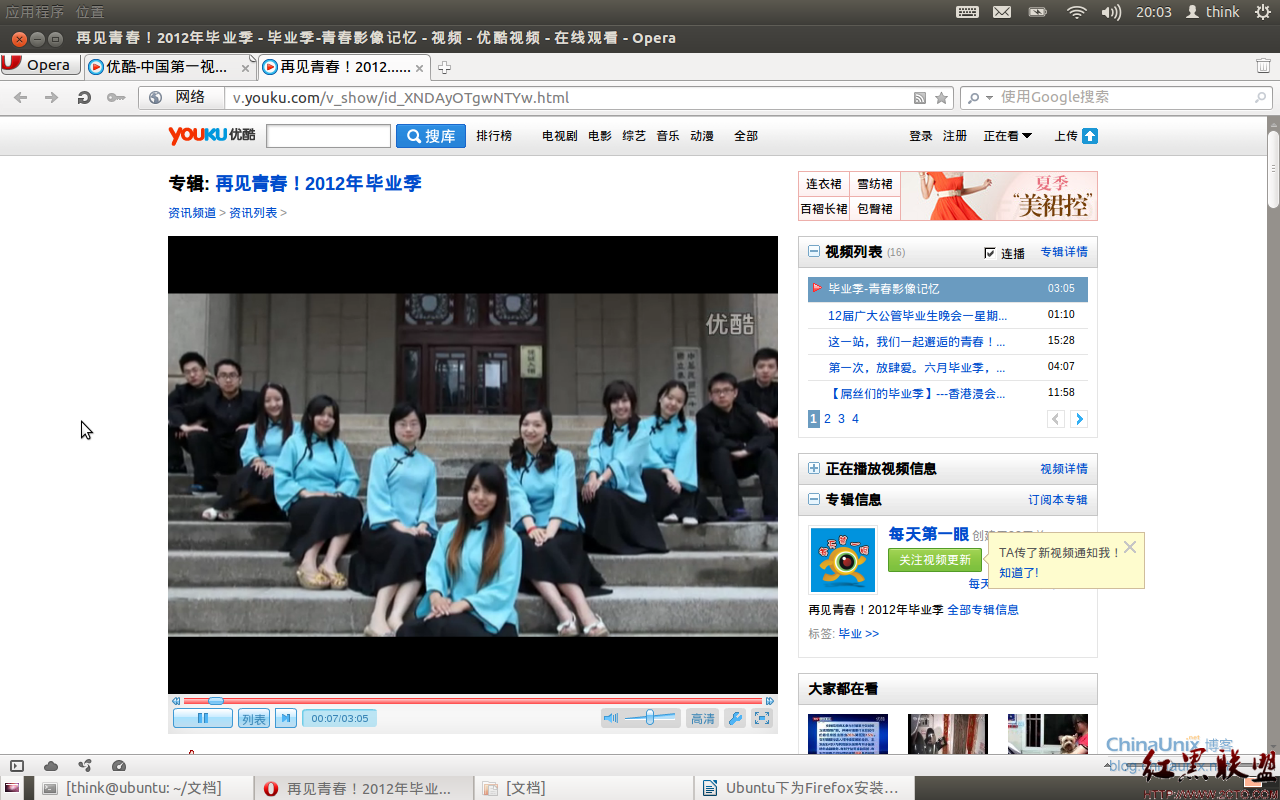
此外,还有一个意外的收获,当按照上述的方式安装了Adobe Flash Player后,使用Chromium
和Opera 浏览器也可以在线播放视频 ^_^
【Chromium截图】

【Opera截图】
作者 chenliangmoran
官方文档:
Adobe Systems Incorporated
Flash Player 11 for Linux
Version 11.2.202.310
2012
Adobe recommends that all users upgrade to the latest version of Adobe Flash
Player for the most recent features, bug fixes, and security fixes. For
more information on the new features in Flash Player 9, please visit
http://www.adobe.com/products/flashplayer/. For more information on system
requirements, fixed issues, and known issues, see the release notes at
http://www.adobe.com/go/flashplayer\_releasenotes.
To confirm which version of Flash Player you have currently installed, see
http://www.adobe.com/software/flash/about/. Users should only install
Players that have been downloaded from trusted sources, such as
http://www.adobe.com/.
Your use of this player is governed by the Adobe End User License Agreement
found at http://www.adobe.com/products/eulas/players/flash/.
Privacy
-------
Adobe is committed to preserving the privacy of end users. For more
information on configuring Client-side privacy visit the Settings Manager
Documentation: http://www.adobe.com/go/flashplayerhelp.
Installation instructions
-------------------------
Installing using the plugin tar.gz:
o Unpack the plugin tar.gz and copy the files to the appropriate location.
o Save the plugin tar.gz locally and note the location the file was saved to.
o Launch terminal and change directories to the location the file was saved to.
o Unpack the tar.gz file. Once unpacked you will see the following:
+ libflashplayer.so
+ /usr
o Identify the location of the browser plugins directory, based on your Linux distribution and Firefox version
o Copy libflashplayer.so to the appropriate browser plugins directory. At the prompt type:
+ cp libflashlayer.so <BrowserPluginsLocation>
o Copy the Flash Player Local Settings configurations files to the /usr directory. At the prompt type:
+ sudo cp -r usr/* /usr
Installing the plugin using RPM:
o As root, enter in terminal:
+ # rpm -Uvh <rpm_package_file>
+ Click Enter key and follow prompts
Installing the standalone player:
o Unpack the tar.gz file
o To execute the standalone player,
+ Double-click, or
+ Enter in terminal: ./flashplayer
Uninstallation instructions
---------------------------
Manual uninstallation (for users who installed the plugin via Install script):
o Delete libflashplayer.so binary and flashplayer.xpt file in
directory /home/<user>/.mozilla/plugins/
RPM uninstallation:
o As root, enter in terminal:
+ # rpm -e flash-plugin
+ Click Enter key and follow prompts
Technical Issues and Reporting Bugs
-----------------------------------
The Adobe Flash Player Support Center at
http://www.adobe.com/support/flashplayer/ is a free online resource for
support and troubleshooting information. Bug reports may be submitted at
http://www.adobe.com/go/wish. To allow us to investigate reported bugs,
please include the following information:
- Platform and version
- Browser version
- Reproducible steps including a URL to the web site where the problem
was encountered.
If we need further information about a bug, you will be contacted. An
automated reply will be sent to assure you that we have received your
bug report. Due to the volume of mail received, we are not able to
individually respond to each report.
Use the following commands to generate dependency lists for Flash Player or the Local Setting Manager:
Flash Player:
ldd <BrowserPluginsLocation>/libflashplayer.so
Gnome Local Setting Manager:
ldd /usr/lib/kcm_adobe_flash_player.so (for 32-bit systems)
ldd /usr/lib64/kcm_adobe_flash_player.so (for 64-bit systems)
KDE Local Settings Manager:
ldd /usr/bin/flash-player-properties
Legal
-----
Adobe(R) Flash(R) Player. Copyright (C) 1996 - 2011 Adobe Systems
Incorporated. All Rights Reserved. Adobe and Flash are either
trademarks or registered trademarks in the United States and/or
other countries.