
首先要编写好自己的model
1from django.db import models
2
3# Create your models here.
4
5class Article(models.Model):
6    title = models.CharField(max_length=32,default='Title')
7    content = models.TextField(null=True)
然后
步骤:
命令行中进入 manage.py同级目录
执行python manage.py makemigratetions app名(可选)
在执行python manage.py migrate
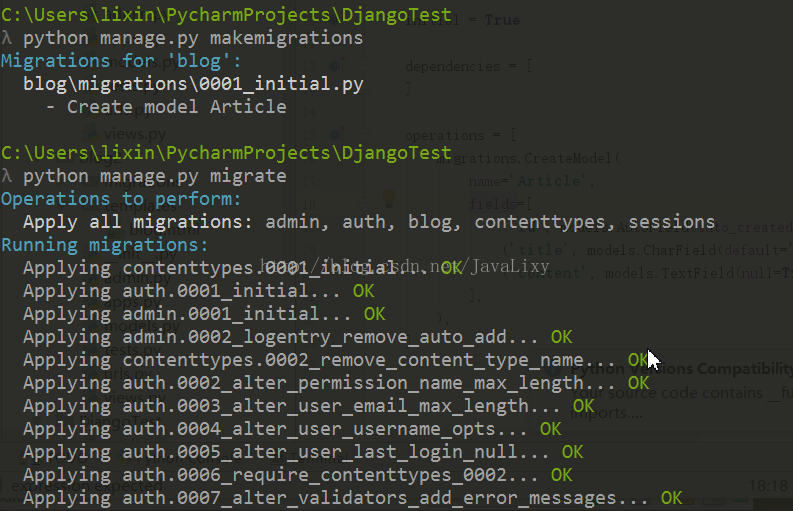
这样就能通过model来自动映射生成数据库,里面的一个类就是一张数据表(ORM)
ORM
对象关系映射(Object Relation Mapping)
实现对象和数据库的映射
隐藏数据访问的细节,不需要编写SQL语句
这样就能在SQLite(数据库)中插入数据了
在页面呈现数据
后台步骤
views.py中import models
article = models.Article.objects.get(pk=1) Article是自己设定的类 pk主键为1 article是类中主键为一的对象
render(request, htmlURL, { 'article' : article })通过渲染传递给前端
1from django.shortcuts import render
2from django.http import HttpResponse
3from . import models
4
5def index(request):
6    article = models.Article.objects.get(pk=1)
7    return render(request, 'blog/blog.html', {'article':article})
这样在前端可以通过
{{ article.title }}
来获取对象的title