一,寻找不同颜色
1.index.html
<!DOCTYPE **html**\><html lang**="en">
<head>
<meta charset="UTF-8">
<meta name="viewport"** content**="width=device-width,user-scalable=no">
<script src="easeljs.min.js"></script>
<script src="Rect.js"></script>
<link rel="stylesheet"** type**="text/css"** href**="style.css">
<title>Title</title>
</head>
<body>
<div class="main">
<canvas id="gameView"></canvas>
</div>
<script src="app.js"**></script>
</body>
</html>
2.app.js
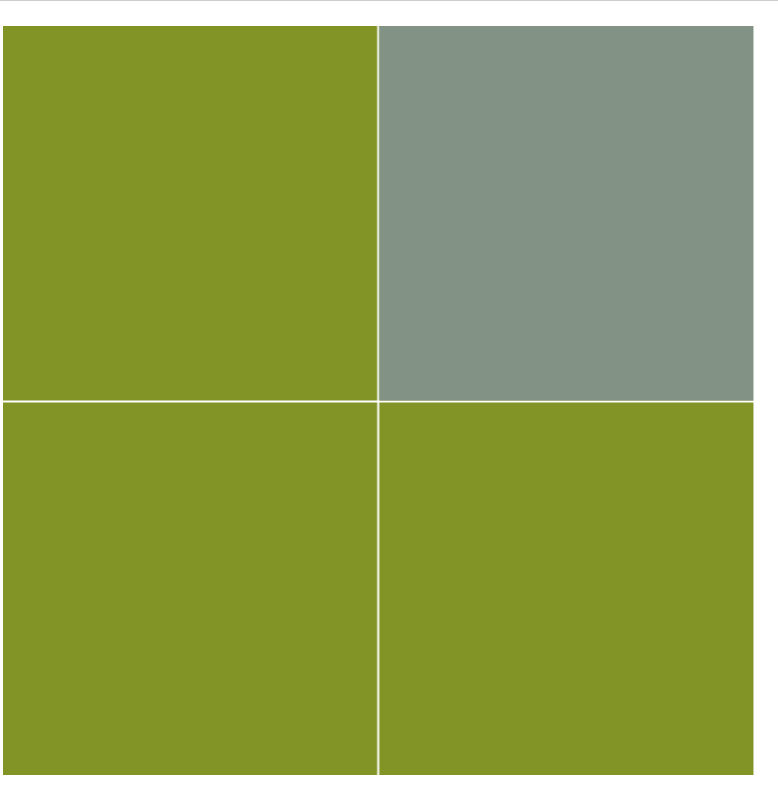
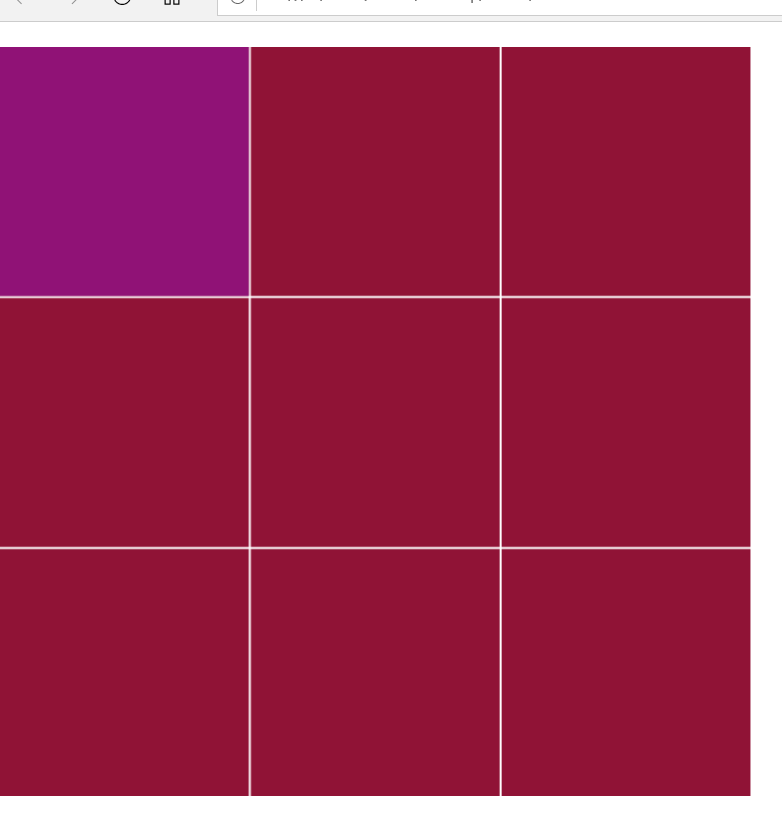
var stage = new createjs.Stage("gameView"); createjs.Ticker.setFPS(30); createjs.Ticker.addEventListener("tick", stage); var gameView = new createjs.Container(); stage.addChild(gameView); function startGame() { _//_函数入口 getCanvasSize(); n = 2; addRect(); } function addRect() { _//_添加方格 var c1 = parseInt(Math.random() * 1000000); _//_设定放个颜色为一个随机值 var color = ("#"+c1); var x = parseInt(Math.random() * n); var y = parseInt(Math.random() * n); for (var indexX = 0;indexX < n; indexX++){ _//_绘制方格 for (var indexY = 0; indexY < n; indexY++){ var c2 = parseInt((c1-10*(n-indexY)>0)?(c1-10*(n-indexY)):(c1+10*indexY)); var Rectcolor = ("#" + c2); var c3 = parseInt((c2-10*(n-indexY)>0)?(c2-10*(n-indexY)):(c2+10*indexY)); var Rectcolor = ("#" + c3); var r = new Rect(n,color,Rectcolor); gameView.addChild(r); r.x = indexX; r.y = indexY; if(r.x == x && r.y == y){ r.setRectType(2); } r.x = indexX * (getSize() / n); r.y = indexY * (getSize() / n); if (r.getRectType() == 2){ r.addEventListener("click",clickRect) } } } } function clickRect() { if (n < 7){ ++n; } gameView.removeAllChildren(); addRect(); } function getCanvasSize() { var gView = document.getElementById("gameView"); gView.height = window.innerHeight - 4; gView.width = window.innerWidth - 4; } function getSize() { if (window.innerHeight >= window.innerWidth){ return window.innerWidth; } else { return window.innerHeight; } } startGame();
3.rect.js
function Rect(n, color, Rectcolor) { createjs.Shape.call(this); this.setRectType = function (type) { this._RectType = type; switch (type) { case 1: this.setColor(color); break; case 2: this.setColor(Rectcolor); break; } } this.setColor = function (colorString) { this.graphics.beginFill(colorString); this.graphics.drawRect(0,0,getSize()/n-2,getSize()/n-2); this.graphics.endFill(); } this.getRectType = function () { return this._RectType; } this.setRectType(1); } Rect.prototype = new createjs.Shape();
4.截图
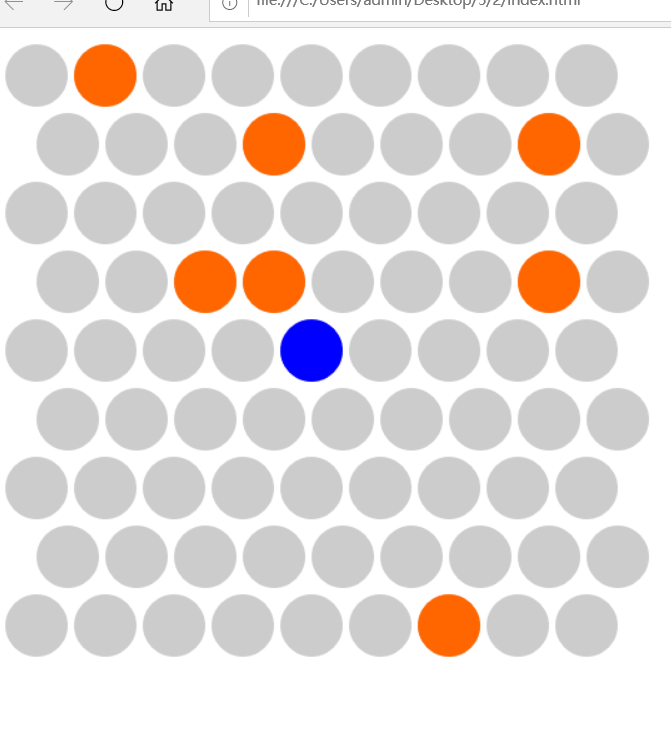
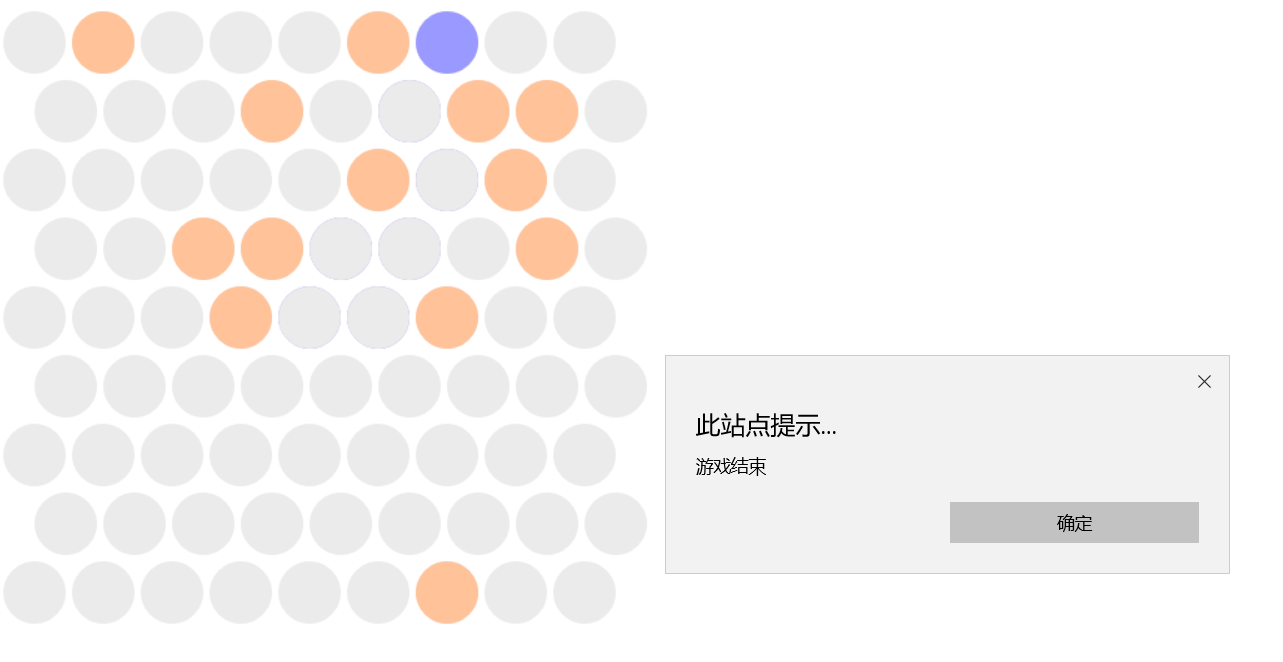
- 围住猫
- index.html
<html lang**="en"> <head> <meta charset="UTF-8"> <title>围住神经猫</title> <script src="easeljs.min.js"></script> <script src="Circle.js"></script> </head> <body> <canvas width="800px"** height**="800px"** id**="gameView"></canvas> <script src="app.js"**></script> </body> </html>
- app.js
var stage = new createjs.Stage("gameView"); createjs.Ticker.setFPS(30); createjs.Ticker.addEventListener("tick",stage); var gameView = new createjs.Container(); gameView.x = 30; gameView.y = 30; stage.addChild(gameView); var circleArr = [[],[],[],[],[],[],[],[],[]]; var currentCat; var MOVE_NONE=-1,MOVE_LEFT= 0,MOVE_UP_LEFT= 1,MOVE_UP_RIGHT= 2,MOVE_RIGHT= 3,MOVE_DOWN_RIGHT= 4,MOVE_DOWN_LEFT=5; _//猫移动的__6__个方向 function getMoveDir(cat){ //判断猫移动的方向 var distanceMap=[]; //left var can = true; for(var x = cat.indexX;x>=0;x--){ if(circleArr[x][cat.indexY].getCircleType()==Circle.TYPE_SELECTED){ can = false; distanceMap[MOVE_LEFT] = cat.indexX-x; break; } } if(can){ return MOVE_LEFT; } //left up can = true; var x = cat.indexX,y = cat.indexY; while(true){ if(circleArr[x][y].getCircleType()==Circle.TYPE_SELECTED){ can = false; distanceMap[MOVE_UP_LEFT] = cat.indexY-y; break; } if(y%2 == 0){ x--; } y--// if(y<0||x<0){ break; } } if(can){ return MOVE_UP_LEFT; } //right up can = true; x = cat.indexX,y = cat.indexY; while(true){ if(circleArr[x][y].getCircleType()==Circle.TYPE_SELECTED){ can = false; distanceMap[MOVE_UP_RIGHT] = cat.indexY-y; break; } if(y%2 == 1){ x++; } y--; if(y<0 || x>8){ break; } } if(can){ return MOVE_UP_RIGHT; } //right can = true; for(var x = cat.indexX;x<9;x++){ if(circleArr[x][cat.indexY].getCircleType() == Circle.TYPE_SELECTED){ can = false; distanceMap[MOVE_RIGHT] = x-cat.indexX; break; } } if(can){ return MOVE_RIGHT; } //right down can = true; x = cat.indexX,y = cat.indexY; while(true){ if(circleArr[x][y].getCircleType() == Circle.TYPE_SELECTED){ can = false; distanceMap[MOVE_DOWN_RIGHT] = y-cat.indexY; break; } if(y%2 == 1){ x++; } y++; if(y>8||x>8){ break; } } if(can){ return MOVE_DOWN_RIGHT; } //left down can = true; x = cat.indexX,y = cat.indexY; while(true){ if(circleArr[x][y].getCircleType() == Circle.TYPE_SELECTED){ can = false; distanceMap[MOVE_DOWN_LEFT] = y-cat.indexY; break; } if(y%2 == 0){ x--; } y++; if(y>8||x<0){ break; } } if(can){ return MOVE_DOWN_LEFT; } var maxDir = -1,maxValue = -1; for(var dir = 0;dir<distanceMap.length;dir++){ if(distanceMap[dir]>maxValue){ maxValue = distanceMap[dir]; maxDir = dir; } } if(maxValue>1){ return maxDir; }else{ return MOVE_NONE; } } function circleClicked(event) { if(event.target.getCircleType()!=Circle.TYPE_CAT){ event.target.setCircleType(Circle.TYPE_SELECTED); }else{ return ; } if(currentCat.indexX == 0 || currentCat.indexX == 8 || currentCat.indexY == 0 || currentCat.indexY == 8){ alert("游戏结束");//_添加猫跳跃判断 return; } var dir = getMoveDir(currentCat); switch (dir){ case MOVE_LEFT: currentCat.setCircleType(Circle.TYPE_UNSELECTED); currentCat=circleArr[currentCat.indexX-1][currentCat.indexY]; currentCat.setCircleType(Circle.TYPE_CAT); break; case MOVE_UP_LEFT: currentCat.setCircleType(Circle.TYPE_UNSELECTED); currentCat=circleArr[currentCat.indexY%2?currentCat.indexX:currentCat.indexX-1][currentCat.indexY-1]; currentCat.setCircleType(Circle.TYPE_CAT); break; case MOVE_UP_RIGHT: currentCat.setCircleType(Circle.TYPE_UNSELECTED); currentCat=circleArr[currentCat.indexY%2?currentCat.indexX+1:currentCat.indexX][currentCat.indexY-1]; currentCat.setCircleType(Circle.TYPE_CAT); break; case MOVE_RIGHT: currentCat.setCircleType(Circle.TYPE_UNSELECTED); currentCat=circleArr[currentCat.indexX+1][currentCat.indexY]; currentCat.setCircleType(Circle.TYPE_CAT); break; case MOVE_DOWN_RIGHT: currentCat.setCircleType(Circle.TYPE_UNSELECTED); currentCat=circleArr[currentCat.indexY%2?currentCat.indexX+1:currentCat.indexX][currentCat.indexY+1]; currentCat.setCircleType(Circle.TYPE_CAT); break; case MOVE_DOWN_LEFT: currentCat.setCircleType(Circle.TYPE_UNSELECTED); currentCat=circleArr[currentCat.indexY%2?currentCat.indexX:currentCat.indexX-1][currentCat.indexY+1]; currentCat.setCircleType(Circle.TYPE_CAT); break; default : alert("游戏结束"); } } function addCircles(){ for(var indexY = 0;indexY<9;indexY++){ for(var indexX = 0;indexX<9;indexX++){ var c = new Circle(); gameView.addChild(c); circleArr[indexX][indexY] = c; c.indexX = indexX; c.indexY = indexY; c.x = indexY%2?indexX*55 + 25 : indexX*55; c.y = indexY * 55; if(indexX == 4 && indexY==4){ c.setCircleType(3); currentCat = c; }else if(Math.random()<0.1){ c.setCircleType(Circle.TYPE_SELECTED); } c.addEventListener("click",circleClicked); } } }
addCircles();
- circle.js
function Circle() { createjs.Shape.call(this); this.setCircleType = function (type) { this._circleType = type; switch (type) { case Circle.TYPE_UNSELECTED: this.setColor("#cccccc"); break; case Circle.TYPE_SELECTED: this.setColor("#ff6600"); break; case Circle.TYPE_CAT: this.setColor("#0000ff"); break; } } this.setColor = function (colorString) { this.graphics.beginFill(colorString); this.graphics.drawCircle(0,0,25); this.graphics.endFill(); } this.getCircleType = function () { return this._circleType; } this.setCircleType(1); } Circle.prototype = new createjs.Shape(); Circle.TYPE_UNSELECTED = 1; Circle.TYPE_SELECTED = 2; Circle.TYPE_CAT = 3;
- 截图