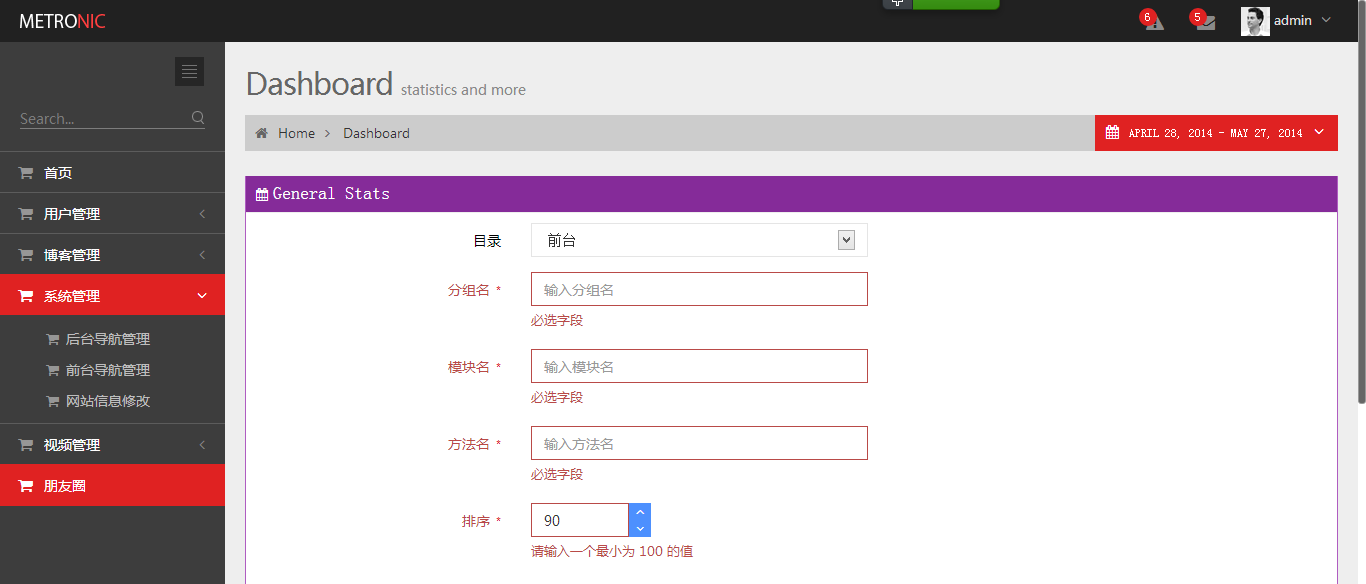
先从字体开始吧
1html {
2	font-family:'微软雅黑','Microsoft YaHei';
3}
4
5h6 {
6  font-family: '微软雅黑','Microsoft YaHei';
7}
8
9.page-title {
10  font-family: '微软雅黑','Microsoft YaHei';
11}
12
13.icon-btn div {
14  font-family: '微软雅黑','Microsoft YaHei';
15}
16
17.icon-btn .badge {
18  font-family: '微软雅黑','Microsoft YaHei';
19}
20
21.dropdown-menu.tasks .task .percent {
22  font-family: '微软雅黑','Microsoft YaHei';
23}
24
25/*.dropdown-menu {
26  font-family: '微软雅黑','Microsoft YaHei';
27}*/
28
29.portlet.calendar .fc-text-arrow {
30  font-family: '微软雅黑','Microsoft YaHei';
31}
32
33.gritter-title {
34  font-family: '微软雅黑','Microsoft YaHei';
35}
36
37.datetimepicker table td {
38  font-family: '微软雅黑','Microsoft YaHei';
39}
40
41.datetimepicker table th {
42  font-family: '微软雅黑','Microsoft YaHei';
43}
44
45.datepicker table td {
46  font-family: '微软雅黑','Microsoft YaHei';
47}
48
49.datepicker table th {
50  font-family: '微软雅黑','Microsoft YaHei';
51}
52
53.bootstrap-select.btn-group .dropdown-menu > li > dt > .text {
54  font-family: '微软雅黑','Microsoft YaHei';
55}
56
57.dropdown.user {
58	font-family: '微软雅黑','Microsoft YaHei';
59}
60
61.page-sidebar-menu {
62  font-family: "Segoe UI",Helvetica, Arial, sans-serif;
63}
64
65.page-breadcrumb.breadcrumb a {
66	font-family: "Segoe UI",Helvetica, Arial, sans-serif;
67}
我发现 这个字体还是不错的
font-family: "Segoe UI",Helvetica, Arial, sans-serif;
2014 05/27
做了一个表单