
一、spring boot客户端
1、在spring boot的项目pom.xml添加依赖
1<dependency>
2    <groupId>io.opentracing.contrib</groupId>
3    <artifactId>opentracing-spring-web-autoconfigure</artifactId>
4    <version>0.0.4</version>
5</dependency>
6
7<!--添加jaeger-->
8<dependency>
9    <groupId>com.uber.jaeger</groupId>
10    <artifactId>jaeger-core</artifactId>
11    <version>0.21.0</version>
12</dependency>
注入jaeger bean
1@Bean
2public io.opentracing.Tracer jaegerTracer() {
3    return new Configuration("spring-boot", new Configuration.SamplerConfiguration(ProbabilisticSampler.TYPE, 1),
4        new Configuration.ReporterConfiguration())
5        .getTracer();
其中需要指定jaeger IP地址,默认是localhost
如果要修改地址
1Configuration.SamplerConfiguration(ProbabilisticSampler.TYPE, 1, "jaeger IP地址:端口")
2
3Configuration.ReporterConfiguration(
4        false,
5        "jaeger agent host",
6        "jaeger agent port(int)",
7        1000,
8        100)
编写测试 HelloController.java
1@RestController
2public class HelloController {
3
4    @Autowired
5    private RestTemplate restTemplate;
6
7    @RequestMapping("/hello")
8    public String hello() {
9        return "Hello from Spring Boot!";
10    }
11
12    @RequestMapping("/chaining")
13    public String chaining() {
14        ResponseEntity<String> response = restTemplate.getForEntity("http://localhost:8080/hello", String.class);
15        return "Chaining + " + response.getBody();
16    }
17}
运行jaeger,以docker形式运行
docker run --rm -it --network=host jaegertracing/all-in-one
访问:http://localhost:16686查看ui页面
运行spring boot程序
访问:http://localhost:8080/hello 和 http://localhost:8080/chaining
查看UI页面,可以看到
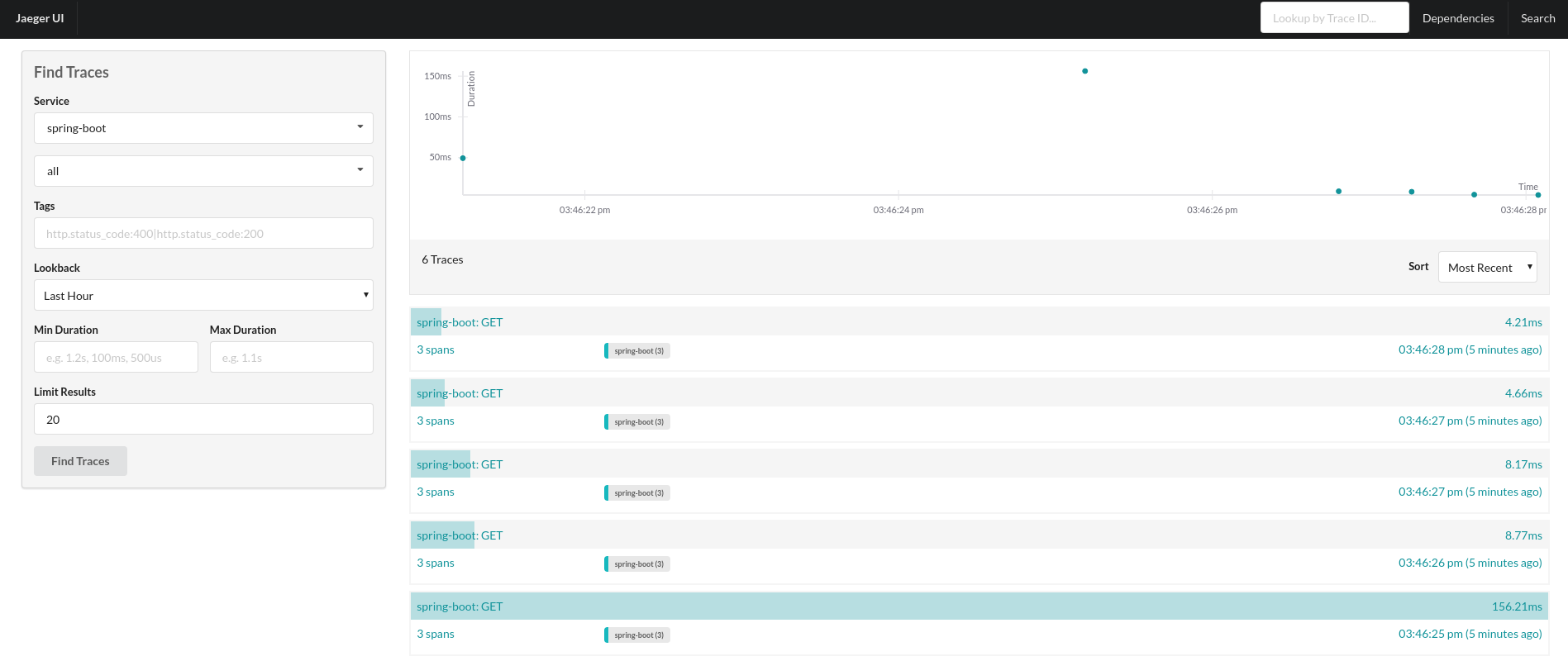
二、如果是spring cloud程序
则替换maven
1<dependency>
2   <groupId>io.opentracing.contrib</groupId>
3   <artifactId>opentracing-spring-cloud-starter</artifactId>
4   <version>0.0.4</version>
5</dependency>
6
7
8<!--添加jaeger-->
9<dependency>
10    <groupId>com.uber.jaeger</groupId>
11    <artifactId>jaeger-core</artifactId>
12    <version>0.21.0</version>
13</dependency>
同样方式运行
- Spring Web (RestControllers, RestTemplates)
- Async annotation, AsyncWebTask, Executors
- WebSocket STOMP
- Feign, HystrixFeign
- Hystrix
- JMS
- JDBC
- Zuul
参考资料:
http://planet.jboss.org/post/opentracing_spring_boot_instrumentation
https://github.com/opentracing-contrib/java-spring-cloud