1 、Padding介绍
Padding用来为子元素添加填充,也就是指定子元素与容器边界的距离,作用基本上与Android中ViewGroup的padding属性差不多
1  const Padding({
2    Key key,
3    @required this.padding,
4    Widget child,
5  }) : assert(padding != null),
6       super(key: key, child: child);
EdgeInsets提供了一些方法
- fromLTRB(double left, double top, double right, double bottom):分别指定四个方向的填充。
- all(double value) : 所有方向均使用相同数值的填充。
- only({left, top, right ,bottom }):可以设置具体某个方向的填充(可以同时指定多个方向)。
- symmetric({ vertical, horizontal }):用于设置对称方向的填充,vertical指top和bottom,horizontal指left和right。
2 、代码测试
1  @override
2  Widget build(BuildContext context) {
3      return MaterialApp(
4          title: 'open url',
5          home: Scaffold(
6            appBar: AppBar(
7              // Here we take the value from the MyHomePage object that was created by
8              // the App.build method, and use it to set our appbar title.
9              title: Text('hello flutter'),
10            ),
11            body: Padding(
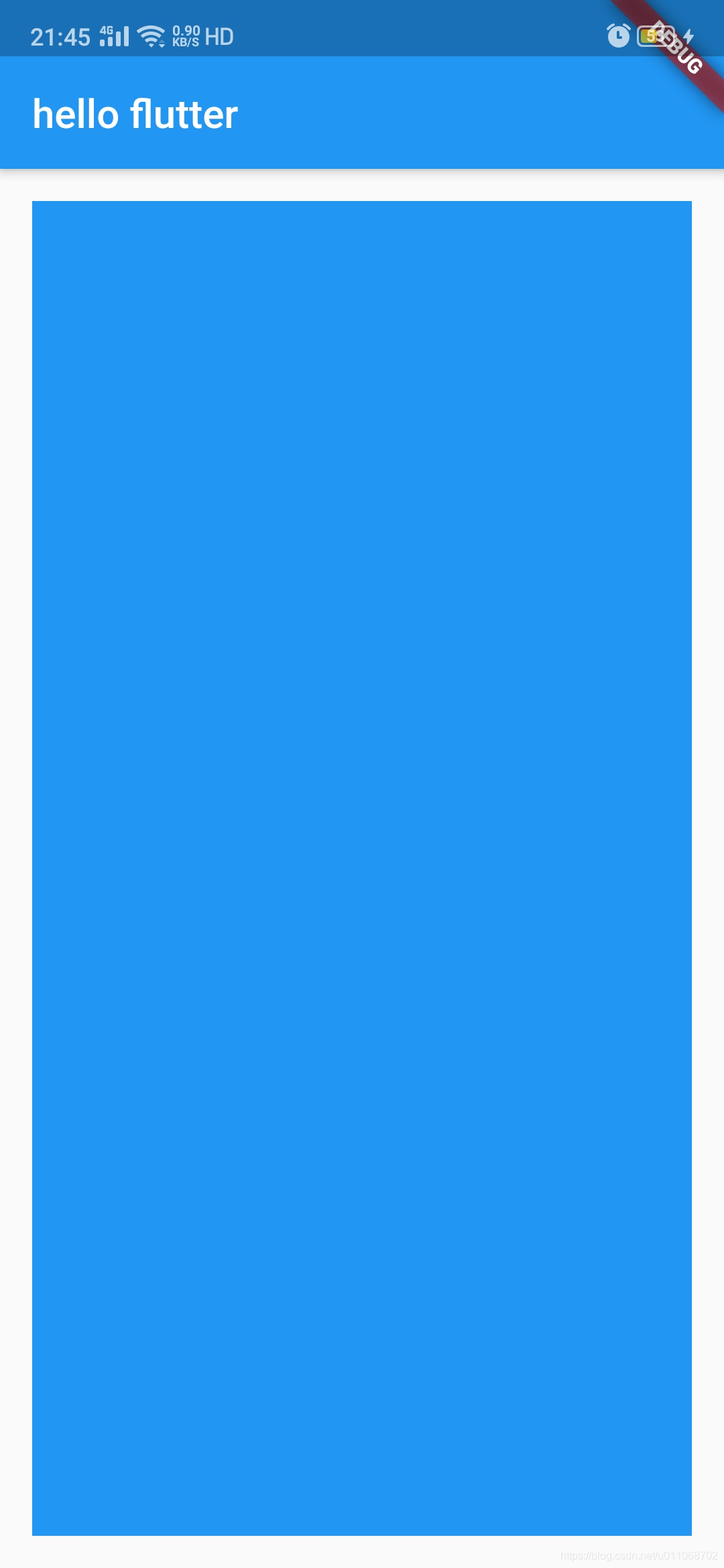
12//              padding: EdgeInsets.all(16),
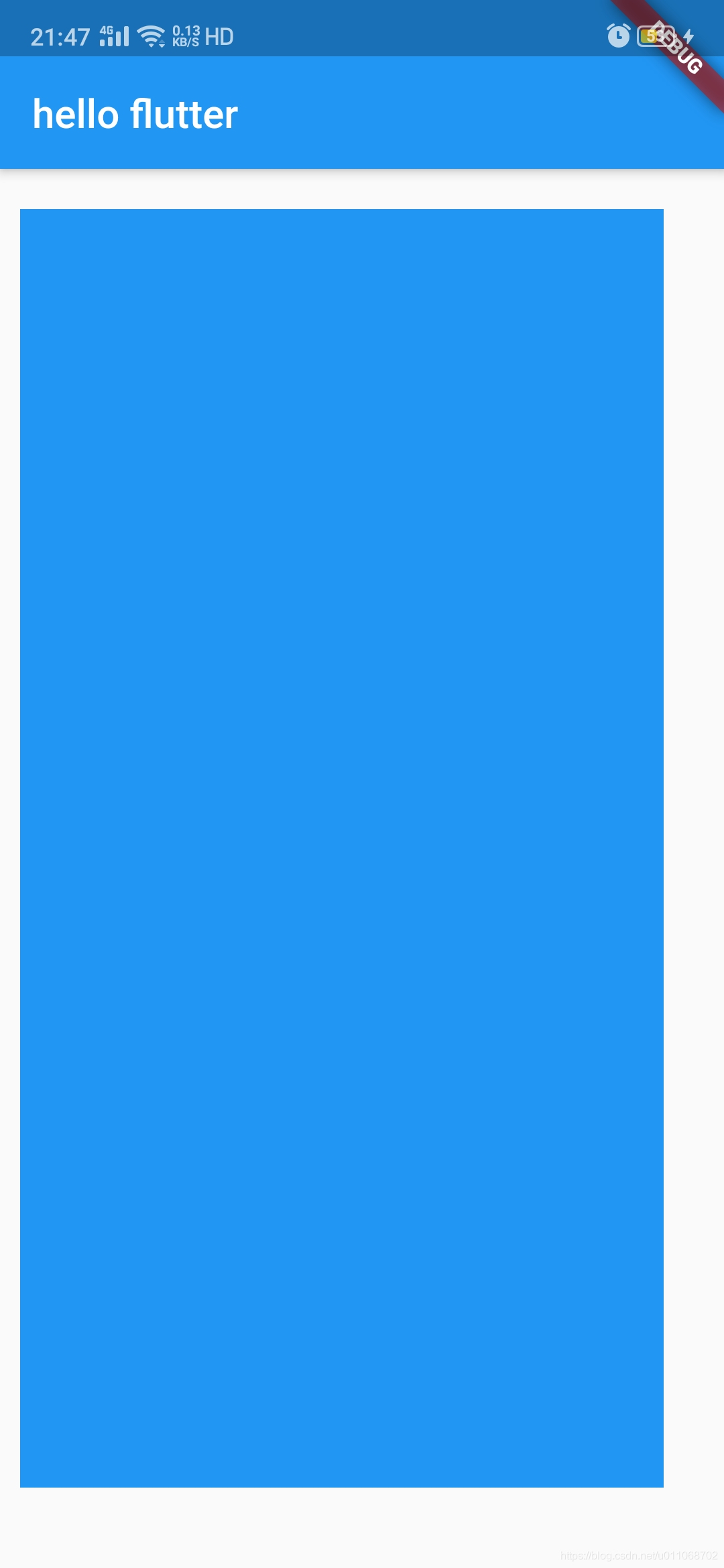
13//            padding: EdgeInsets.fromLTRB(10, 20, 30, 40),
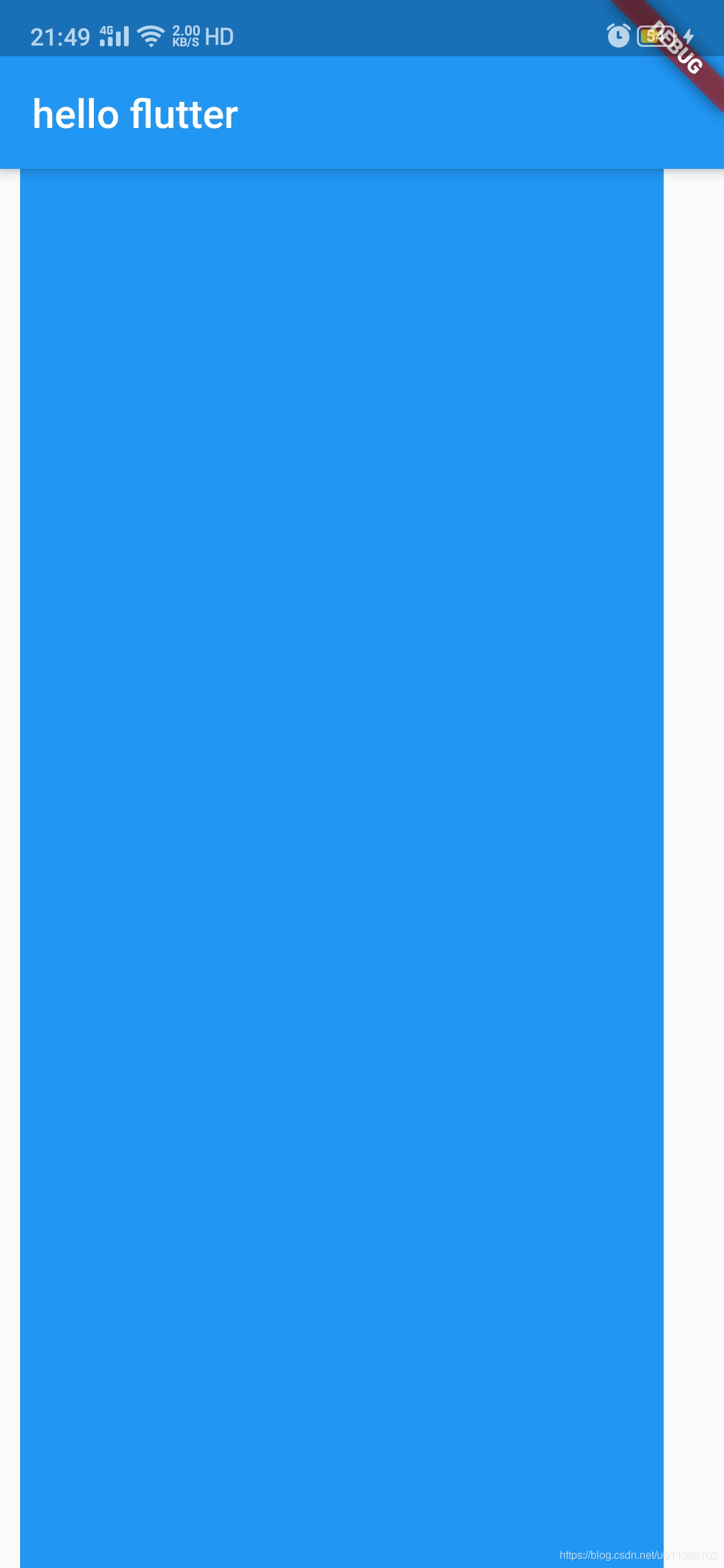
14//            padding: EdgeInsets.only(left: 10, right: 30),
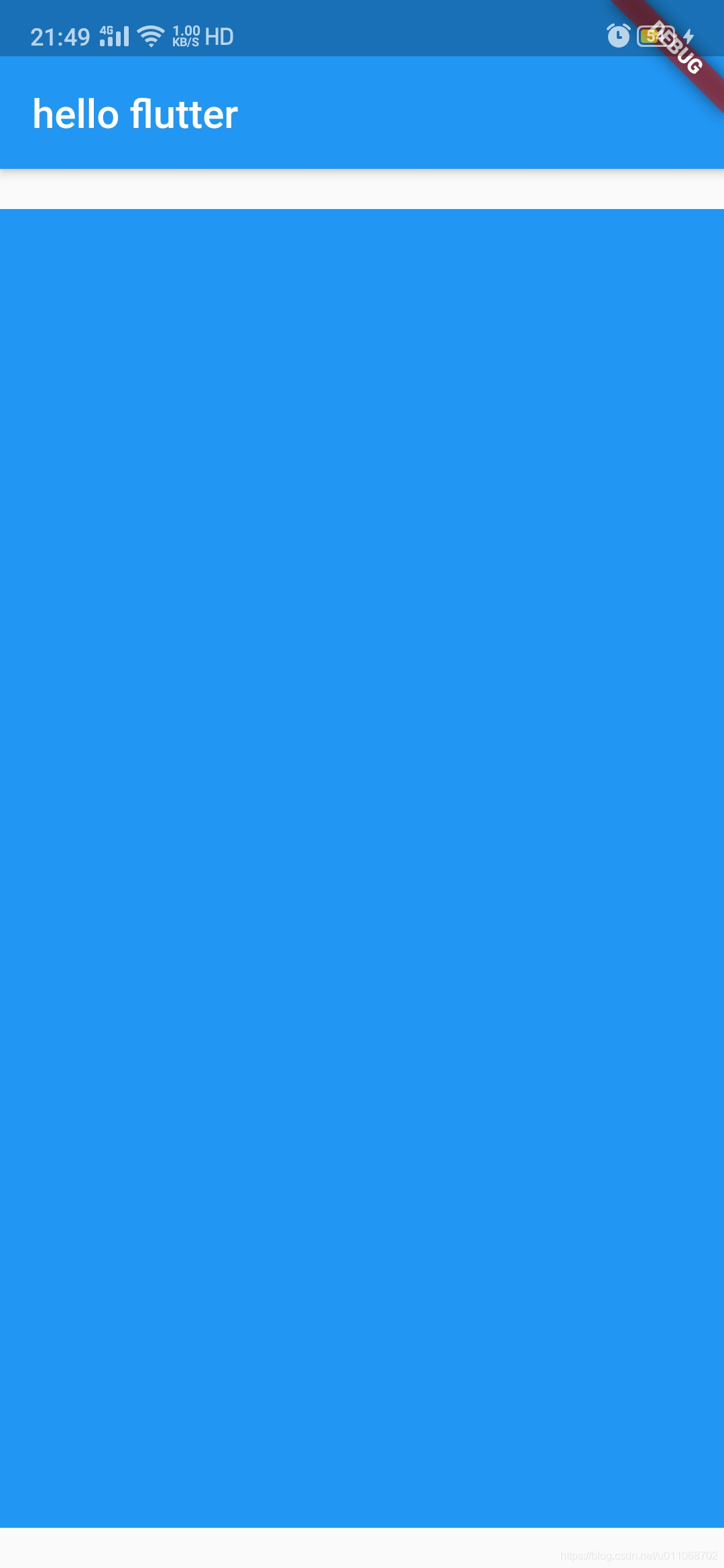
15            padding: EdgeInsets.symmetric(vertical: 20),
16              child: Container(
17                 color: Colors.blue,
18              ),
19            ),
20          ),
21      );
22  }
23}
3、运行效果
分别用上面注释的4个padding效果如下