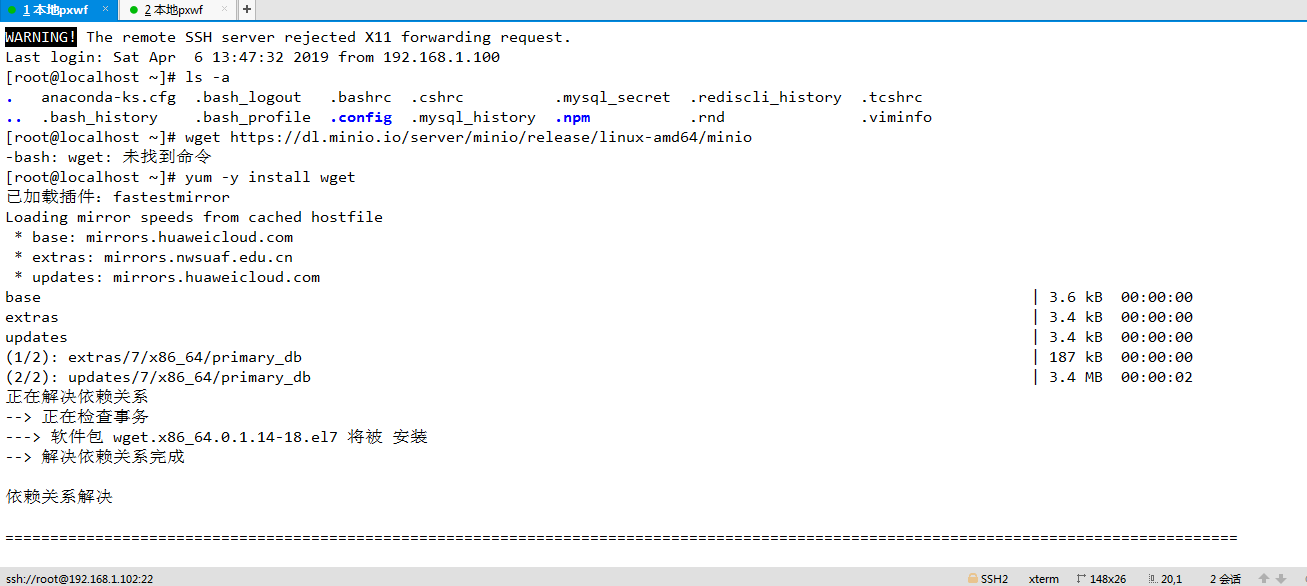
[root@localhost ~]# wget https://dl.minio.io/server/minio/release/linux-amd64/minio
-bash: wget: 未找到命令
[root@localhost ~]# yum -y install wget
已安装:
wget.x86_64 0:1.14-18.el7
完毕!
[root@localhost ~]# wget https://dl.minio.io/server/minio/release/linux-amd64/minio
100%[===============================================================================================>] 39,439,136 1.73MB/s 用时 22s
2019-04-06 14:06:43 (1.67 MB/s) - 已保存 “minio” [39439136/39439136])
[root@localhost ~]# ls -a
. anaconda-ks.cfg .bash_logout .bashrc .cshrc .mysql_history .npm .rnd .viminfo
.. .bash_history .bash_profile .config minio .mysql_secret .rediscli_history .tcshrc
[root@localhost ~]# chmod +x minio
[root@localhost ~]# mv minio /usr/local/
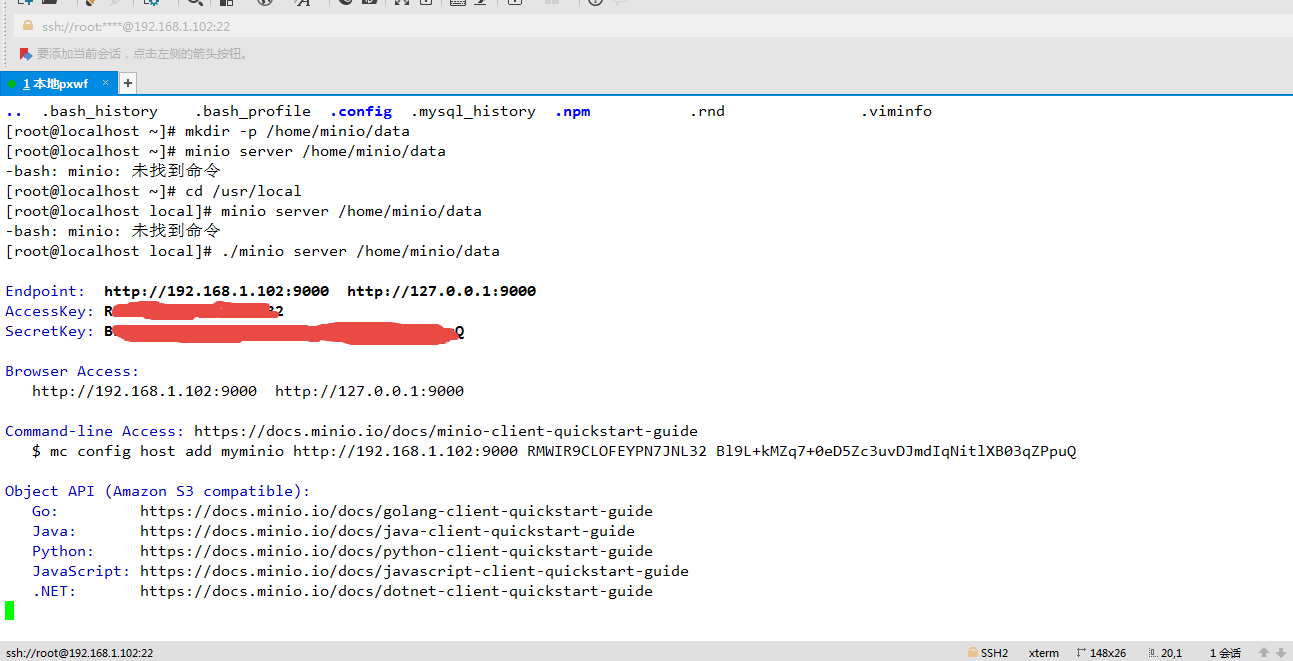
[root@localhost ~]# mkdir -p /home/minio/data
[root@localhost ~]# minio server /home/minio/data
-bash: minio: 未找到命令
[root@localhost ~]# cd /usr/local
[root@localhost local]# minio server /home/minio/data
-bash: minio: 未找到命令
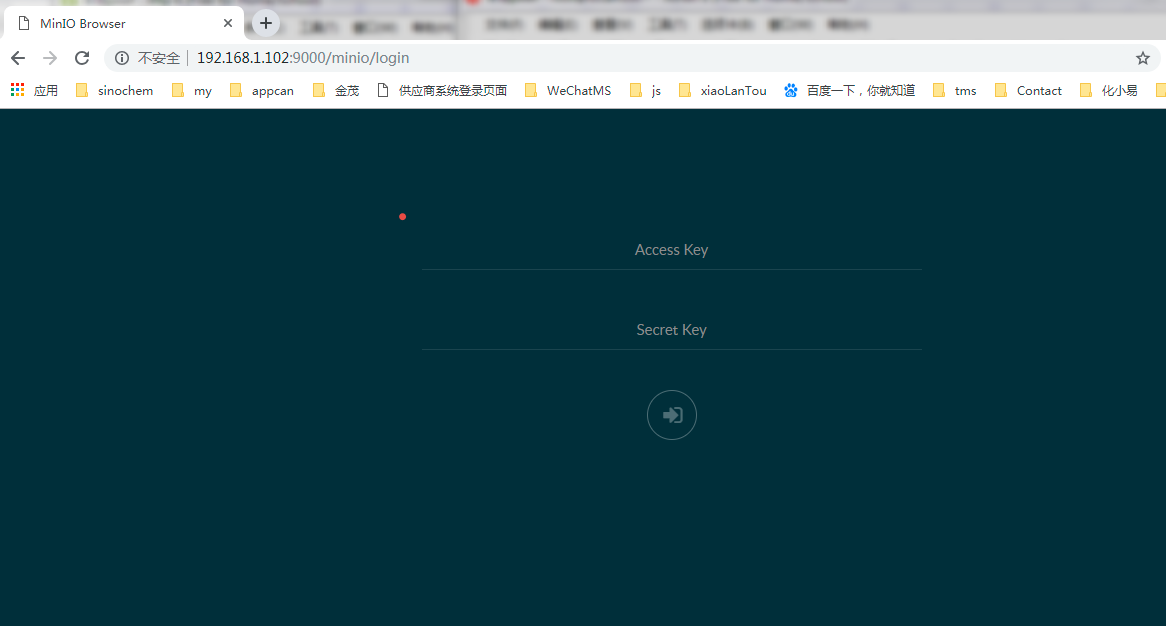
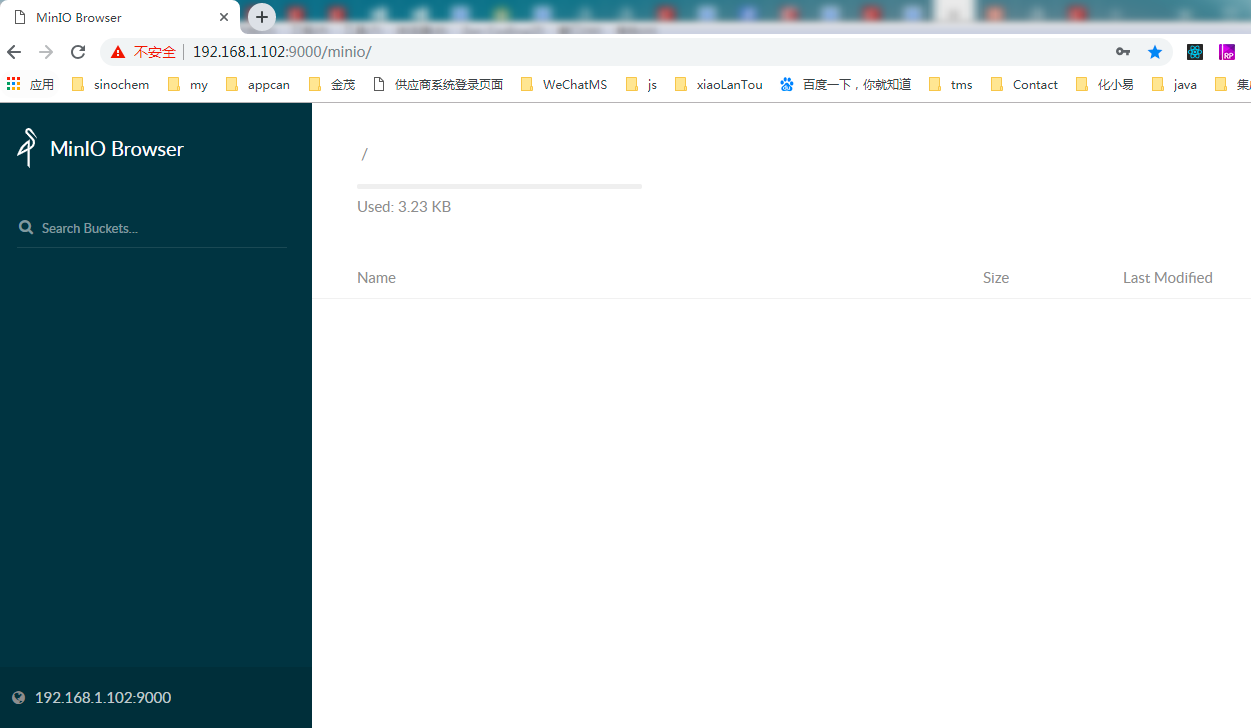
[root@localhost local]# ./minio server /home/minio/data
允许防火墙的端口访问
默认情况下,Minio使用端口9000侦听传入的连接。如果平台默认阻塞端口,则可能需要启用对端口的访问。
添加
firewall-cmd --zone=public --add-port=9000/tcp --permanent
重新载入
firewall-cmd --reload