
Linux centos7 安装nginx

安装前准备 安装GCC编译环境

yum install -y gcc gcc-c++ autoconf automake make

安装模块依赖

Nginx支持的功能模块需要有第三方的库支持,例如gzip的zlib库,rewrite重写需要的pcre库,HTTPS需要的openssl库等等。

yum install zlib zlib-devel openssl openssl-devel pcre pcre-devel wget httpd-tools vim -y --setopt=protected_multilib=false

下载安装包 上传安装包至/usr/local,nginxhttp://nginx.org/en/download.html下载地址,本次使用的nginx-1.20.2

tar -zxf nginx-1.20.2.tar.gz

让vim系统识别Nginx语法

[root@localhost nginx]# cd nginx-1.20.2/ [root@localhost nginx-1.20.2]# mkdir ~/.vim [root@localhost nginx-1.20.2]# cp -r contrib/vim/* ~/.vim/

编译安装三部曲 编译Nginx,扩展编译模块

./configure --prefix=/opt/Nginx1.20.2/ --with-http_ssl_module  --with-http_flv_module --with-http_gzip_static_module --with-http_stub_status_module  --with-threads  --with-file-aio

--prefix=/opt/Nginx1.20.2/  是安装目录位置

执行make,进行编译

make

make install 进行安装

make install

配置Nginx环境变量 创建系统服务

echo  export PATH=/opt/Nginx1.22/sbin:$PATH >  /etc/profile.d/nginx.sh

重新登录终端,查看环境变量

echo $PATH

检查nginx版本和安装模块

nginx -V

nginx  启动

nginx执行文件在安装目录下的sbin里
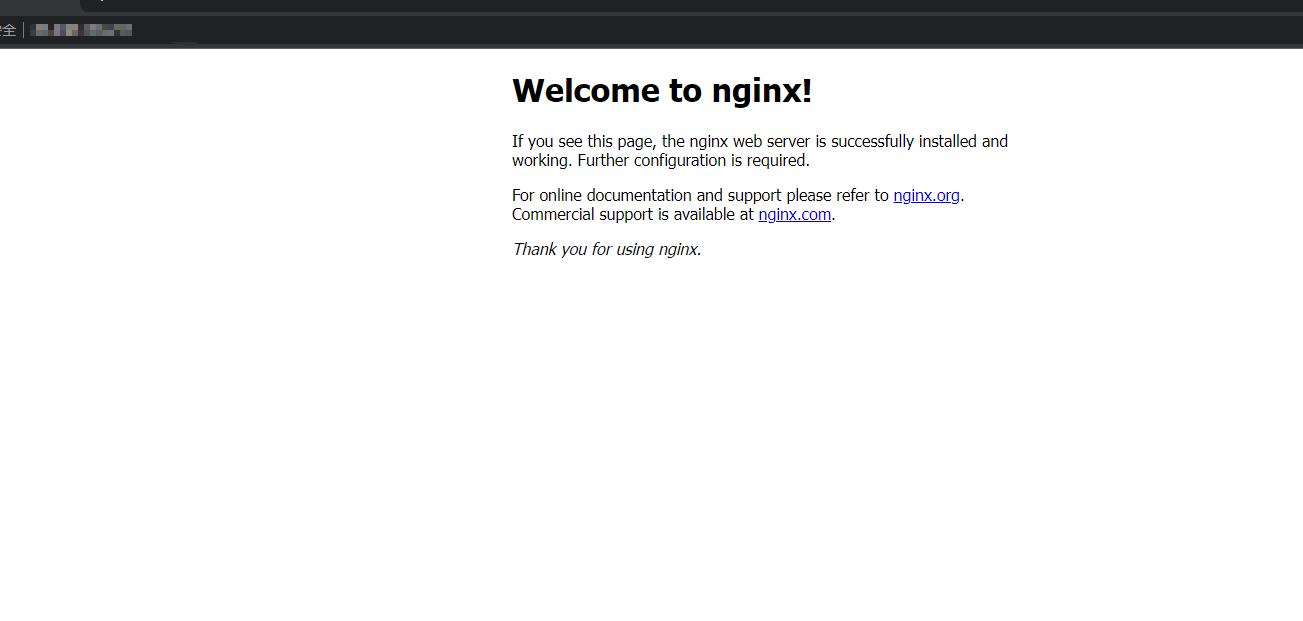
6a29b098ef4830d66ae1906f242ca83

这样子就安装完成了,大家可以多多进行尝试,缺乏机器与环境的话可以去 3A 服务器看看!

点赞
收藏

评论区

加载中...

相关推荐

Centos7安装Nginx

一.gcc安装安装nginx需要先将官网下载的源码进行编译,编译依赖gcc环境,如果已经安装gcc,请无视。yuminstallygccc二.pcre安装PCRE(PerlCompatibleRegularExpressions)是一个Perl库,包括perl兼容的正则表达

Nginx配置https

一、开启nginx的ssl模块1.未安装过nginx,编译安装配置参数如下:./configure\prefix/usr/local/nginx\withpcre\withhttp\_ssl\_modulessl模块\withhttp\_stub\_status\_module\wit

CentOS 7 安装 libcurl with openssl

最近项目需要重新编译libcurl使其支持ssl,在这里进行记录:下载openssl: curlOLhttps://github.com/openssl/openssl/archive/OpenSSL\_1\_1\_1g.zip创建安装目录:/opt/openssl 配置openssl动态库:./configprefi

CentOS 7.4 + nginx + php + mysql + phpmyadmin环境搭建,详细操作

1、gcc安装安装nginx需要先将官网下载的源码进行编译,编译依赖gcc环境,如果没有gcc环境,则需要安装:yuminstallgccc二.PCREpcredevel安装PCRE(PerlCompatibleRegularExpressions)是一个Perl库,包括per

Linux下安装nginx实现伪分布

1.安装Nginx的编译环境gccyuminstallgccc2.nginx的http模块使用pcre解析正则表达式,所以安装perl兼容的正则表达式库yuminstallypcrepcredevel3.nginx使用zlib对http包的内容进行gzipyum

Nginx_安装

1\.安装步骤1.上传nginx上传nginx安装包到linux2.安装gcc1yumyinstallgcccgcc查看是否安装gcc:1gccv1.安装依赖库1